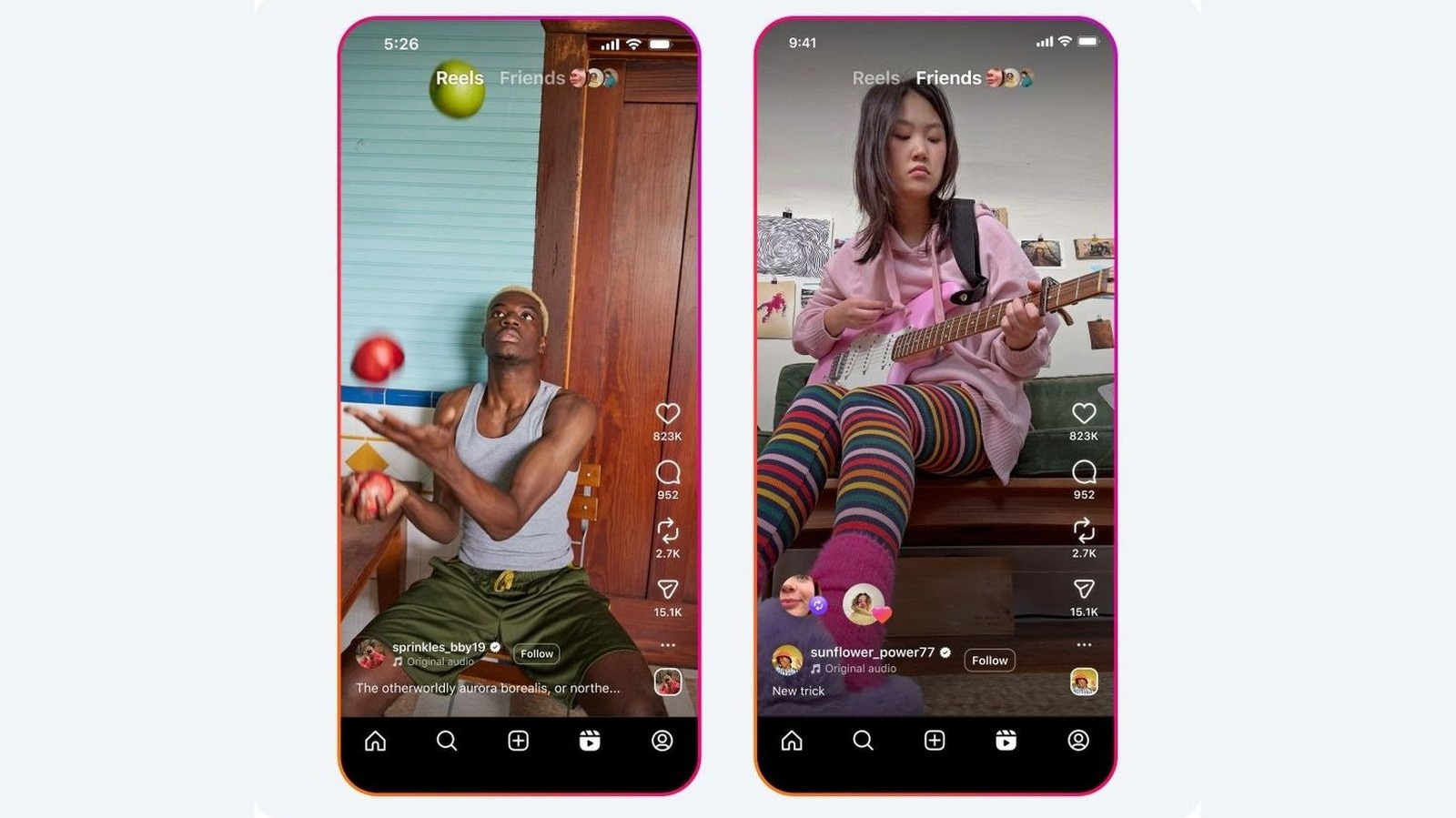
If you spend any amount of time on Instagram, then you've likely seen the small icon under each post and reel looking like two curved arrows. Coming in right after the heart for likes and the comments bubble, that third icon is for reposting. It's one of simplest ways to share content from other creators without copying it into your Stories or sending it in a DM to each and every friend you have.
Unlike some older sharing workarounds, reposting keeps a direct line back to whoever made the original post. That's a win for creators because they get credited for their work and their content may reach a bigger audience. For you, the best part is that you get to curate a little corner of your profile with content that isn't your own. Reposts show up in your followers' feed and land in the Friends tab within Reels. They also pile up in their own dedicated tab on your profile so they're easy to browse whenever you want.
Let's dive into what exactly reposting does, how to turn on the feature so others can repost your content and how to repost content step-by-step. Also quite importantly, we'll also learn how to undo any accidental repost.
On Insta, the repost feature lets you reshare a public post or reel from another account directly to your own followers. All of this reposted content shows up in a dedicated tab on your profile. You can check it out by tapping on your Profile pic and then on the repost icon (two circling arrows).
Source link