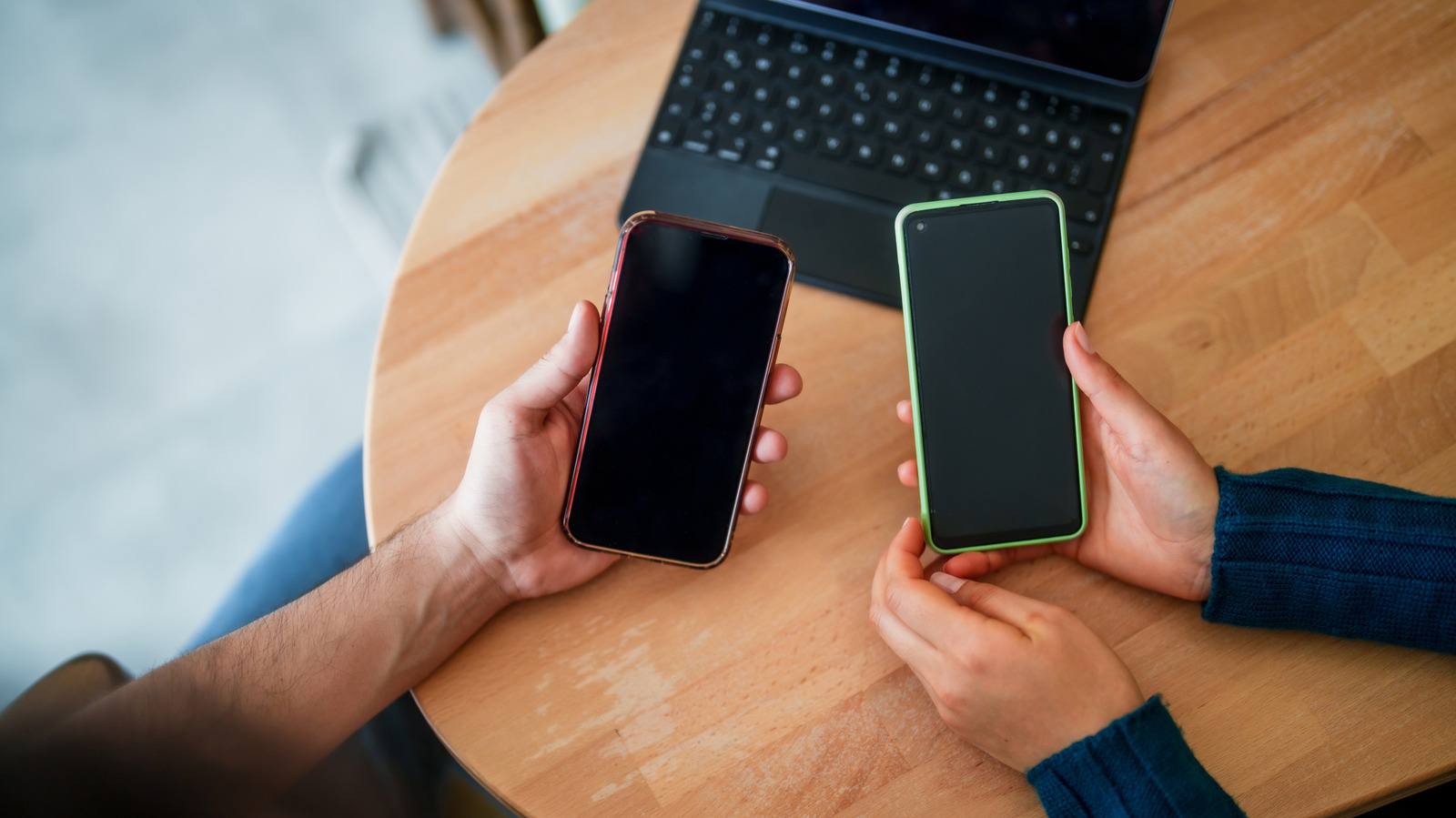
There are a number of reasons that can make your phone's screen unresponsive to your touch. Sometimes it's a simple thing, like an app freezing. Other times, it's something more serious, like your phone falling when you tried to take it out of your pocket (we've all been there). Regardless of the "why," most times, a simple fix can get your pocket's best friend ready for your next scrolling session.
How you fix the issue depends on why it happened in the first place. For example, if an app crashing is the cause, then a restart can do the trick. In case you're wondering, an app freezing or crashing can make your screen unresponsive because your touch input has to pass through the processor to reach the app.
A crash can jam the chains of that operation, halting the process. Just to be clear, not every unresponsive screen is a software issue; some need a professional repair.
If your phone's screen suddenly becomes unresponsive to touch, start by examining it for cracks or other damage. If you see any, you're likely dealing with a hardware issue, not software. Next, take off the screen protector, since it can hide damage and could also be the cause of your screen's unresponsiveness. If you're wearing gloves, take them off.
Check what's around your screen too. Remove the case, disconnect any USB-C or Lightning accessories, and peel off any stickers covering the screen or sensors. Use a slightly damp microfiber cloth to properly clean your screen of dirt or liquid, and make sure to avoid getting moisture in your phone's opening.
Source link