You can use it to watch media files on the device, but you'll need to use your phone as a remote.
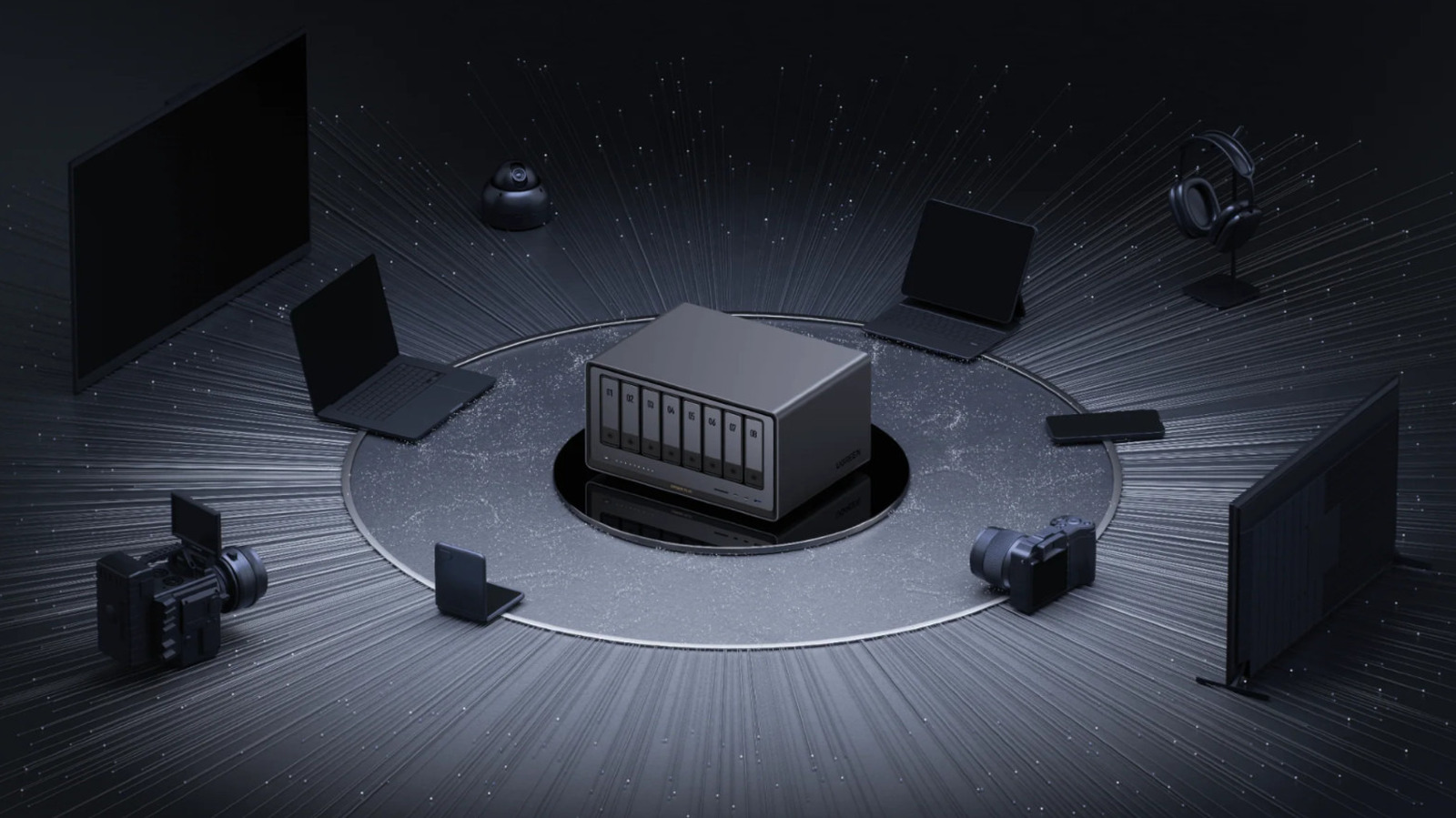
Setting up a network-attached storage server is a great way to access your files remotely without paying cloud storage fees. Among the most popular are Ugreen NAS units, which include an HDMI port that some users have found a bit baffling. Since the whole point of a NAS is to connect to them through the internet, it might seem a little strange to set one up and discover an HDMI port on the back, but it actually serves a few helpful functions.
While any NAS server with an HDMI port offers broadly the same functions, the specifics for how to use them might be a little different. Ugreen NAS servers come with a few quirks of their own that can make using their HDMI ports a bit confusing, but they're easy to navigate once you know what you're doing. Getting to know the tricks for how to use your NAS' HDMI port before you need them is a good idea because it's useful for more than just accessing your files.
The most straightforward use of a Ugreen NAS' HDMI port is to watch media files stored on the device. It's more common to stream from a NAS to a smart TV or a device like a Roku Streaming Stick, but using the HDMI port means you can get by without either of those options, or even connect the NAS to a PC monitor or projector.
Source link