Seeing fewer frames per second sounds counter-intuitive, but there are good reasons to cap your fps.
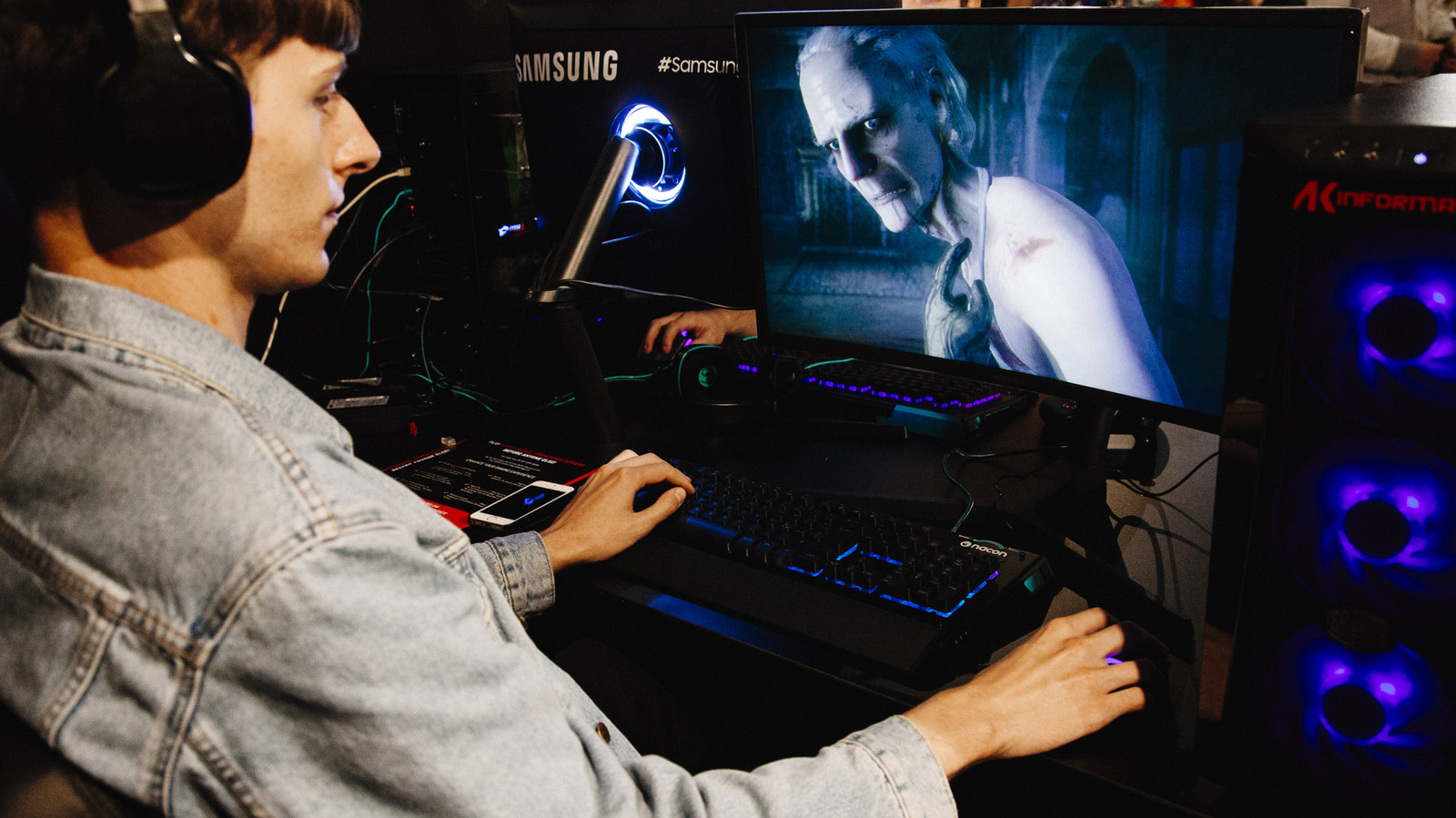
If you're into PC gaming, there's a good chance you care deeply about frame rates. But even if you own a high-end gaming rig, you should still give serious thought to capping in-game fps. For those looking to boost GPU performance without buying a new one, a system-wide frame rate cap can be a great option. Not only can this help stop screen tearing when combined with V-Sync (vertical synchronization), but a cap can also decrease GPU load.
In the majority of games, you should consider capping your frame rate. Setting an fps cap can help you hit and maintain stable performance — provided your hardware is up to the task — while lowering the chance of screen tearing. Capping frame rates can also put less stress on your GPU, leading to reduced fan noise and lower power output in general.
Setting an fps limit makes the most sense if you're using a VRR (Variable Refresh Rate) monitor. That's because a cap helps your favorite games stay inside the effective VRR range, which is generally agreed to start at 48 fps and top out at your display's max refresh rate. By setting a frame rate cap on a VRR screen, you're ensuring the in-game action doesn't hit the refresh rate ceiling, which in turn slightly lowers latency. Paired with V-Sync (much more on this shortly), limiting fps should ensure you never see screen tearing.
Source link