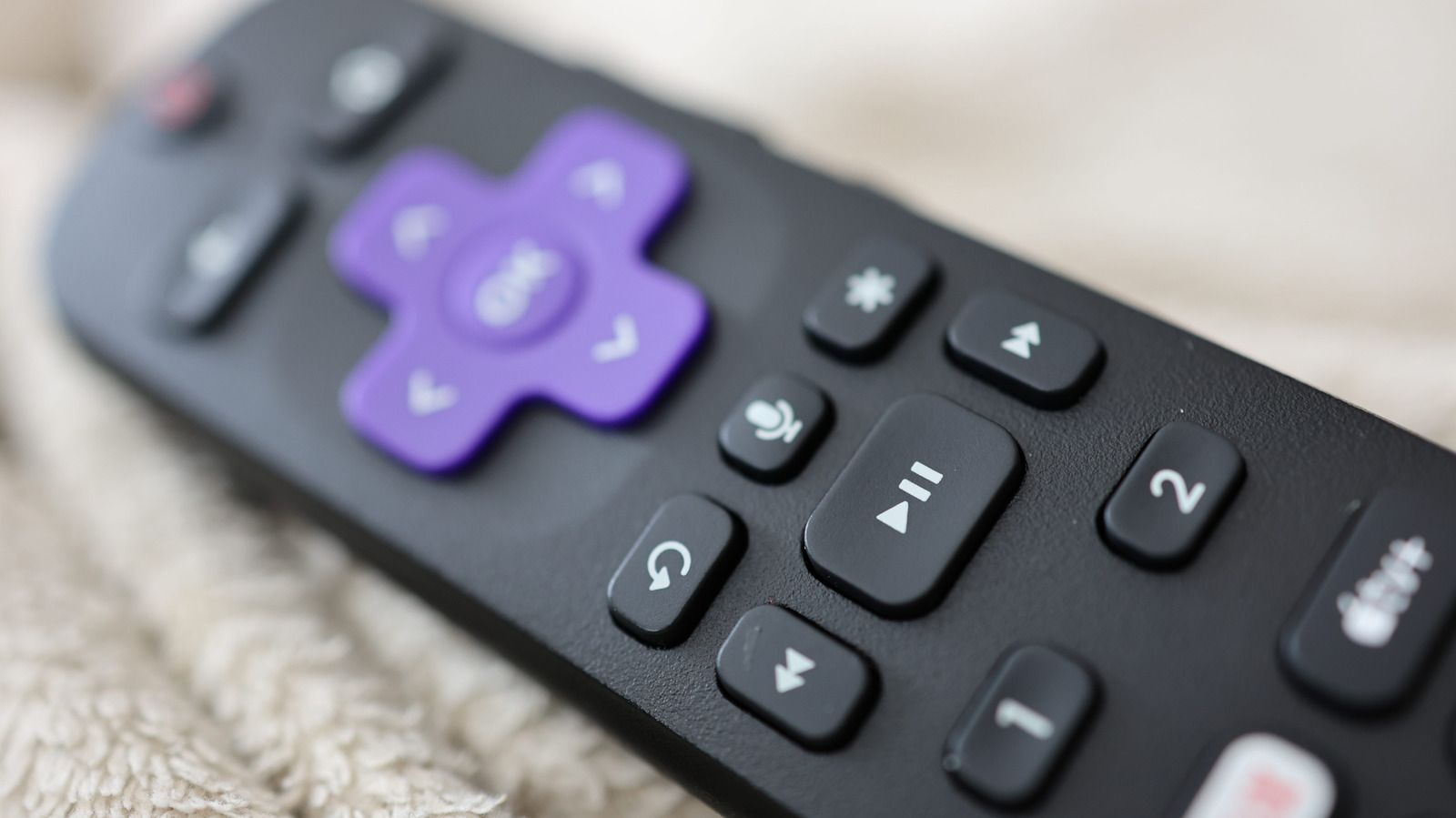
A Roku system's remote control is one of the most straightforward remote designs you'll find. The function behind nearly every button is clear from its icon, except for one: the mysterious star button that lurks above the fast forward button. Whether you're using the physical remote or the remote in the Roku mobile app, you're going to encounter it — but what is it for?
Its purpose isn't as cut and dry as something like the OK or Netflix button, because its usage is contextual depending on when you press it. It's essentially a mix of an "options" button and accessibility shortcut, with some functionality depending on whether you have a Roku TV or one of the company's streaming boxes. Once you know all the scenarios where you can utilize it, you'll be able to improve several facets of your Roku watching experience.
What the star button does is dependent upon where you are on your Roku device. Let's consider the three major ones.
When you're on the Roku home screen, the star button's functionality depends on whether you're in the Quick Access section or the general app selection screen. In Quick Access, hitting star while an app is highlighted will only give you the option to remove it from the section; in the full apps list you'll have more options.
When you have an app highlighted there, pressing the star will show you the app's version and build number, let you move the channel's positioning or remove it, rate the app, give feedback or check for app updates.
Source link