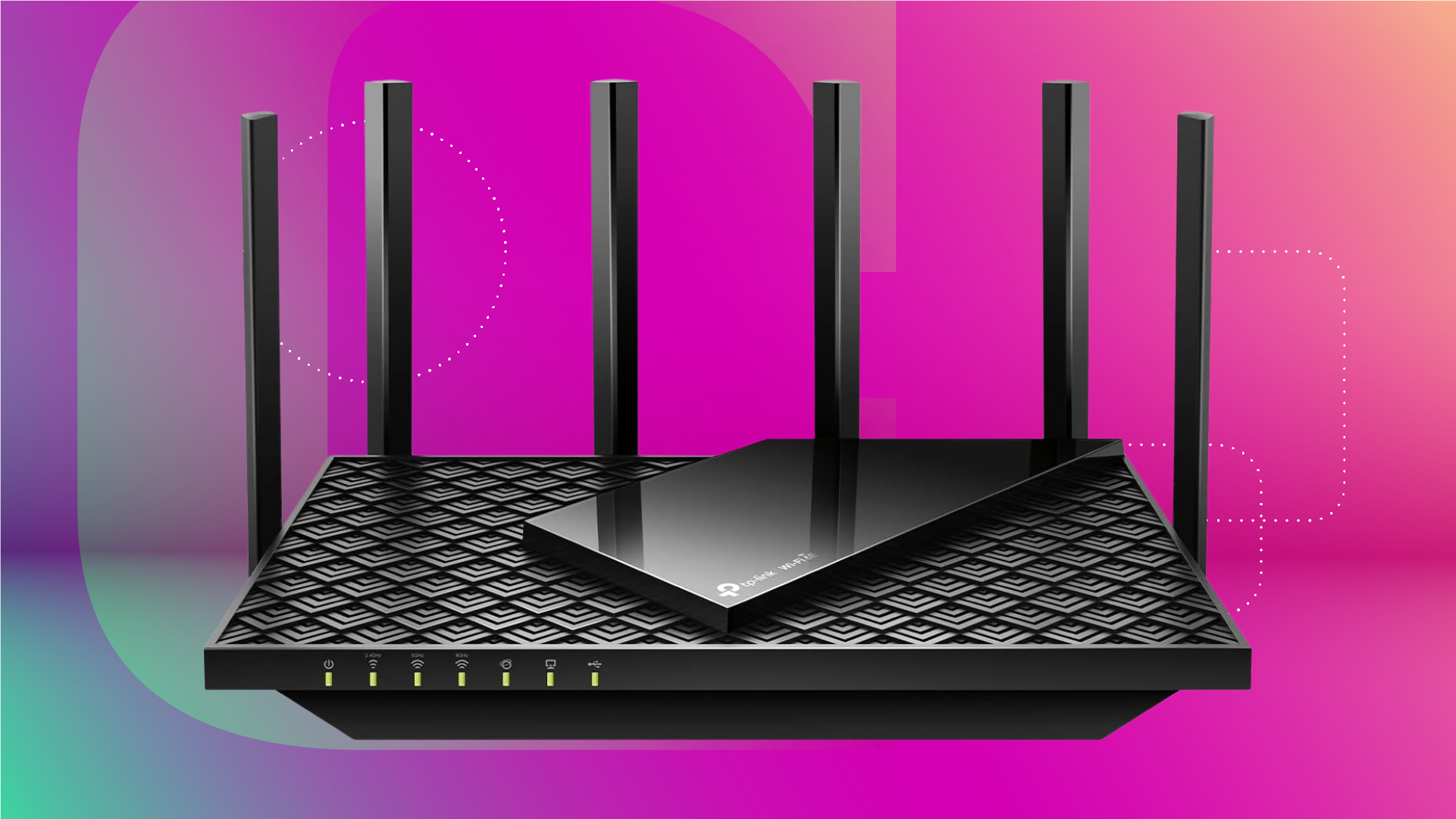
Say goodbye to stuttering speeds and get back to smooth streaming with these quick fixes.
Slow home Wi-Fi is one of those problems that tends to get blamed on the internet provider when the real cause is usually something much closer to home. Router placement, channel congestion, outdated firmware and the sheer number of devices competing for bandwidth are the more common culprits, and most of them respond to simple fixes that don’t require a service call or new equipment. Here’s the checklist worth running before you do anything else.
If you’re fed up with network issues like those, you might be tempted to upgrade to a fancy new router or an even faster plan from your ISP. However, most of the time, the problem isn’t outdated hardware or an internet plan that’s too slow. It’s basic physics. Wi-Fi signals hate obstacles like walls, cabinets and even your kitchen microwave. By making a few strategic, zero-cost moves — such as getting your router off the floor and away from other electronics — you can drastically widen your coverage area and stabilize your connection in a snap.
That’s not all, either. There are other quick, straightforward steps you can (and should) take to optimize the way your home network performs. Let’s run through them now and ensure that your streaming, gaming and video calls run at the speeds you’re already paying for.
In most home internet networks, the technician will install your modem where the signal-carrying line enters the home.
Source link