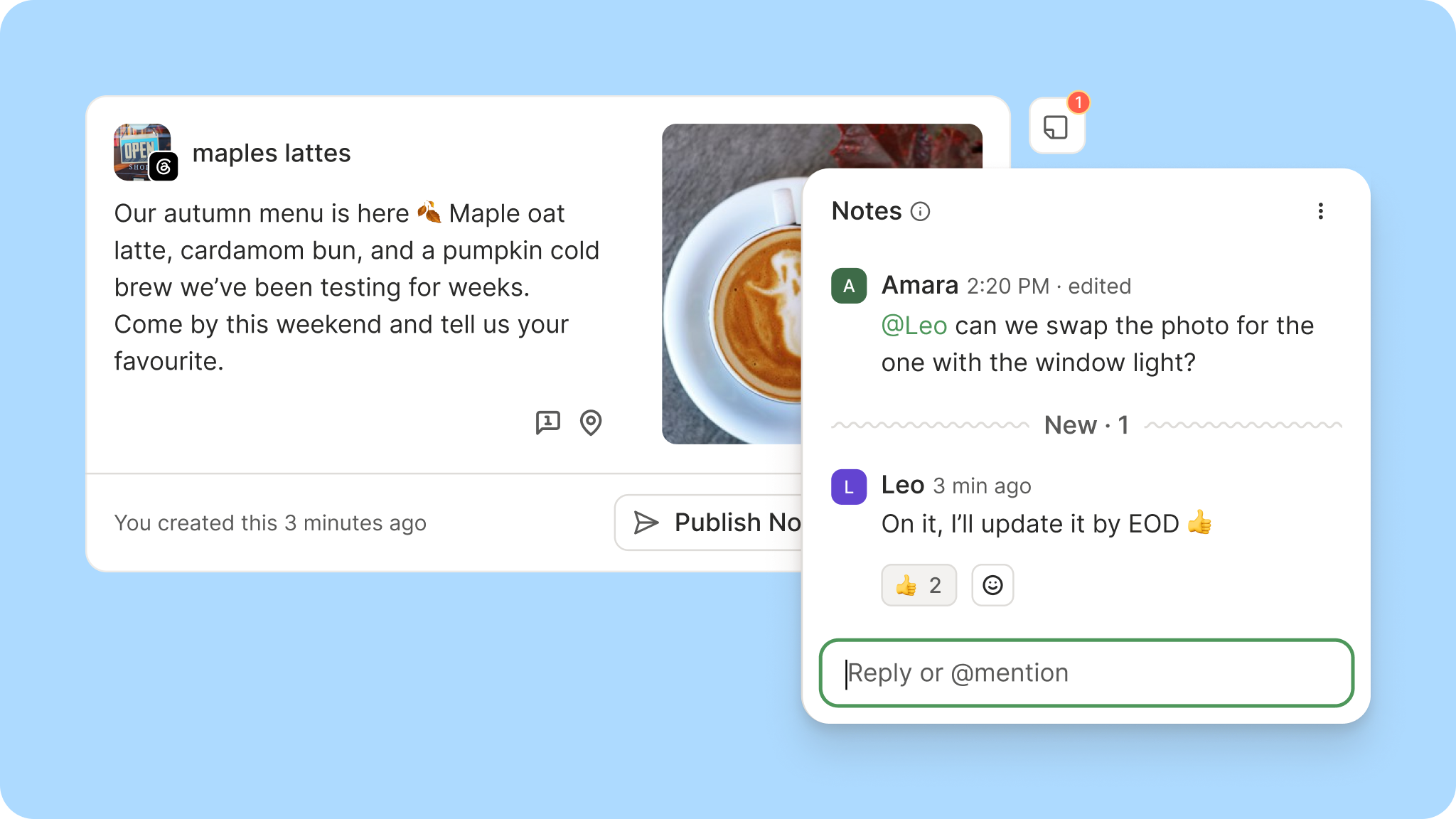
Managing social media with more people means… more tools. And, often, a lot of red thread to connect the dots between them all. Feedback comes in emails, Slack, sometimes a DM from someone on Instagram.
This new Buffer feature will put an end to all that (and save you some red thread!).
Mention your teammates. Type @ and a teammate's name to mention them in a note. They'll know exactly which post needs their eyes and what you need from them.
Get notified. When you're mentioned, or when someone adds a note to a post you created, you'll get an email right away, so feedback reaches you whether or not you're in the app.
See the conversation happen live. New notes appear in the thread as they're written; no refresh needed. If you and a collaborator are both looking at a post, you can hash it out on the spot and settle the question in one sitting.
Format your notes. Notes now recognize Markdown, so you can add links, lists, and headings to keep longer feedback readable.
React with an emoji. When a thumbs up covers it, you can react to a note instead of adding a reply.
Notes are now available on every plan, including Free. Even working solo, it's a handy spot to leave yourself context on a post, like a reminder to update the copy before it goes out.
Some behind-the-scenes from the project: we nearly renamed this feature to Discussions.
When the team scoped the revamp, a debate kicked off in Slack about whether "Notes" still fit.
Source link