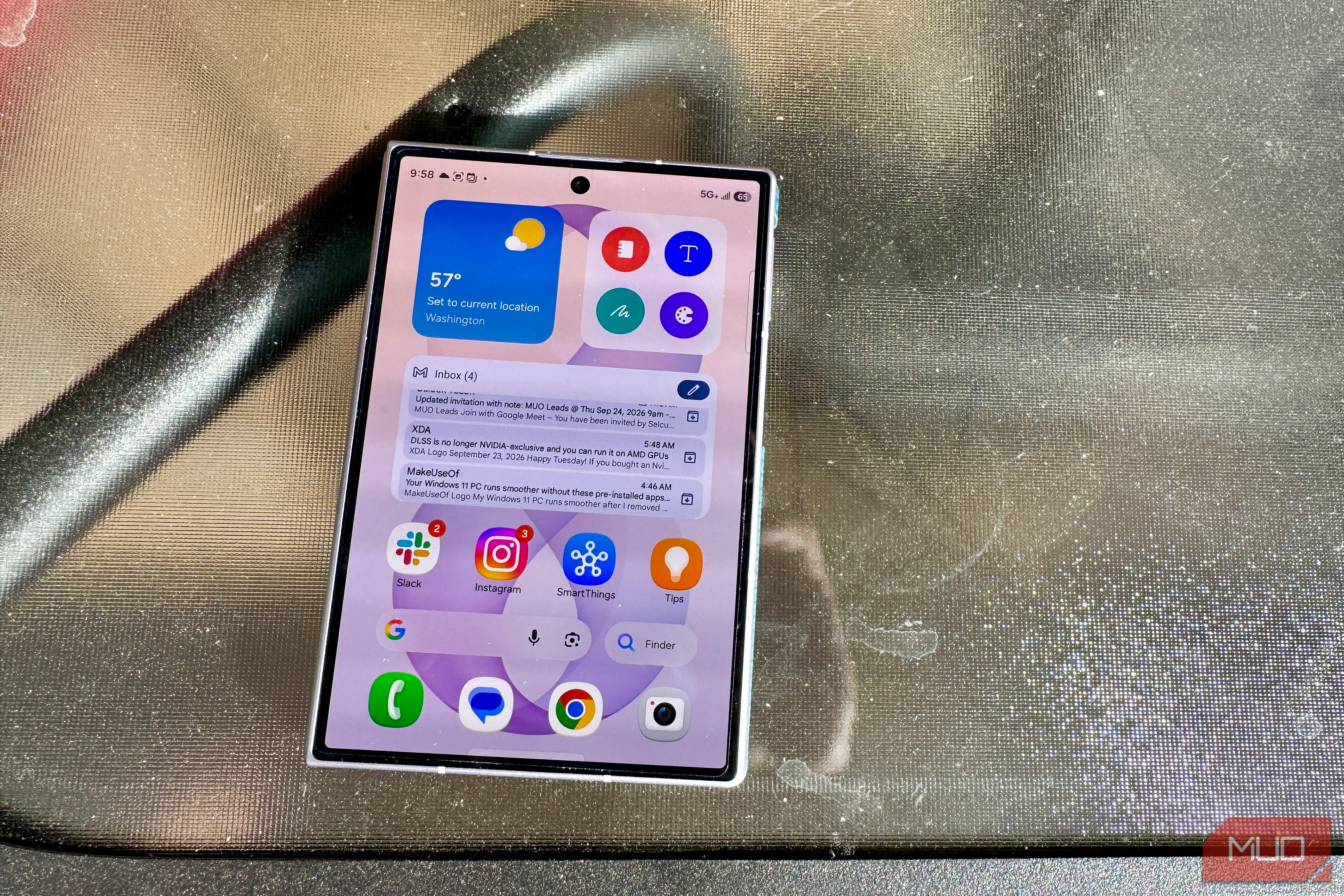
My phone is full of apps with various accounts for email, social media, messaging, banking, work, etc. I don't mind most of these apps being together on the same device, but there are some I'd like to keep separate. Thankfully, my Samsung Galaxy allows me to do that without needing a second phone.
Many people have secondary phones provided by their employer for this very reason. However, it's entirely possible to do the same thing with just one Galaxy device — a "phone within your phone." I'll show you how I use it, and how you can set it up for yourself.
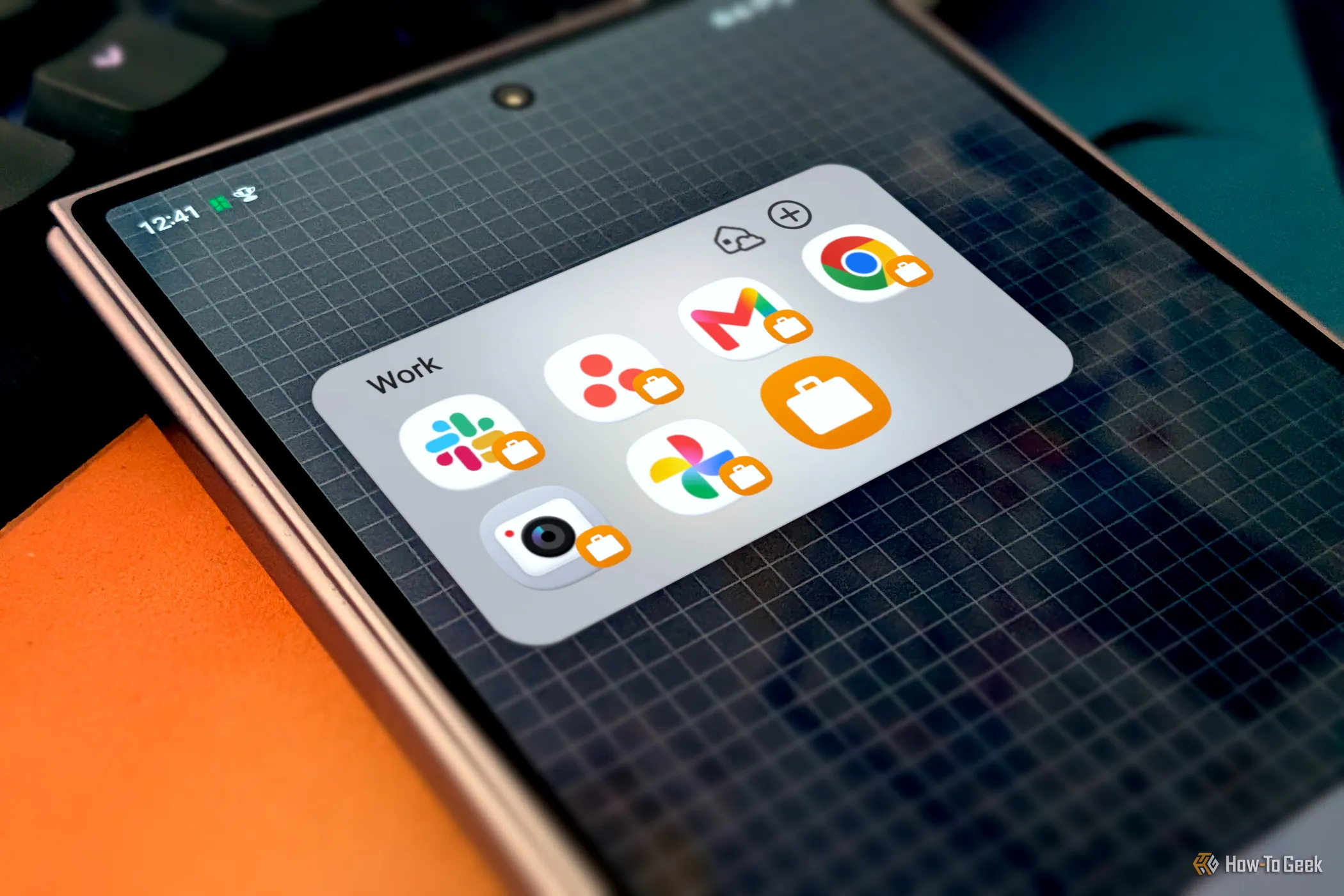
The Samsung feature that enables this phone-ception is called "Secure Folder," and it's easy to overlook. You wouldn't be alone in assuming it's simply a password-protected folder for apps. What it actually does is enable a fully sandboxed, separate environment on your Galaxy phone with some hardcore privacy and security safeguards.
In simple terms, the Secure Folder is indeed a password-protected folder for apps, but not in the way you might think. It's not for the apps that are already installed on your phone. When you set it up (Settings > Security and privacy > More security settings > Secure Folder), you have the option to sign in with a secondary Google or Samsung account. This creates new instances of the Play Store and Galaxy Store within the Secure Folder.
That's why "folder" is a very simplistic way to describe the feature — it's more like a secondary profile.
Source link