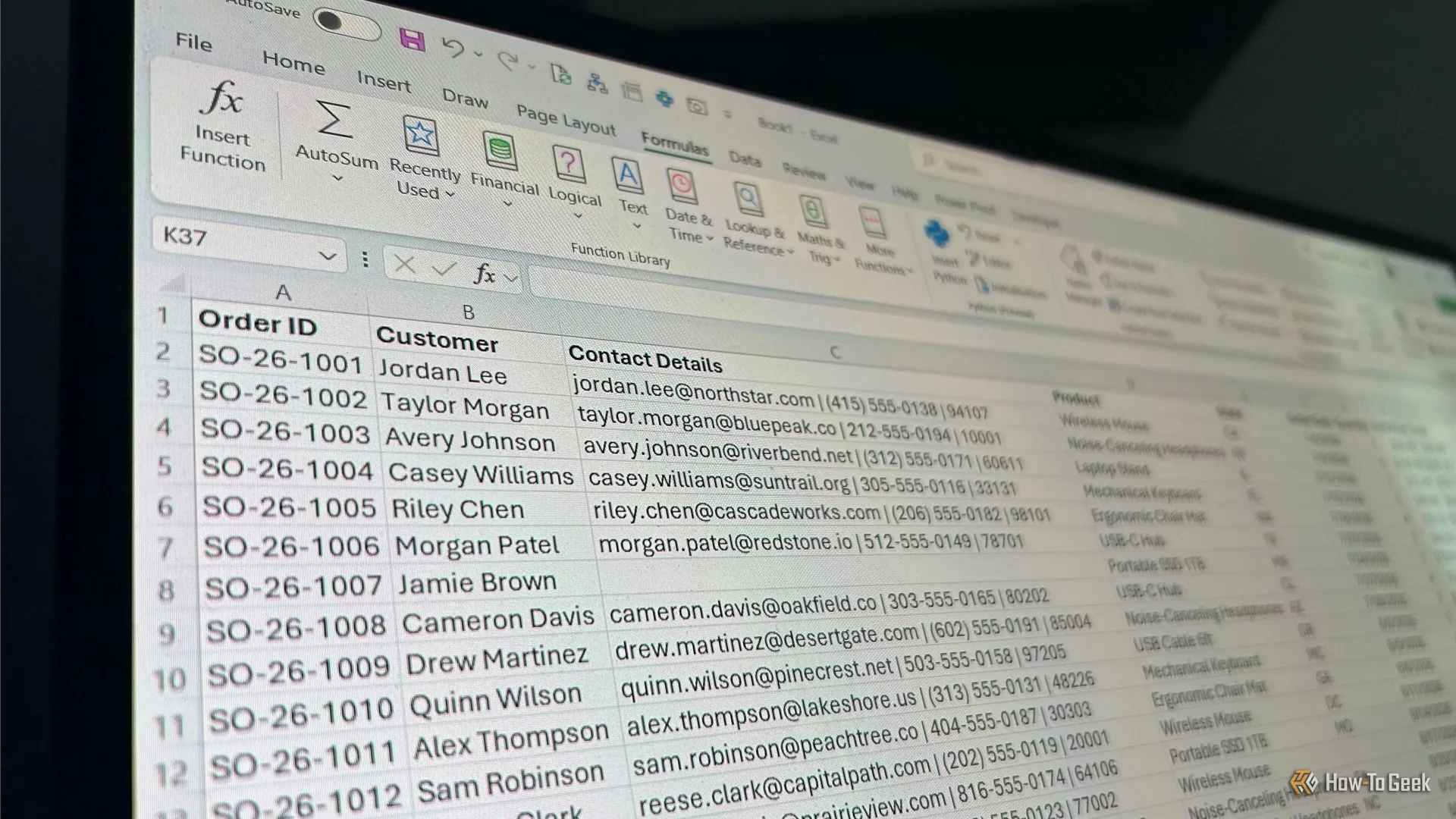
I've lost count of how many times someone has sent me an Excel spreadsheet that technically contains everything I need, but makes me work far too hard to find it. Maybe the data is crammed into the wrong columns, duplicate records are lurking everywhere, or the formulas look like they were designed to confuse the next person who opens the file. Over the years, I've settled on a handful of Excel tools that help me turn someone else's mess into something I can actually work with.
Take the spreadsheet below. At first glance, everything seems fine. But when I look closer, I start spotting missing entries, duplicate order IDs, inconsistent naming, contact details crammed into single cells, and formulas doing more work than they should. This is exactly the kind of spreadsheet where I reach for a few Excel tools to figure out what needs fixing and make the necessary changes.
When I inherit a messy spreadsheet, it's tempting to start changing things right away. But first, I need to know what I'm actually looking at.
Go To Special is a useful Excel tool that lets you select cells based on what they contain, such as blanks, formulas, constants, or errors. I use it here to quickly find the gaps in a spreadsheet before I start making changes. Once the tool has helped me identify blank cells, I highlight those cells in yellow, fill in the missing information, then remove the highlighting when I'm done.
If you want to mark the gaps instead of highlighting them, type something like BLANK into the first selected cell and press Ctrl+Enter to fill all the selected cells at once.
Source link