Longer cables or a network switch could save you a lot of hassle.
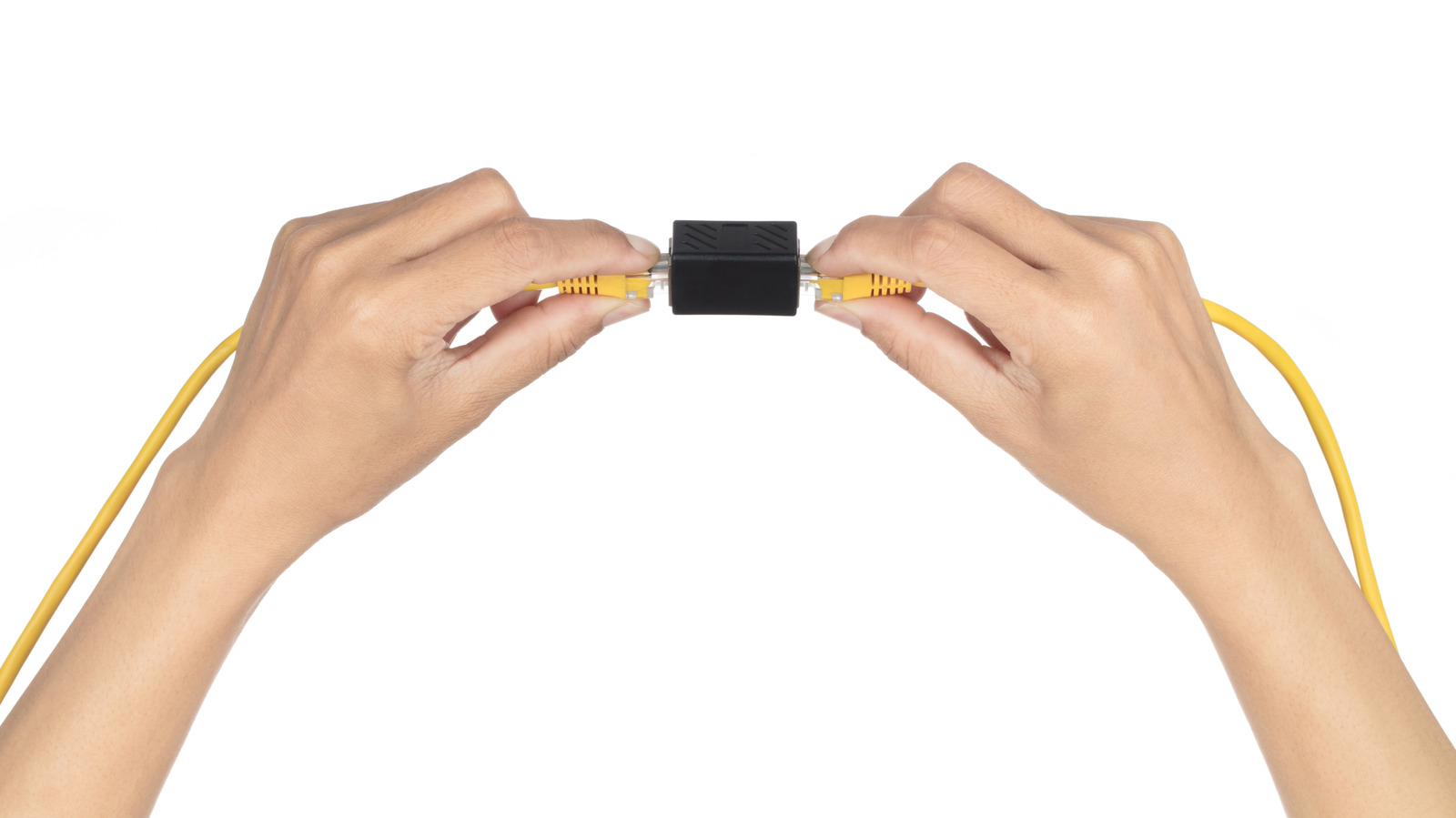
Move your desk a few feet and you may find that the perfectly good Ethernet cable that once easily connected your computer is now too short. If you happen to have a second Ethernet cable close by, a small RJ45 coupler will allow you to connect them together with little effort. There's no need to find an outlet for power, read through a setup guide or even become certified as a network professional. A quality coupler shouldn't noticeably slow your internet connection either.
But that small adapter does add another connection you'd need to check if the network starts acting up. For a permanent setup, a single longer cable is usually simpler, but if you've already routed the cable and want more wired ports at the other end, a network switch makes a lot more sense.
An Ethernet coupler is as simple as network hardware can be: two RJ45 sockets connected together. It does not increase signal strength or establish a separate Ethernet link. With good connectors, one coupler works perfectly well. The additional connection is a potential failure point, though, especially if the adapter is poorly made or prone to bumps.
A bad join could result in occasional dropouts, transmission errors or a link falling back to 100 Mbps instead of 1 Gbps. If so, use a good-quality cable without the coupler before spending an afternoon rebooting your router and calling your internet provider.
Source link