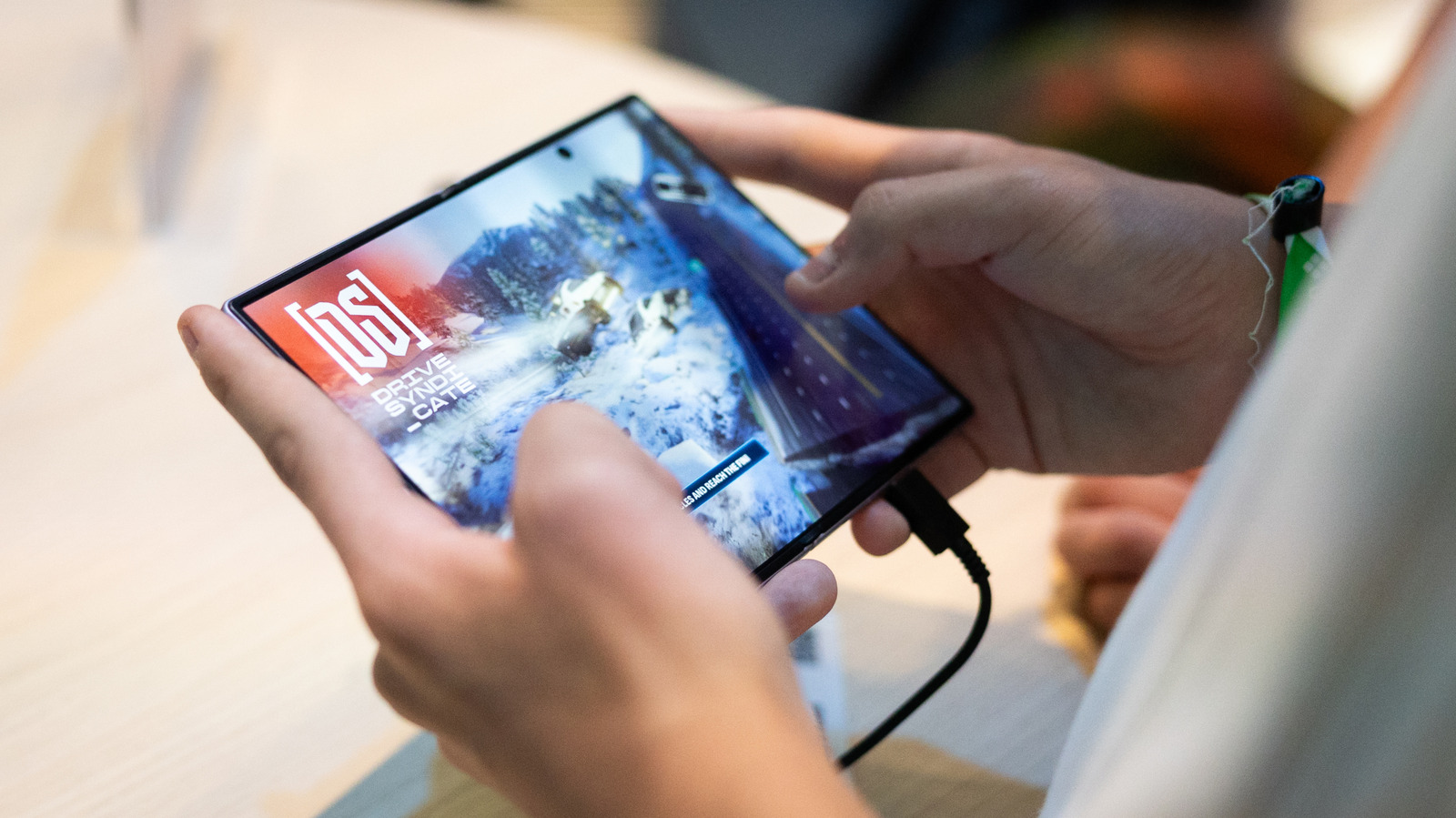
If you have trouble getting apps to scale properly on your foldable, read on.
The extra screen real estate that comes with the design of a foldable phone can be pretty enticing. Whether you're looking to play games, watch videos or read, a foldable offers more room for your favorite activities. But the expanded space can also complicate how apps adapt to a device that changes the aspect ratio of its screen depending on how it's being used.
Samsung unveiled the Galaxy Z Fold 8 at its Unpacked event in July. The phone's App Continuity feature lets you switch between the displays without interruption. But now, some owners are running into issues with apps that may not scale correctly to their phone's internal 4:3 display. They're even convening on various forums to discuss potential fixes in order to get the most out of the foldable screen experience. Here's how to fix scaling and app issues on your Samsung Galaxy Z Fold 8.
Though many apps are designed to work across the different screen sizes you might find among phones and tablets, they might not automatically adjust to the Galaxy Z Fold 8's inner screen. Fortunately, there's a way to change an app's aspect ratio on an individual basis, according to SamMobile. Aspect ratio refers to the proportional relationship between the width and height of something like a video or image. For example, a square (which has equal sides) would have a 1:1 aspect ratio.
When you unfold your Galaxy Z Fold 8, go to Settings > Display > Aspect ratio .
Source link