Knowing what normally runs on your PC helps you spot when something isn't right.
Your PC is always doing something, even when you've closed all the app windows from your desktop. Windows is checking for updates and keeping everything moving under the hood, with other apps still running quietly in the background. Ideally, this is all happening with a useful purpose. But some apps or services are always going to use more processing power or memory than you expect, taking up resources that could otherwise be available to apps you actually want to use.
With that in mind, it's smart to get into the habit of checking your PC's background processes. When you know what's supposed to run, it'll help you spot the unusual. This doesn't mean you need to watch the numbers all day, and a long running list isn't bad by itself. Instead, monitoring them means you can spot processes causing problems or sucking up resources on your PC. That'll help you decide what to leave alone and what to close, especially when your PC starts to feel slow.
Background processes are programs, or parts of programs, running without you directly interacting with them. They're handling everything: mundane jobs like syncing files and installing updates, as well as important visual elements like the windows you're clicking.
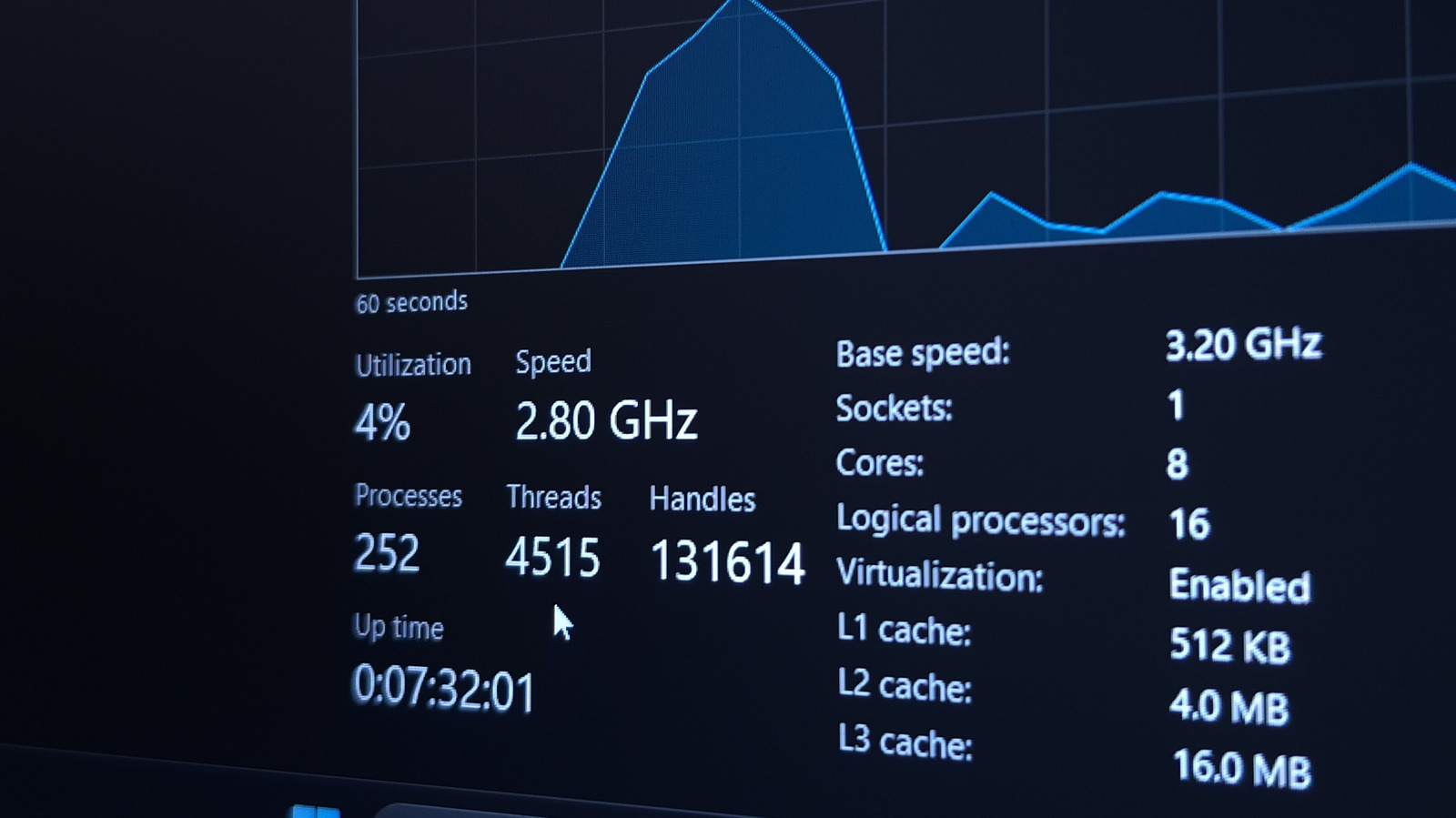
There's one place you should look first when you want to see what's running on your PC: Task Manager. Alongside your open apps, you'll find all running background processes, including system-level Windows tasks.
Source link