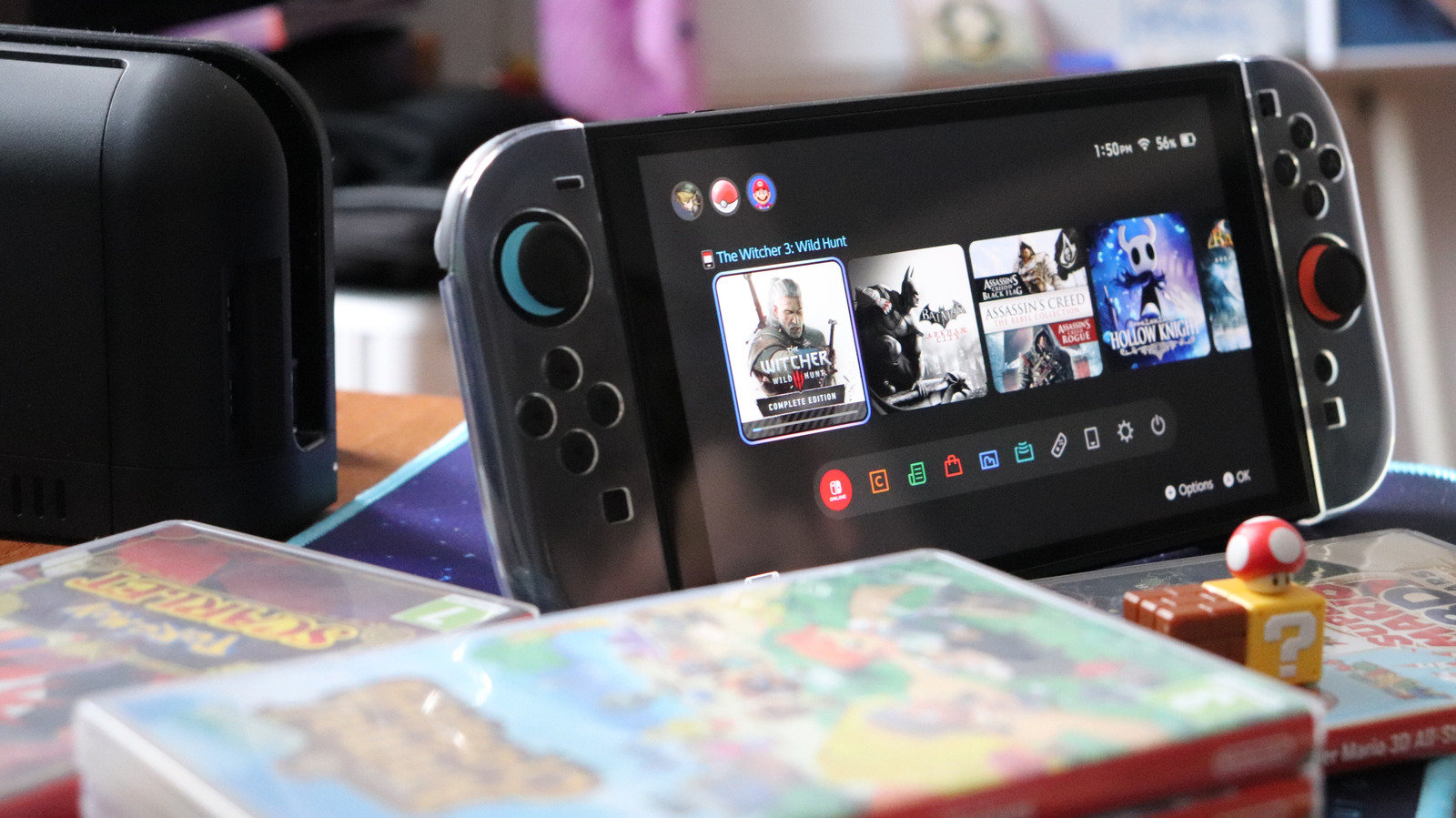
One of the best things about the Nintendo Switch is the ability to play on its built-in screen for on-the-go gaming and then plug into a bigger screen at home for a more cinematic experience.
But getting the Switch 2 to play nice with a TV isn't always foolproof, and there are some compatibility-related snags you can run into. If you encounter a black TV screen or an unresponsive console, there are a few key things you can try yourself before pinging Nintendo support.
Nintendo recommends powering off your TV and disconnecting all cables from the Switch 2 dock to start the troubleshooting process. That means fully disconnecting the AC adapter from the dock and the wall outlet, removing the handheld from the dock and keeping everything unplugged for about 30 seconds.
The Switch 2 dock has three ports on the back behind its removable panel. The top port is for AC power. After you've unplugged everything, you can plug the AC adapter back into the dock and then into the wall socket. Make sure the handheld screen faces the front of the dock and is slotted in fully.
It might seem obvious, but it's important to check that your dock is fully plugged in and receiving power via its AC adapter to establish a TV connection. Split cables can cause power issues, so check for any fraying or visible damage.
If the cables look good, ensure that the USB plug side of the AC adapter is fully seated in the port and plug the other end of the power supply into the wall.
Source link