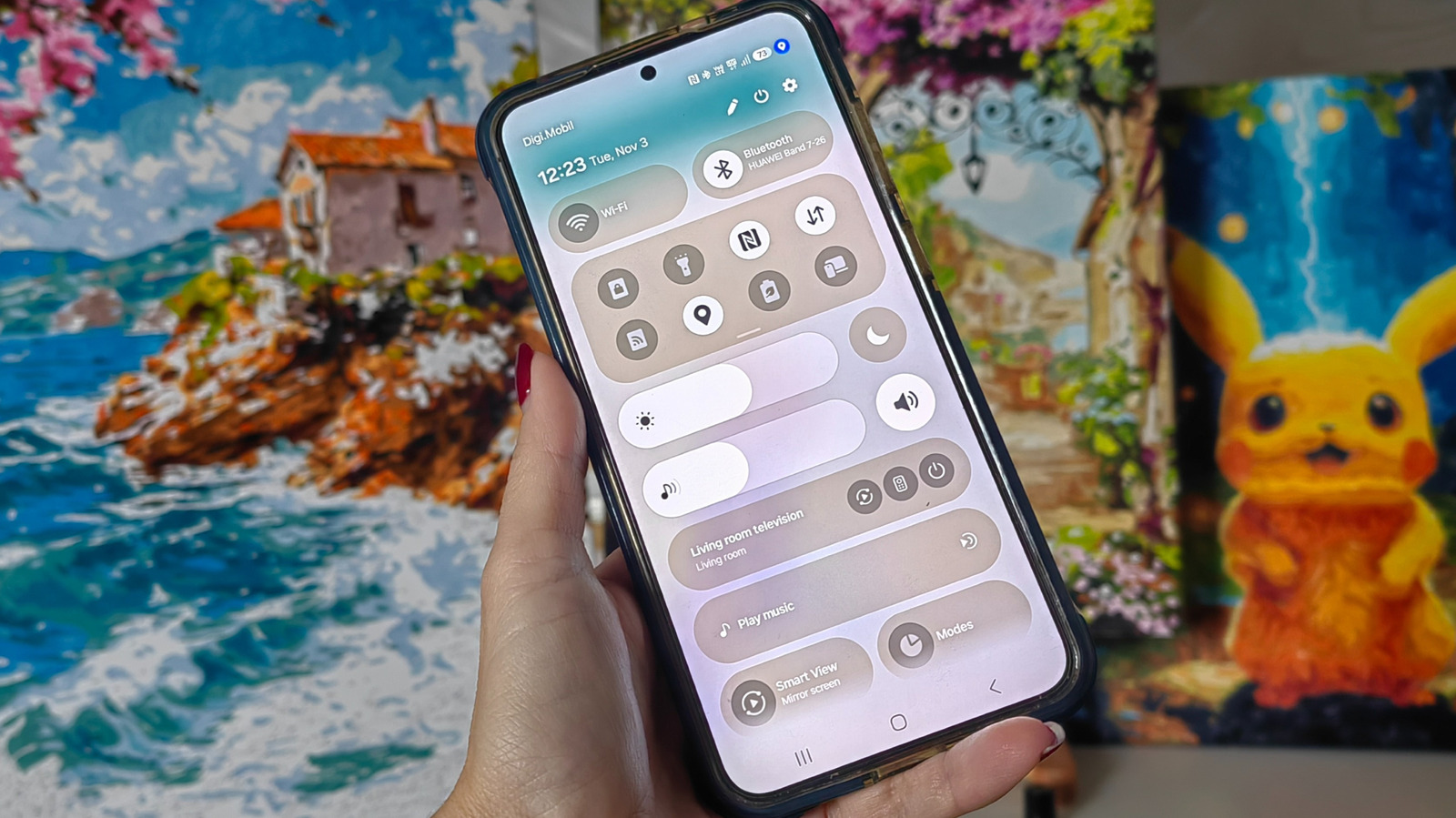
You're scrolling through your phone when you spot it: a small blue dot sitting quietly near your battery icon. It wasn't there a minute ago, and now it's gone again just as fast. If you've wondered if it's a glitch, don't worry — we all have. It's not a notification you missed or even a problem or a bug. The blue dot is actually one of Android's built-in security features designed to keep you informed about what's happening on your device in real time. More specifically, it tells you when an app is accessing your location data.
Rather than burying this information in a settings menu you'd have to dig through, Android makes it easy to see right alongside all your other notification icons. The blue dot matters more than it might seem because location data is some of the most sensitive information your phone collects. It can reveal where you live, work, buy your groceries and spend your free time. Apps access this data for legitimate reasons, like turn-by-turn directions for your driving companion or local weather. But if you see the dot flashing on and off when you haven't opened a navigation app, you may want to do a bit of sleuthing.
The blue dot is Android's visual indicator that an app is actively tracking your device's location. It typically pops up in the top-right corner of your screen beside other status icons like Wi-Fi, battery and signal bars. When it shows up, an app on your phone is pulling location data through GPS, Wi-Fi signals or nearby cellular towers to figure out where you are.
Source link