Unlike many orange icons and lights, this one isn't a warning sign.
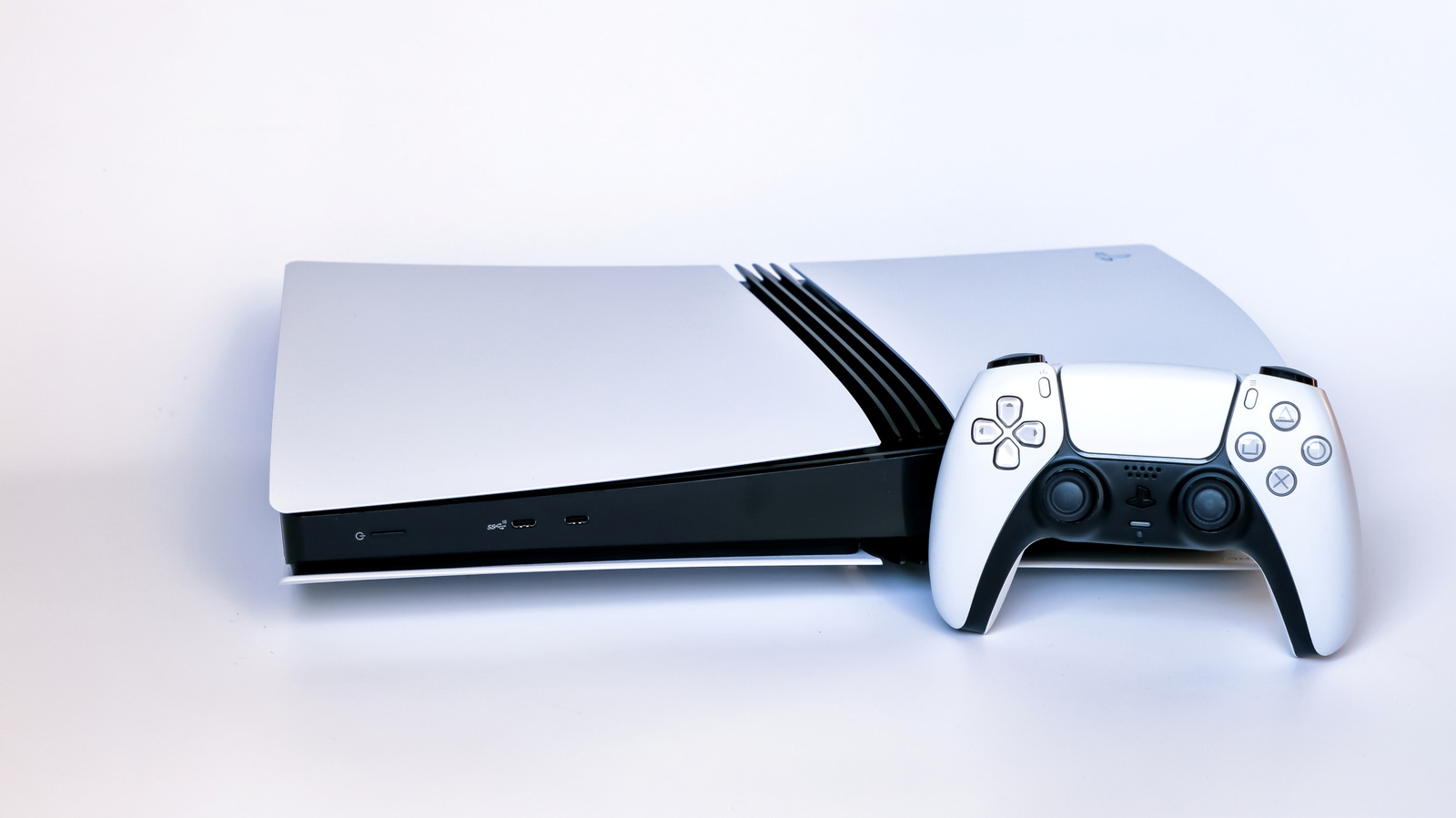
Orange isn't the most reassuring color to see displayed on a device. It's something that can trigger a visceral reaction of panic, given its use for elements like check engine lights in a car and faulty power supplies for past consoles. Thankfully, on a PlayStation 5 it's nothing to worry about; it just means the console has entered Rest Mode. An unrelated orange light on your PS5 controller below the PS button indicates that your mic is muted — press that button to unmute.
Rest Mode is an incredibly handy feature that saves power while still allowing your console to perform basic tasks. Depending on your PS5's settings, it can work to charge your controllers and download games while consuming only a few watts. Entering Rest Mode after a set period of inactivity is part of the console's factory settings, but you can easily adjust this or disable it entirely.
To enter Rest Mode when you're done playing, simply press the power button on the front of the console for a moment. Alternatively, hit the PS button on your controller to open the control center, then go to Power > Enter Rest Mode. Never unplug your PS5 when you see the orange light, as it's not fully powered off in that state. Select Turn Off PS5 from the Power menu and wait for the system lights to go out before unplugging it.
If your PS5 is entering Rest Mode from inactivity faster than you want, you can change the timer for this in its settings:
Source link