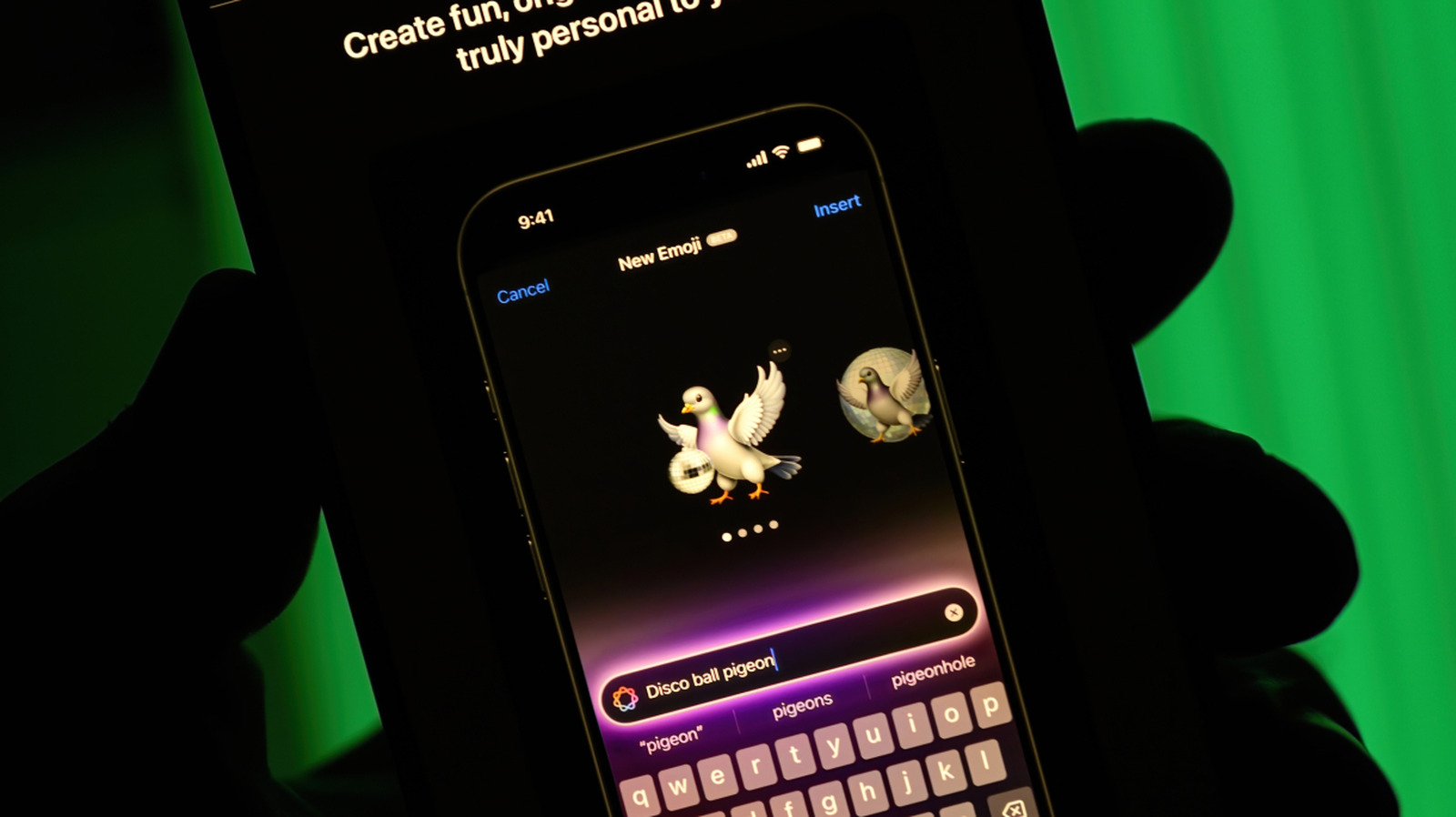
Sometimes, a text exchange with a friend calls for a super specific image to express a thought. It's the kind of image that you can't find in the legion of emoji on your phone, or hiding in your photo library — an angry avocado, or a picture of you and that friend on the moon when you've never even been out of the city together. The human experience is complex.
In times like these, you might turn to an AI image generator to meet your needs. For those in the Apple ecosystem, one option is firing up the Image Playground app as a quick way of creating an image that can be customized, saved and even used as a Genmoji in the future. (Genmoji are personalized emoji you can make using Apple Intelligence.)
If you haven't used the app, odds are it's already your phone. Here's a rundown of what Apple's Image Playground is and how to use it.
Apple initially launched Image Playground in December 2024. The app uses Apple Intelligence to generate images on your device that you can save, share or turn into Genmoji. Image Playground is integrated into several Apple apps, like Messages, Keynote and Freeform, so you don't have to stop what you're doing and open another app separately.
To use Image Playground, you'll need an iPhone 15 Pro or Pro Max , or an iPhone 16 or later with Apple Intelligence turned on. You can also use it on iPads with an M1 chip or later , or the iPad Mini (A17 Pro), as well as Macs with at least an M1 chip.
Source link