Whether you're getting into digital watches for the first time, or transitioning to Galaxy watches from another brand (such as from the Apple Watch Ultra 4 to the Galaxy Watch Ultra 2), Samsung's wrist-worn tech has its fair share of unique attributes. One such feature is the little orange dot that appears to the far left of your watch screen. While it might be a strange quirk if you're not used to it, it's pretty simple to explain.
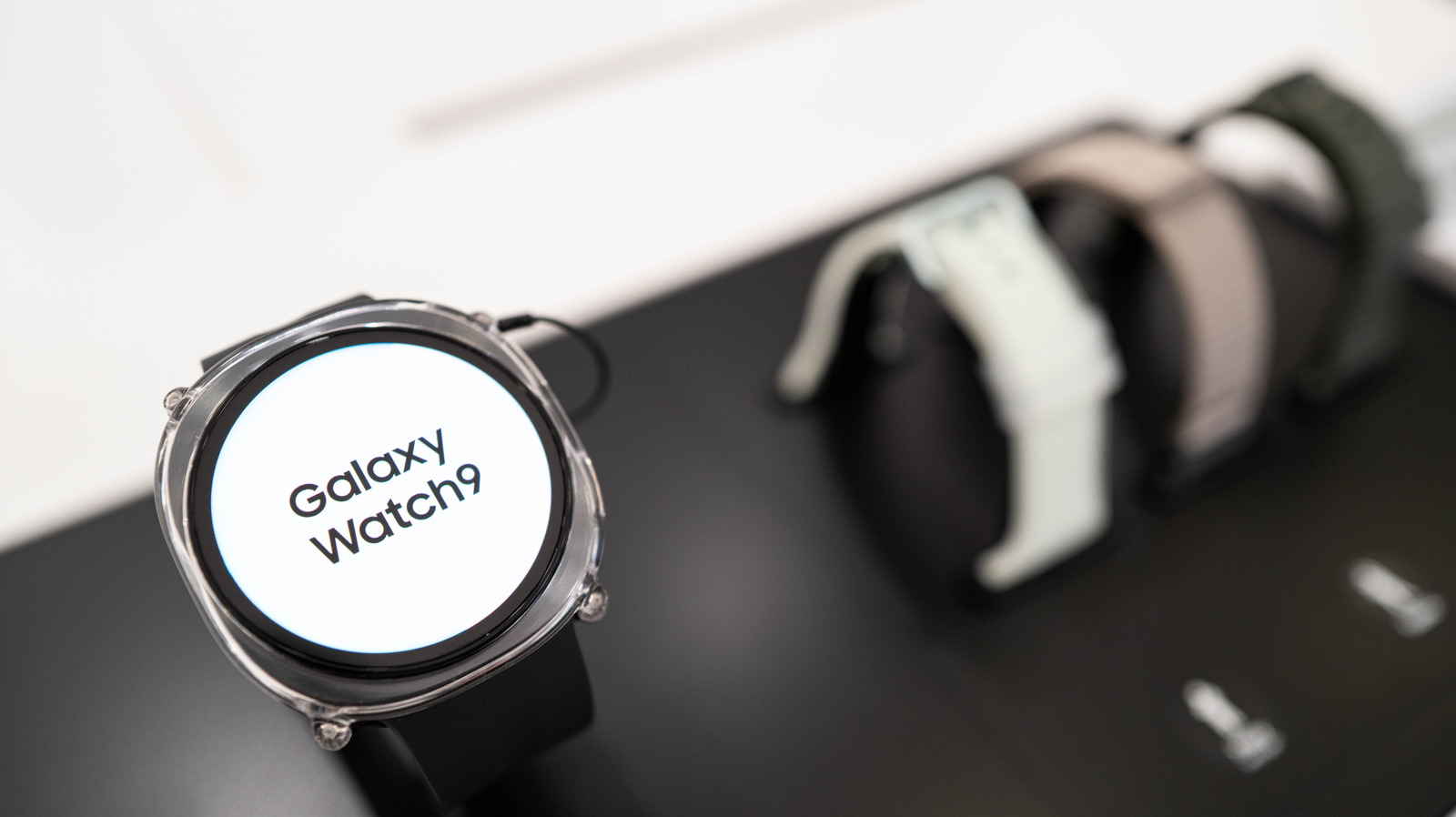
Throughout the history of the Galaxy Watch, one little orange dot has been a constant. In fact, the dot is present on the latest watch models (including both the Galaxy Watch 8 and the Galaxy Watch 9, as well as the Ultra 2). This little dot is a minimalist way for the Galaxy Watch to display some important information.
The orange dot on Galaxy Watches is a notification indicator — specifically for unread notifications. This dot will remain on your watch's face until you've read all of those outstanding notifications, at which point it will then scurry off. If the dot on your screen is red instead of orange, that means you have an urgent message that you ought to check as soon as possible.
An orange dot is nonetheless common and harmless, but it can be toggled off if it doesn't suit your fancy. Simply head to Settings > Notifications > Advanced Settings and toggle off New notification indicator on watch face . You can also turn the indicator off via a Samsung phone linked to your watch, where you'll simply need to go to the Wearable app and head Watch Settings > Notifications > Advanced notification settings and toggle off New notification indicator on watch face .
Source link