These are the features, specs and terms you need to know when comparing all-in-one printer models for small or home offices.
Quick Answer: An all-in-one printer prints, scans and copies in one machine. Small and home offices can benefit from features such as automatic document feeders, automatic two-sided printing and larger ink capacities. Brother’s Work Smart 1360, INKvestment 1365 and INKvestment 4355 are wireless all-in-ones with these features (plus more) and are all sold at Best Buy.
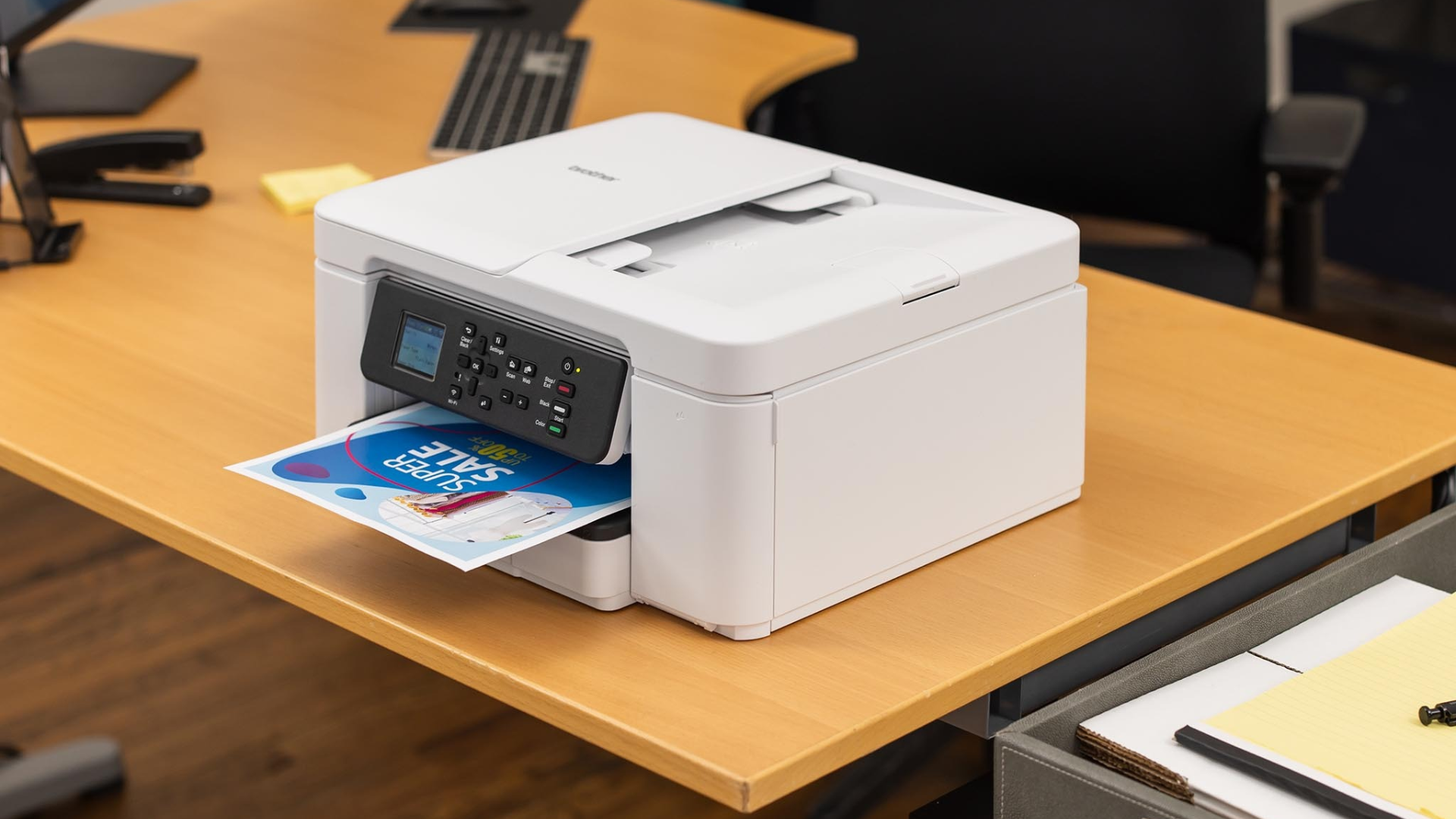
The all-in-one printer, scanner and copier machine is a fixture of large offices everywhere, but now they’re small and cost-effective enough for any size workplace. Taking up the same footprint as a standalone home printer, modern all-in-one printers offer the same features as large-scale machines, such as automatic document feeding and two-sided duplex printing.
Brother’s INKvestment line of all-in-one printers at Best Buy, including the Work Smart 1360 and INKvestment 1365, offers both features and more. Whether you have a small business location or a home office, an all-in-one printer can save on time and money.
Here’s what you need to know about all-in-one printers and how to shop for one.
An all-in-one printer combines color and grayscale printing capabilities with a scanner and a copier, all in a single device with a desktop footprint no bigger than a standalone home office printer.
These machines are ideal for small offices of all kinds that print and scan forms, contracts, receipts, shipping labels or any multipage documents. An all-in-one machine is both a space- and cost-saving investment, taking the place of a standalone scanner, copier and printer.
Source link