Depending on their colors, most of those flashing lights are a good sign.
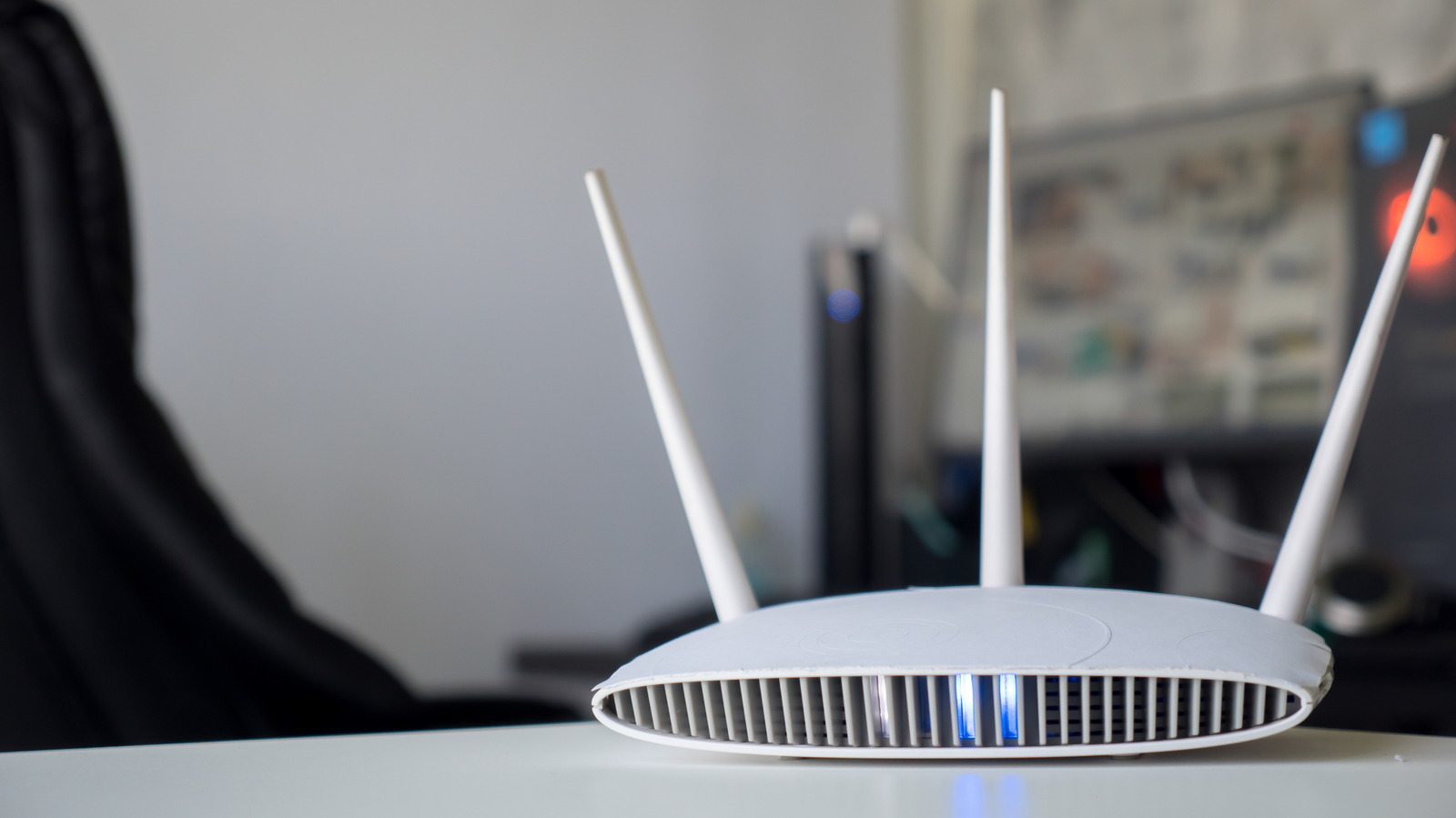
The front of a Netgear router, like many routers, is dotted with a wide array of lights and symbols. Though some of the symbols like the power indicator are straightforward, the lights themselves can be much less clear. They often vary in color; sometimes they're blinking and other times they're solid. If you've never picked up the manual, deciphering what each of the many lights means doesn't come naturally.
Understanding what each of the indicators on your Netgear router signify is important for troubleshooting, as well as making sure everything is running as it should. Although some lights are usually more important than others, they all serve a purpose. Whether you have a standard router or one of the company's mesh Wi-Fi systems, this is how to better understand what your Netgear device is telling you.
These are the lights on a router that are generally the most important to pay attention to, as they're indicators of the most impactful stats like power and overall internet connection status.
Represented by the typical power symbol, this indicates information about your device's firmware, as well as its power status. Unsurprisingly, this will be off if your router has no power.
If your router isn't working properly, restart it first. In case it's fully unresponsive, you may need to do a factory reset.
The icon and light with a small circle orbiting a larger one shows your general connection status:
Source link