It's been 10 whole years since Microsoft shipped its first-generation Surface Mouse, so when the company unveiled a second-generation Surface Mouse at Qualcomm's Snapdragon Summit back in September, I was immediately intrigued.
What would cause Microsoft to want to revive an otherwise dead peripheral? That was my first question, and Microsoft was quick to answer: HAPTICS! The new Surface Mouse has haptics, and that's why the company decided to bring it back.
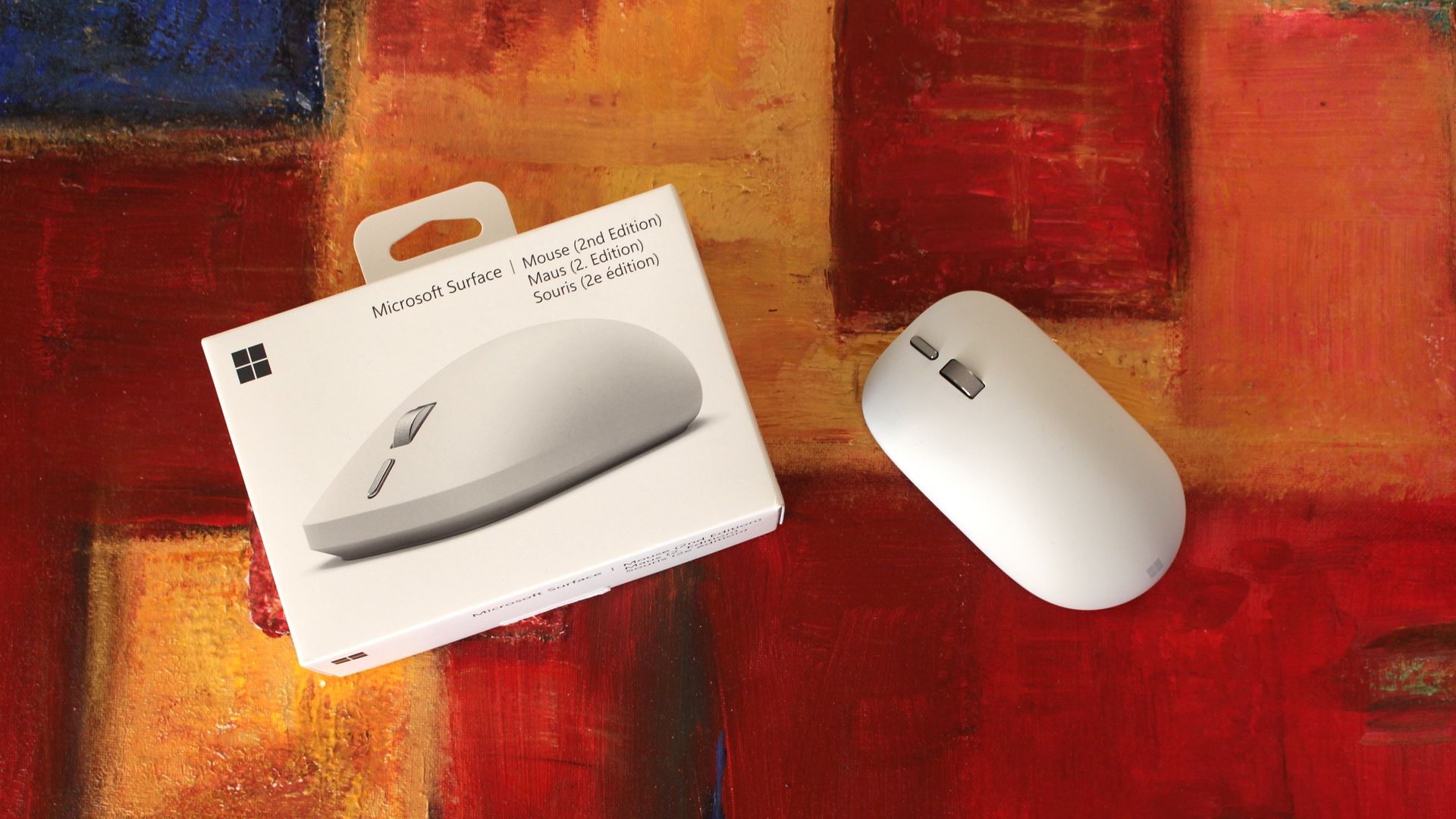
Maintaining a similar shape and size as the original, the new Surface Mouse employs a new soft-touch coating, a redesigned left and right click mechanism, a new action button, and a built-in haptics motor that integrates with Windows 11's new haptic signals feature.
I've been using the Surface Mouse 2 for the last few weeks, and here's my full review.
- Connectivity: Bluetooth 6.0 (up to 3 devices via Swift Pair)
- Sensor: BlueTrack, dynamically up to 4,000 fps, 30 ips tracking
- DPI: 1,000 default (adjustable 400–2,400+)
- Dimensions & Weight: 112.5 × 63.2 × 36.4 mm; ~115 g (with batteries)
- Power: 2 × AAA alkaline (up to 6 months life)
- Colors: Platinum, Black
Surface Mouse 2 costs $79.99, making it the cheapest mouse on the market that supports Windows 11's haptic signals feature. The only other mouse you can buy with haptic signal support is the Logitech MX Master 4, which retails for a much higher $129.99.
Similarly to the MX Master 4, the Surface Mouse 2 is available in two colorways: Platinum (silver/grey) and Black. I've got the Platinum one in for review, but the Black one is equally pretty.
Source link