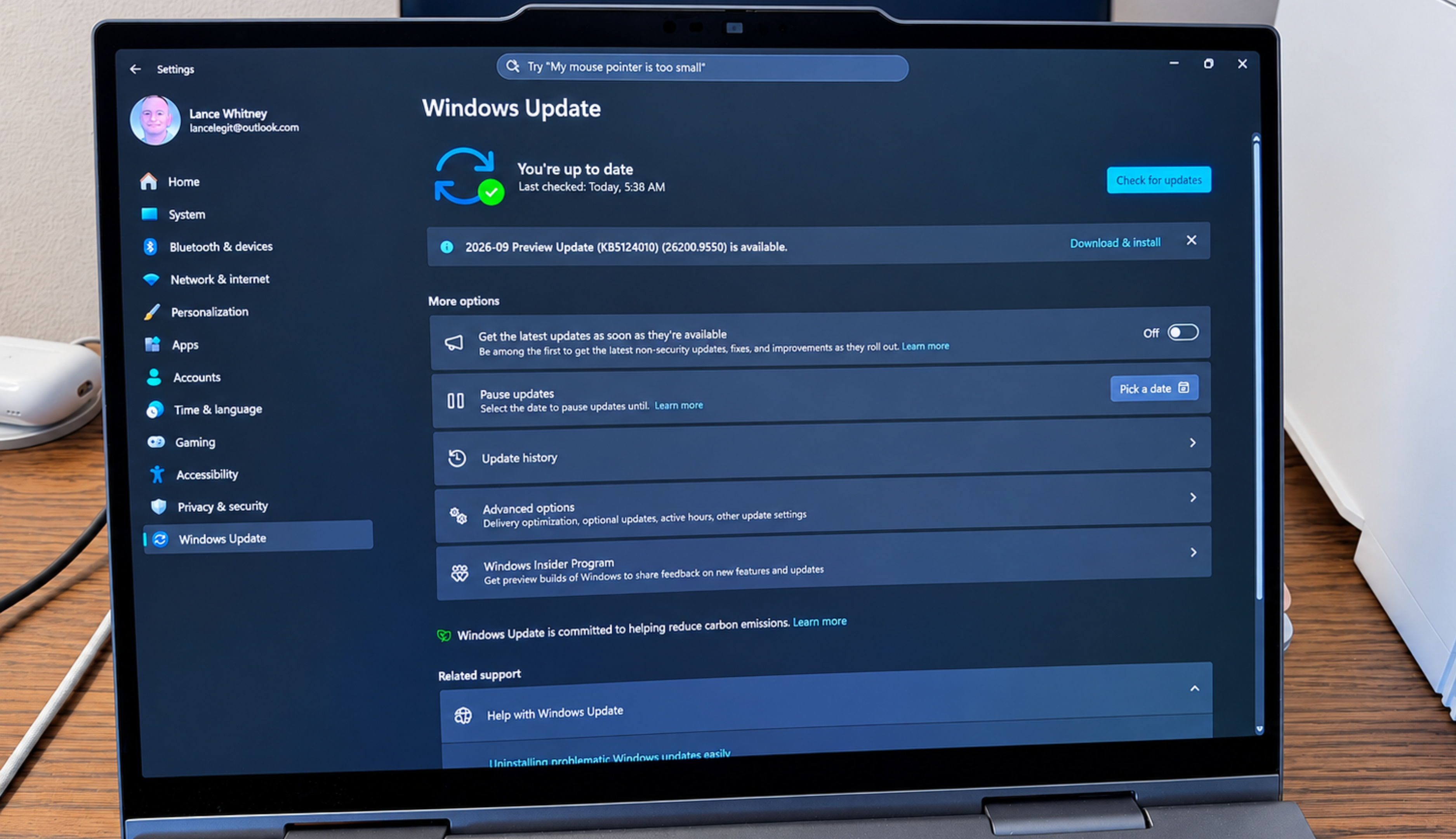
A bug in the Windows Sept patch Tuesday update may stop File History from working. But a new optional update fixes it.
Windows users who rely on File History to back up and recover important files may bump into problems after installing the September security update.
In its Knowledge Base support pages for the September 8 Patch Tuesday rollout, Microsoft revealed that some Windows users who installed the update may be unable to create or run backups through File History.
Those affected may see a message telling them to reconnect their drive, even if a backup drive is connected and working correctly. Further, the timestamp for the last backup might not get refreshed, while files previously backed up successfully could display an error stating that no previous version is available.
All current versions of Windows 11 are affected, including Windows 11 26H1, 25H2 and 24H2, and 23H2. Windows 10 is also affected, as people who’ve registered for Extended Security Updates (ESU) continue to receive monthly security updates.
If you think you’ve been hit by this bug, you can check the Windows Event Viewer for application crash events that reference FileHistory.exe or KERNELBASE.dll.
To do this, right-click the Start button and select Event Viewer. In the left sidebar, expand the section for Windows Logs and click Application. In the right pane, select Filter Current Log. Set the Event level to Error. Under Event sources, select Application Error. Click OK. dll.
Source link