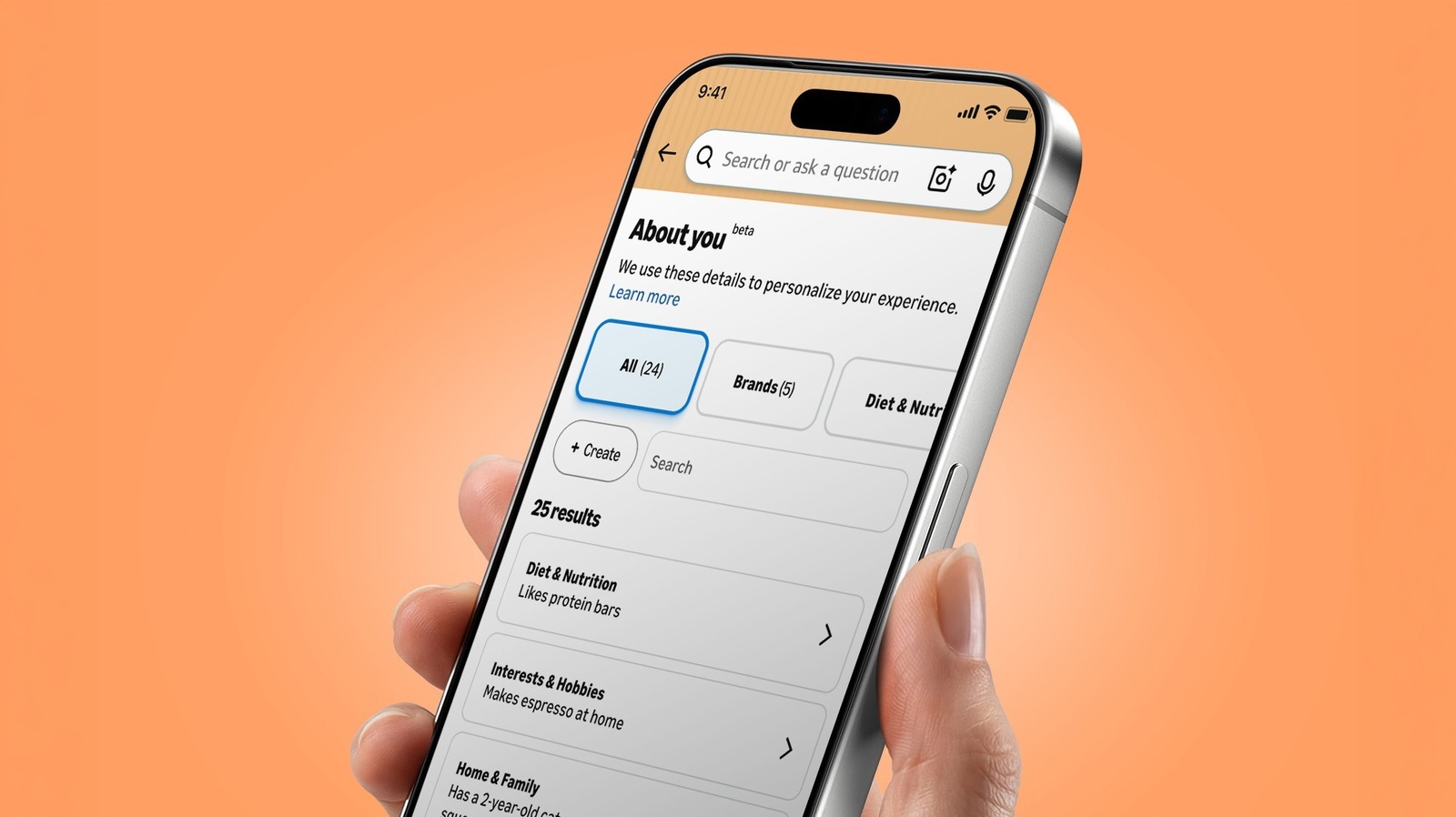
Online profiling isn't new. And for that matter, neither is Amazon's About You page, which was introduced back in May. (The personalization behind it has been around for much longer.) But the feature, which acts as a sort of dossier of details Amazon uses to personalize your shopping, has gotten a lot of attention lately.
Part of the reason for the renewed interest is that About You's notes can be, well, oddly specific. One Threads user posted a screenshot showing that it said she "has flat buttocks." In a Reddit thread, one person said it described them as having "mismatched trash bins." Another Redditor rattled off a triad of strange observations: "has a mother," "owns a tiny funnel" and "receives boxes from Amazon." (Small world!)
Whether you find those details harmlessly amusing or a little creepy, it's worth seeing what info Amazon thinks it knows about you.
The process for finding the page differs a bit between mobile and desktop. In the mobile app, open the Me tab (the person icon at the bottom), tap your name, then select About You. If you're using the web, go to Account & Lists > Account, and choose About You, which is under the "Ordering and shopping preferences" section.
You can also find it via Alexa for Shopping. Ask "What do you know about me?" and it should spit out a list of several preferences along with a link to the full About You page.
You can select any of the individual observations in your About You dossier.
Source link