One of the few places where Apple Intelligence actually makes a difference.
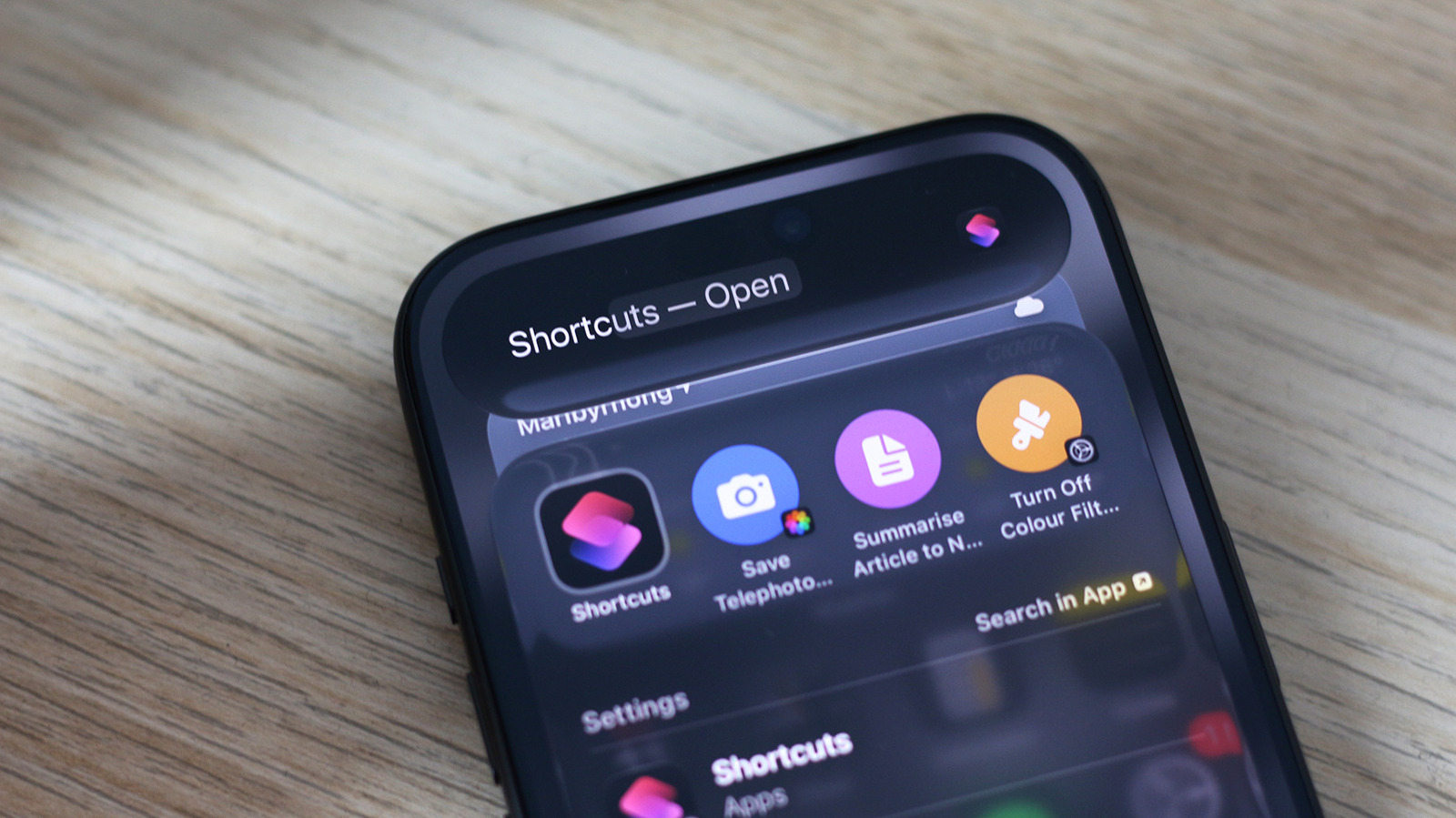
Shortcuts has been around since 2018 but has only recently been supercharged with AI. I'm not the biggest fan of Apple Intelligence, but its functionality in the Shortcuts app is one of the few instances where I think AI actually makes a meaningful difference to the user experience. You can already load up custom shortcuts created by other users, but Apple Intelligence now lets you create your own through natural language prompts.
If you're running iOS 27 and own an iPhone that supports Apple Intelligence, you can simply describe a shortcut and let AI do the heavy lifting for you. Launch the Shortcuts app on your iPhone. It should come preinstalled, but you can grab it from the App Store if you accidentally deleted it before. Tap on the big + icon at the bottom — this will bring up a text box where you can describe what you want the shortcut to do in plain English. Once your shortcut is assembled, tap on the play button to test it out.
There is a lot you can do with the Shortcuts app on the iPhone. Theoretically, everything the app allows you to automate, Apple Intelligence should be able to help you build. In practice, however, this doesn't always work and might require a bit of trial and error or manual adjustments to get the shortcut working exactly as intended. Fortunately, shortcuts created using Apple Intelligence can be edited as usual.
Source link