Abner Li | Nov 11 2026 - 9:31 am PT 0 Comments
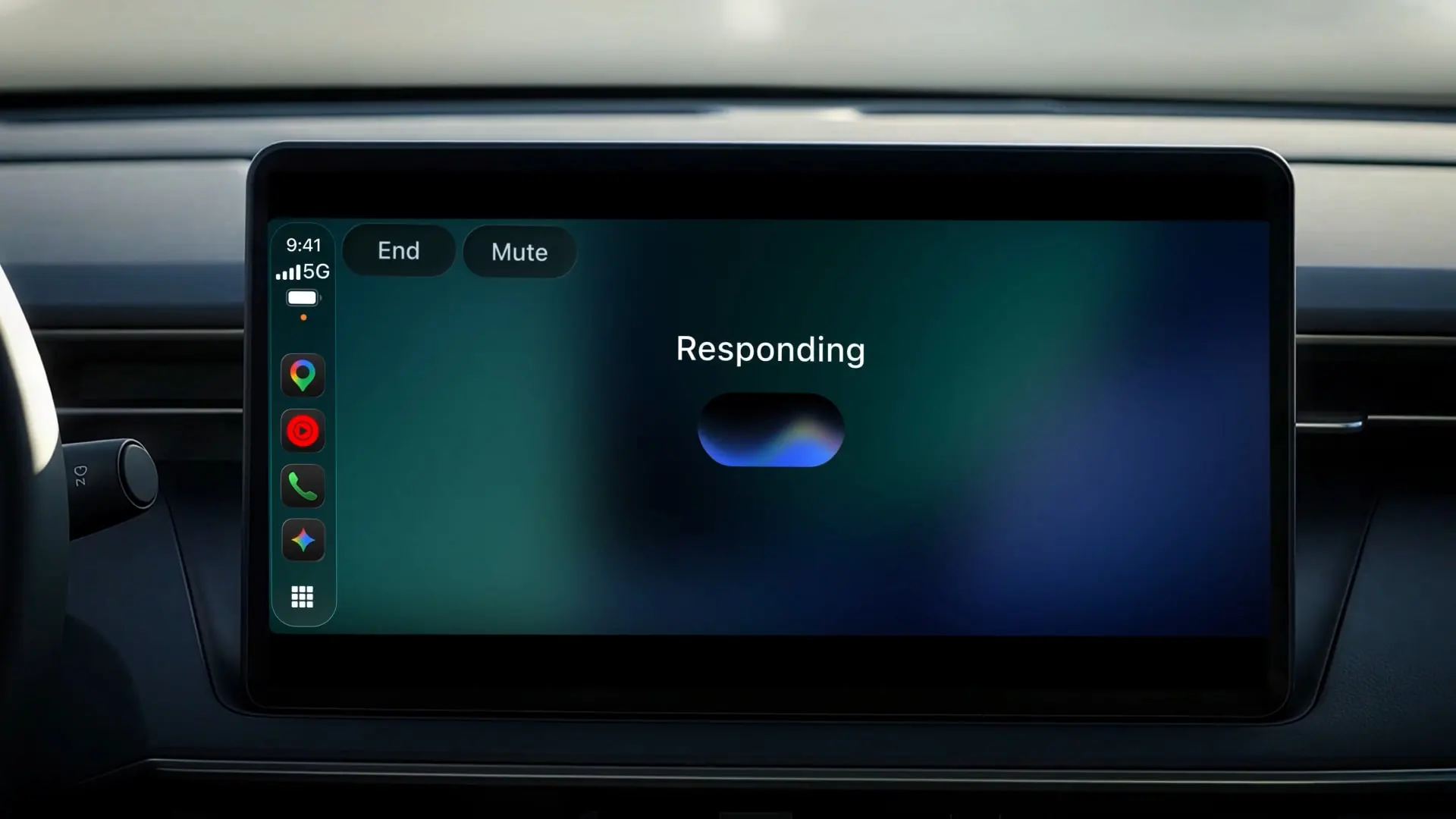
Like on Android Auto and Automotive, Google is bringing the Gemini app to CarPlay. This allows iOS users to converse with Gemini Live while driving.
There’s a simple waveform UI with Gemini indicating when it’s listening, thinking, and responding. There are buttons to “End” and “Mute” in the top-left corner.
Like on phones, you can interrupt Gemini Live’s response to add a detail, change subjects, or pause. After launching the app, you can “pick up where you left off with a recent chat or start a fresh conversation.” All CarPlay conversations sync with the Gemini app on your iPhone.
Google says it designed “Gemini on CarPlay to work like a conversational driving companion that minimizes distraction.” Example prompts include:
Get ready for the day ahead: Use your morning commute to see what’s coming up and walk into your first meeting prepared. Ask Gemini what’s on your calendar, when you need to leave for your next appointment, or talk through what you want to say before you arrive. Try saying: “What does my day look like?” or “Help me prep for my 10am with the design team.”
Talk through your inbox: Because Gemini connects with your Google Workspace apps like Gmail and Google Calendar, you can ask for your daily brief 1 , catch up on unread emails, get quick summaries of long email threads, and talk through a quick reply using just your voice.
Source link