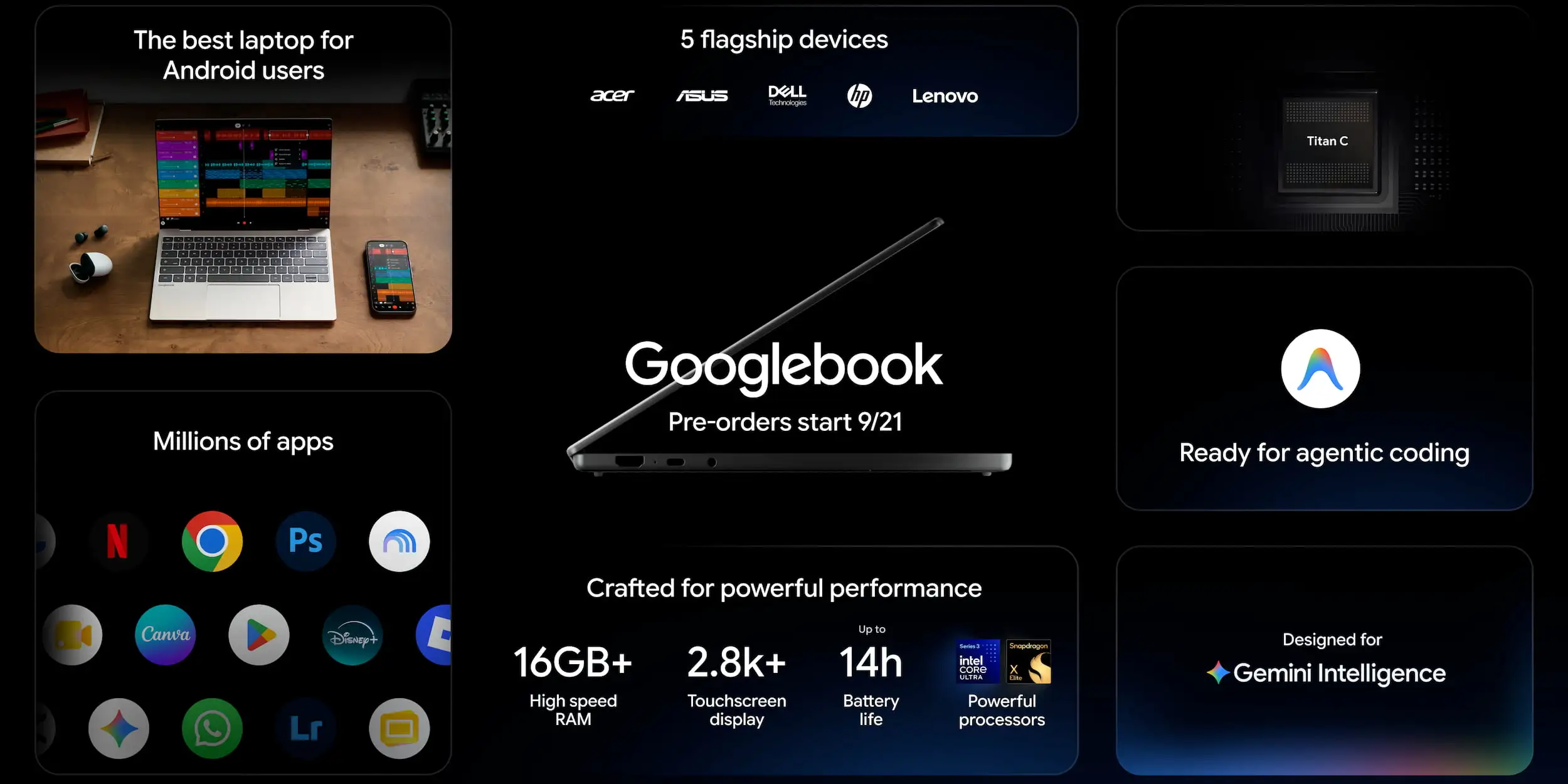
Following the May preview, Google today fully announced Googlebooks ahead of the consumer launch in October.
Google’s main pitch is that Googlebooks should be the laptop of choice for those with Android phones:
Today, we often switch between starting tasks on our phones and finishing them on our laptops. To make that experience better for Android users, we teamed up with the best laptop makers in the industry to deliver top-tier hardware alongside Google’s software experience that connects effortlessly with your phone.
Following phones and watches, Material 3 Expressive is coming to desktops. Quick Settings and notifications, which are nearly identical in design to what you’d find on Pixel, can be found in the top-right corner, while you have the time and date at the left. The bottom dock is center-aligned with the ‘G’ opening your app drawer.
Upon signing in to a Googlebook, your Android phone’s settings, saved passwords, Wi-Fi, and messages will appear. Cross-device continuity includes Android 17’s “Continue On” capability and Cast My Apps if you don’t want to install the Android application on your laptop.
Additionally, Google touts a first-class Files app that can show what documents and photos are available on your phone. One good use of on-device AI is automatically generating file descriptions that aid search.
Gemini Intelligence is led by Magic Pointer and the wiggle gesture to bring up Gemini and enter a prompt, like adding dates to your Calendar.
Source link