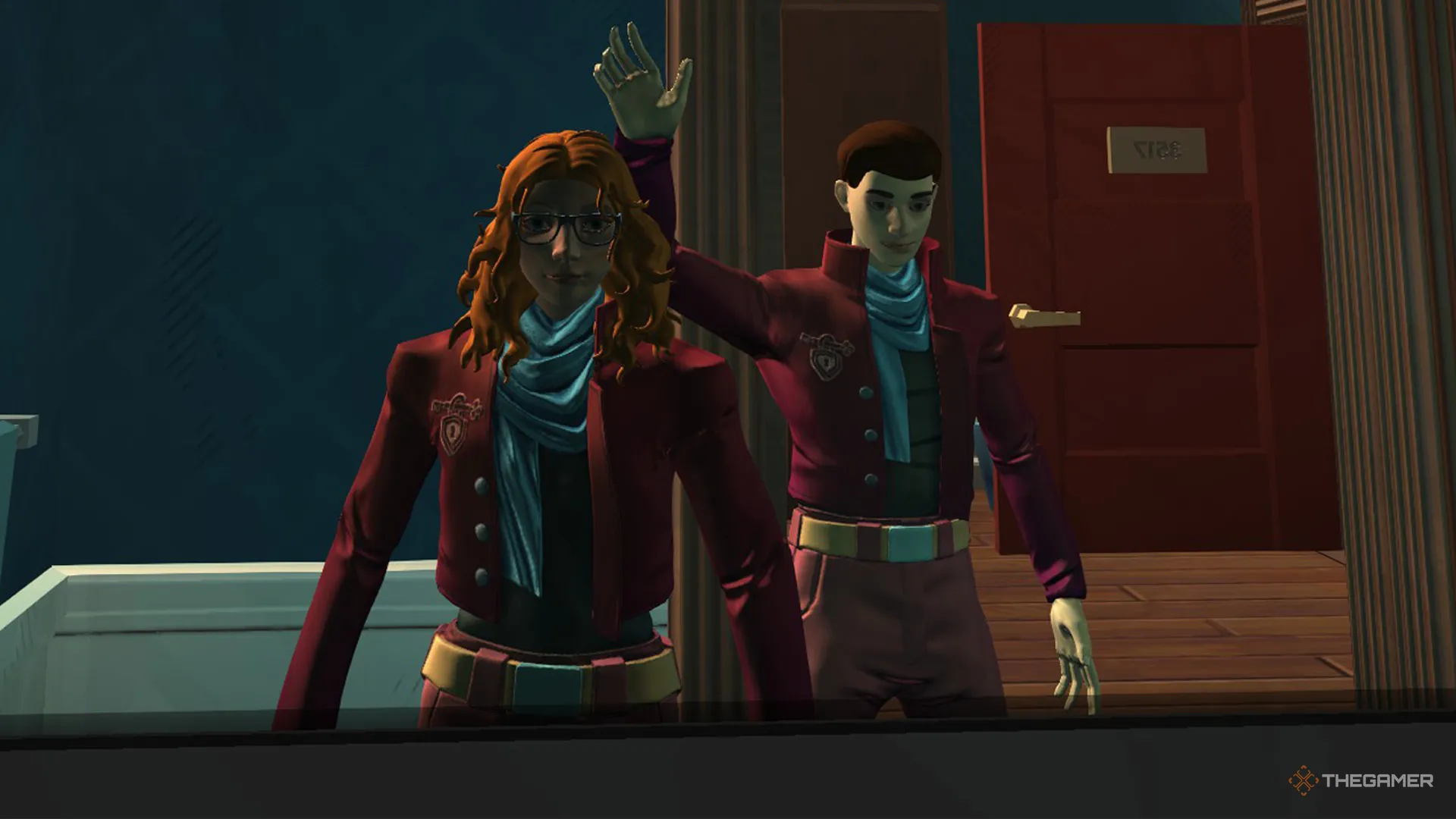
While Escape Academy 2: Back 2 School can be enjoyed completely as a single-player experience, the puzzle-solving gameplay loop comes to life when played alongside a familiar classmate who can offer both an extra set of eyes and a useful pair of hands.
Rather than a separate mode, Escape Academy 2 also lets you play the entire story of the game from start to finish in multiplayer with one other friend through its two-player split-screen or online co-op.
To actually get started playing with a friend in Escape Academy 2, you'll first need to go to the main menu and select either Play Local Co-op or Play Online, the first of which doesn't require the second player to own their own copy of the game. After selecting, simply activate a second input like a dedicated controller, and you'll be able to start playing on a new or existing save file.
Escape Academy 2: Back 2 School does not support Steam Remote Play for online local co-op.
For online multiplayer, selecting the Play Online button will give you the option to either host or join a lobby, both of which require the use of a code that will need to be copied and pasted from the host and sent to the joining player.
In the split-screen co-op, player names are instead listed as simple P1 and P2, with the screen divided vertically into two halves. You'll also be able to give items to other players in both local and online co-op by simply walking up to them and pressing the input to initiate a trade.
Source link