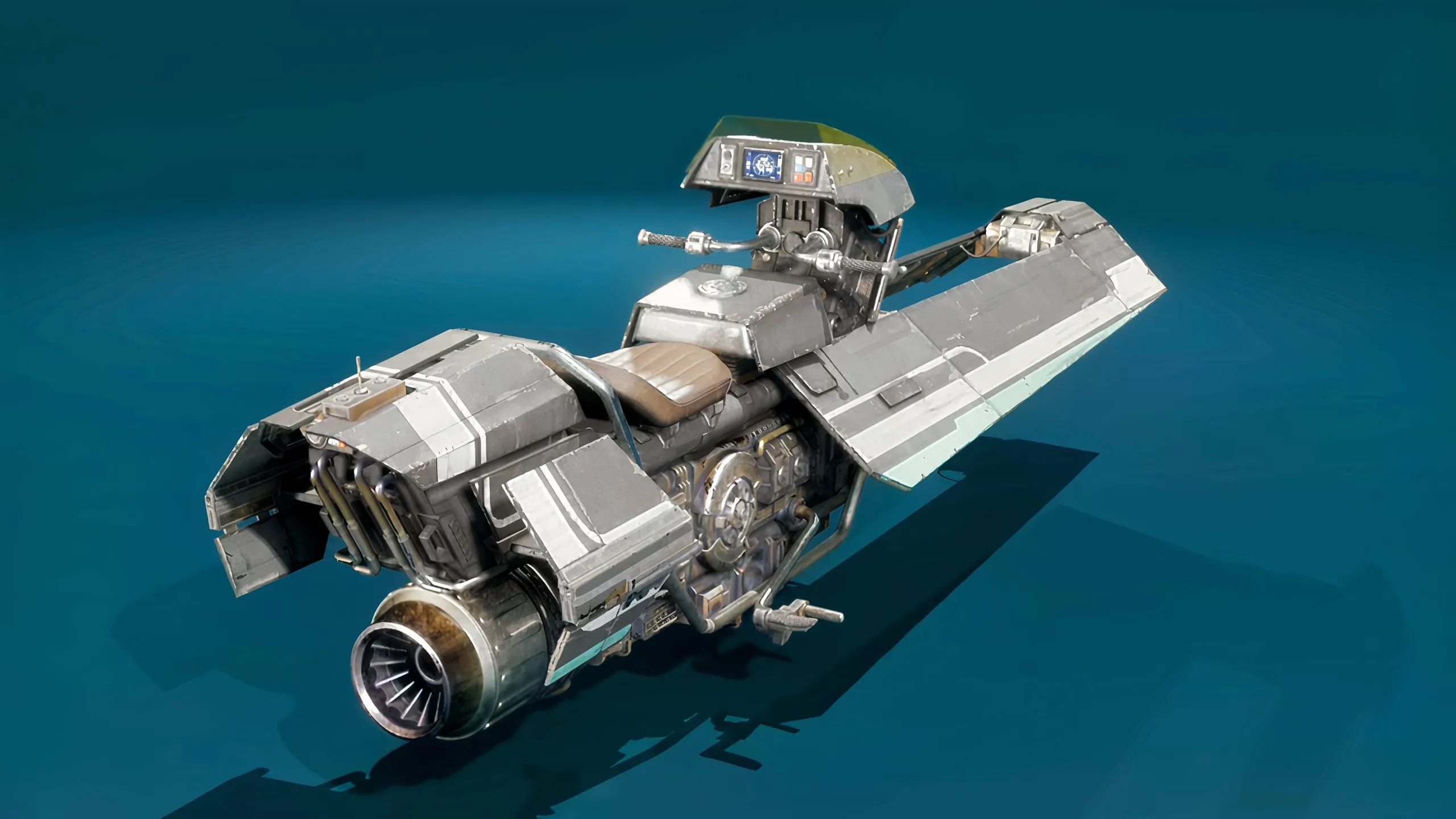
When it comes to racing, the performance of your vehicle on the track is going to be what's most important. However, sometimes it's nice for your vehicle to look good while it's leading the field, too. Fortunately, Star Wars: Galactic Racer has a vehicle customization option allowing players to change the vehicle model, livery, and color scheme to help you stand out from the crowd. Herer's how to customize vehicles in Star Wars: Galactic Racer.
Abilities can help you go from last to first in Star Wars Galactic Racer, but you'll need to upgrade them to keep them relevant as you progress.
The vehicle customization option is only available as you're starting a new campaign tour. When you're selecting the type of vehicle you want to use for the tour, hover over the vehicle you want to choose and customize and press Square on PS5 or X on Xbox.
When you've done this, you'll then have the following options to choose from:
Choose Model allows you to select a different style of the same vehicle type. For example, there are over 10 different types of Land Cruiser that you can choose from. All of them have the same stats, but they have a different look to them.
The Edit Vehicle option allows you to then dive deeper into that specific model, changing the front, left front, left engine, read, right engine, right front etc. of the vehicle. Each section of the vehicle has different options that you can choose from and unlock by progressing through the game and spending your Tuning Points on.
Source link