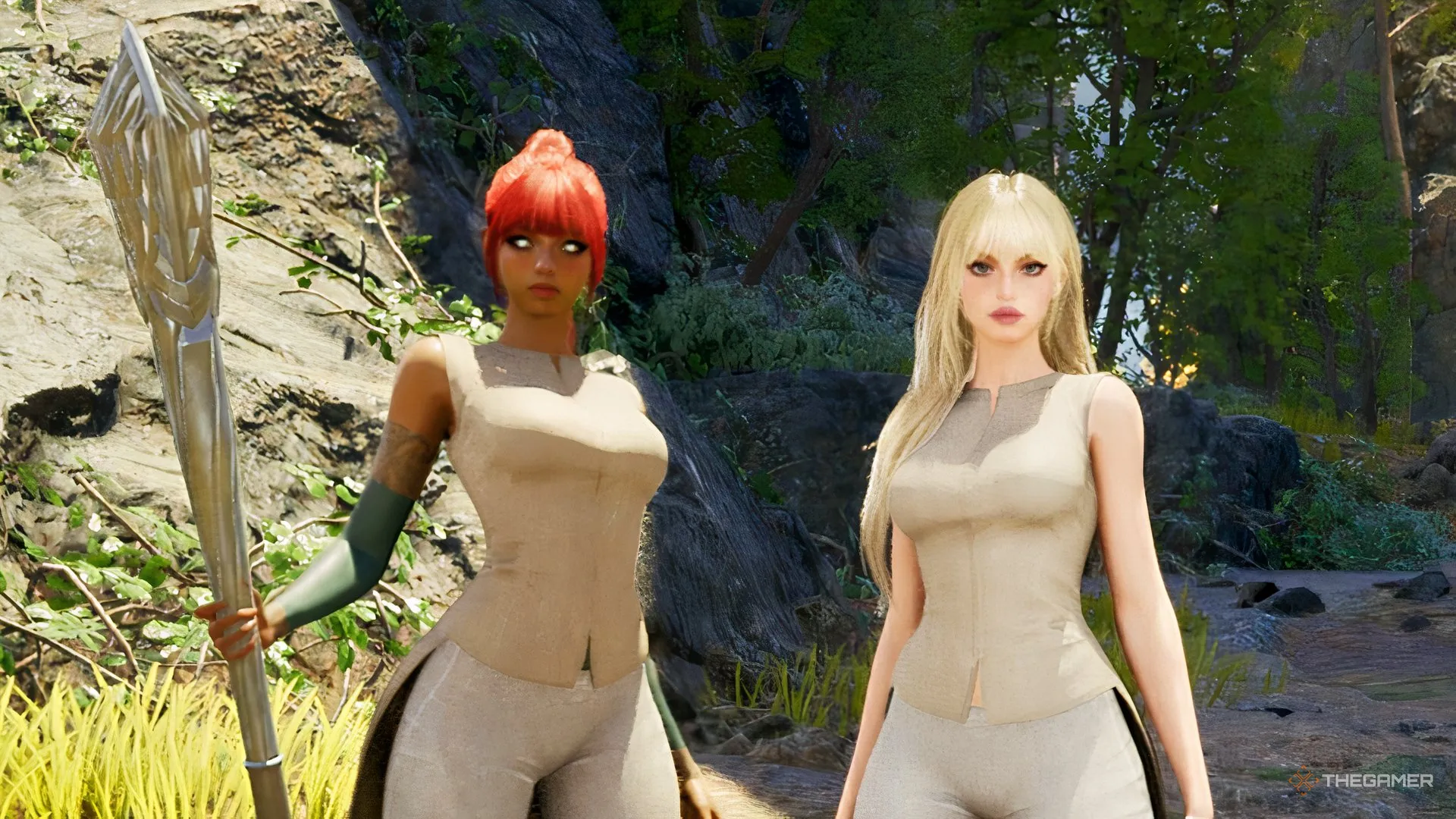
MMORPGs are great for making friends, but they are even better when you can drag your besties into battle with you. In Aion 2, you can explore a gorgeous fantasy world, take on enemies, and build your character alongside your favorite peeps. No adventure is complete without a group and someone insisting they know where everyone needs to go.
Before you start assembling your dream team, though, there are a few things you should know about how multiplayer works. Aion 2 has plenty of opportunities for cooperative play, but getting your squad together is not quite as simple as holding hands and skipping into the sunset.
To play with friends, open the Manage Friends section on the bottom right of the menu (press Esc) to view your friends and see who is online. You can add someone by entering their character name or by selecting a nearby player.
To do the latter, hold the Alt key to bring up your cursor, select the player, and choose the option to add them as a friend or invite them to your party.
Once your friend accepts the invitation, they will appear in your party tab. From here, you can manage party settings, access voice options, leave the party, or promote another member to party leader. You can also locate party members on the map to make meeting up easier.
If you need additional players, use Party Finder to recruit teammates for activities such as Expeditions and Battlegrounds.
Aion 2 offers plenty of group activities once you progress beyond the early levels.
Source link