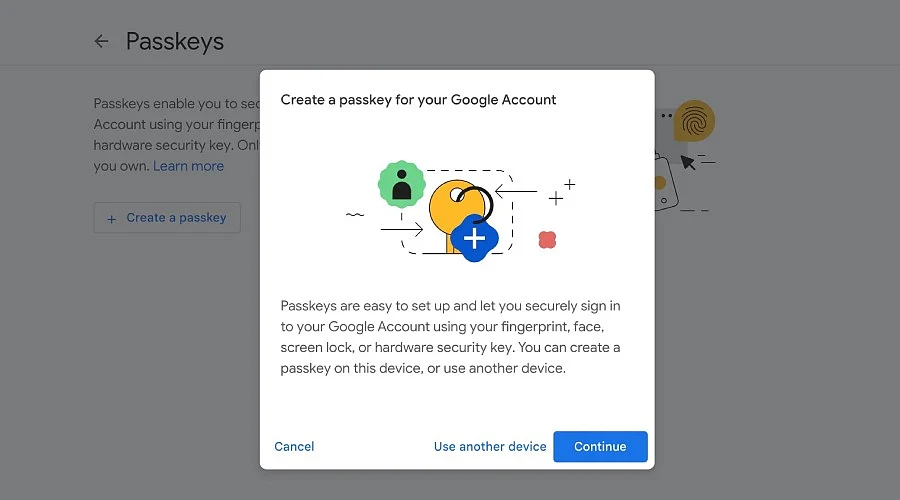
A Google passkey can provide account access without a password through a fingerprint, face scan, or device PIN.
Lost devices or passkeys can require another trusted sign-in or recovery method.
Recovery email, phone numbers, backup codes, and security keys can provide extra account protection.
A Google passkey can keep account access open after a forgotten password. A passkey lets an account holder enter a Google Account with a fingerprint, face scan, or device PIN. The password still remains on the account after passkey creation. Other sign-in and recovery methods remain in place. Google also says biometric data stays on the device and never goes to Google.
A passkey links account access to a trusted device and its screen lock. Google supports passkeys on computers with Windows 10 or later, macOS Ventura or later, and ChromeOS 109 or later. Android 9 or later and iOS 16 or later also support passkeys. Compatible hardware security keys can work as well when they support the FIDO2 standard.
Google sets a passkey-first sign-in choice when it creates a new passkey. The account then has ‘Skip password when possible’ on by default. A password can still work at sign-in. The option can also change under Security & sign-in, so the password appears first instead of the passkey.
A passkey can solve access problems after password loss. The Google sign-in page can show a saved passkey after the account holder enters the account name. The device then asks for a fingerprint, face scan, or PIN. That device check proves access to the device that holds the passkey.
Source link