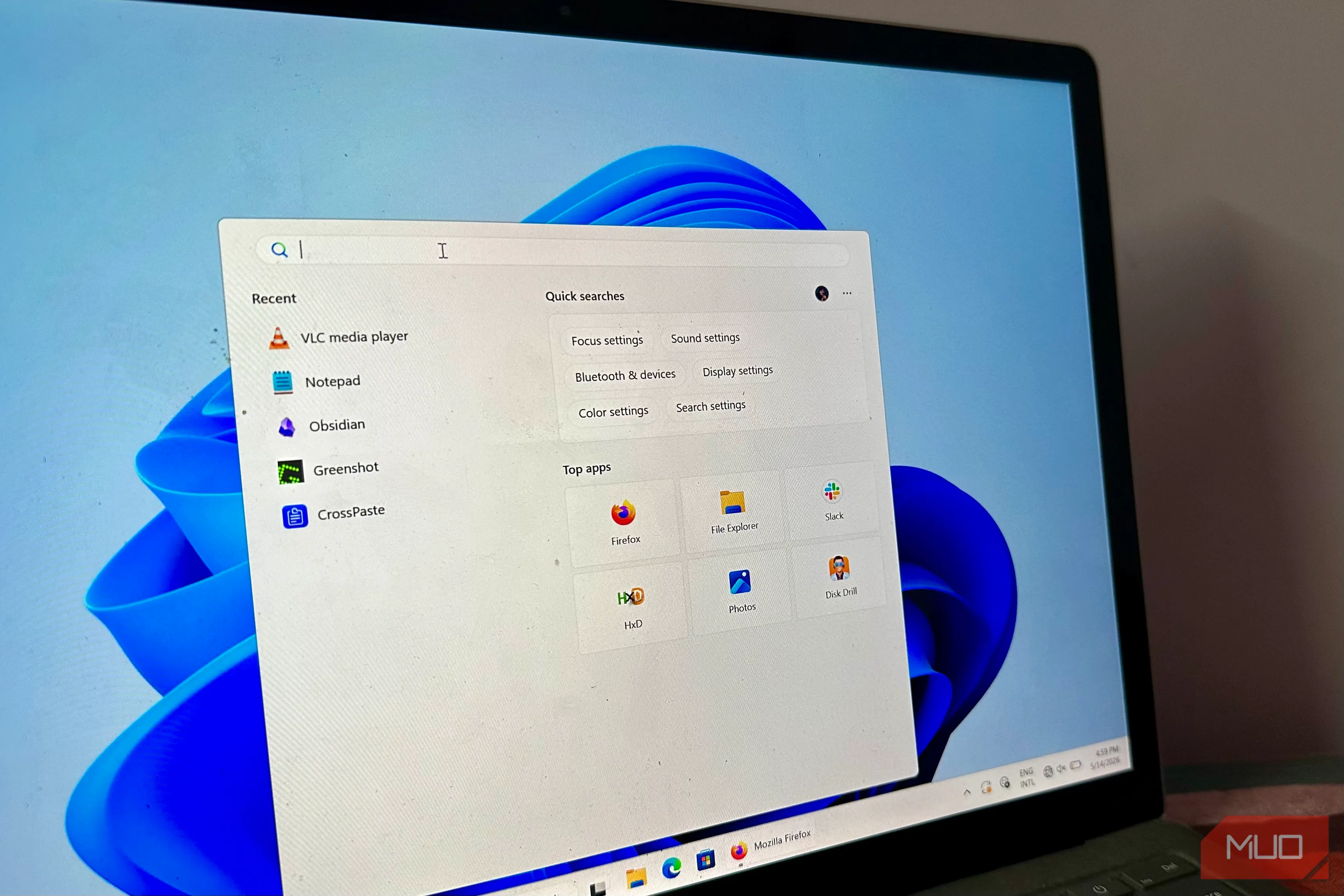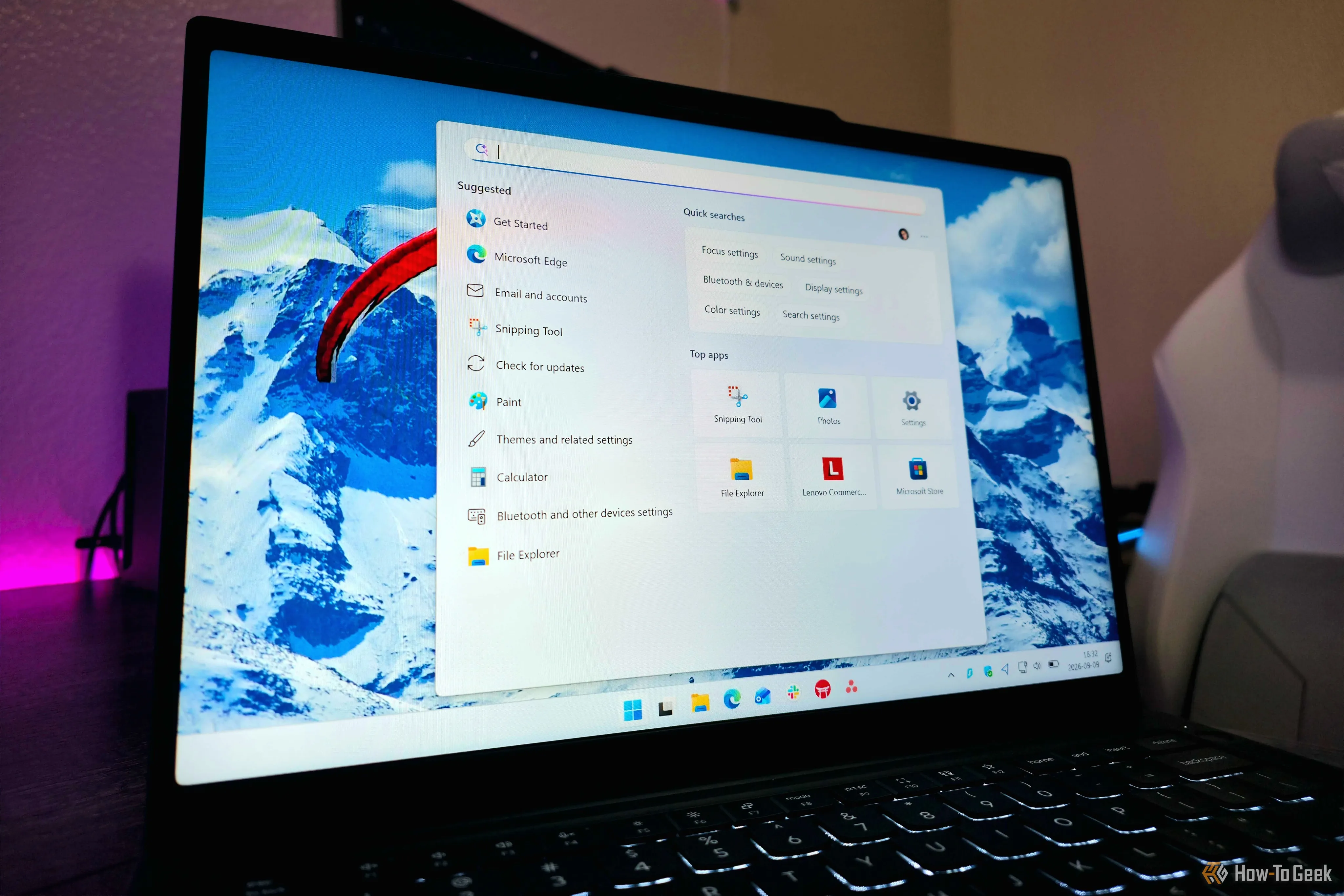
Windows 11 has long baked Bing into local search, and escaping it meant editing the registry. Version 26H2 finally adds a proper toggle. Here is what search looked like before, how much faster it feels now, and whether switching Bing off is worth it.
For years, typing into the Windows 11 Start menu meant searching two places at once. Any query for an app, file, or folder also went out to Bing, so web results landed right next to your own documents. The Settings app never offered a way to switch that off, which pushed people toward the registry. The usual fix was a single value called BingSearchEnabled set to zero, or a Group Policy change. Both worked, but both were workarounds for behavior Microsoft treated as a feature, and users reported that web suggestions kept creeping back even after they had disabled every related setting they could find. Might be one of the most Microsoft things I've ever seen.
The clutter went beyond web links. For one, searching the word "pdf" on the current stable build could put a Bing result in the top slot, with Store PDF editors sitting above the local files. Searching for a term that only appeared inside a local text file flooded the panel with web results before it reached the file itself. The Search home screen added to the noise with MSN content, trending searches, a Microsoft Rewards icon, and Copilot promotions.
That design also had a technical cost. Because Search queried the web alongside the local index, it had to wait on network round-trips, which is why Microsoft said removing Bing would improve Search performance.
Source link