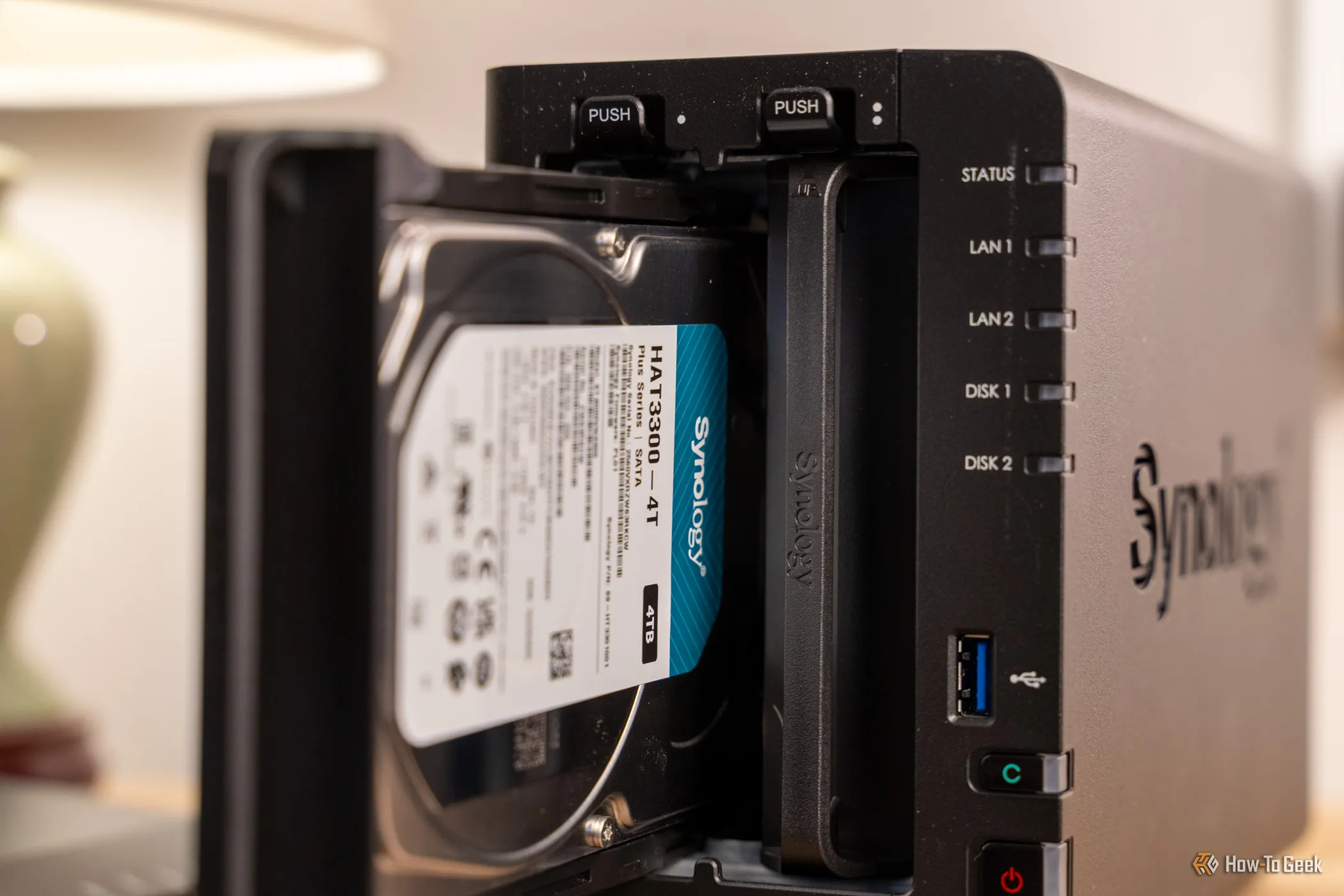
Hard drives rarely announce their flaws on day one. A new disk can sail through setup, then fail weeks later with your data on it. That's why I spend a fair amount of time stress-testing every new HDD first before I put it somewhere important. Here's what burn-in is, how it works, and whether you should bother.
Burn-in is an idea borrowed from electronics manufacturing: run a new component hard, for a long time, before you trust it, so any defects show up while sending it back is still easy. For a NAS, that means putting a brand-new hard drive through sustained writing and reading of every sector, plus the drive's own diagnostics, before it joins your storage pool or holds a single file you care about.
The reason why this is a good idea is simple. Engineers have long described failure rates over a product's life as a bathtub curve: a spike of early failures, a long stable stretch, then a rise as parts wear out. Burn-in targets the left-hand edge of that curve, the so-called infant mortality period. A drive with a weak read head, a marginal patch of platter, or a flaky connection is far more likely to reveal itself during a few days of constant punishment than during light everyday use. Finding that out on the bench, with nothing stored on the disk, costs you some waiting and a return request. Finding it out after you've copied years of photos onto the array costs considerably more, even with redundancy, because a degraded array is a stressful place to be.
Source link