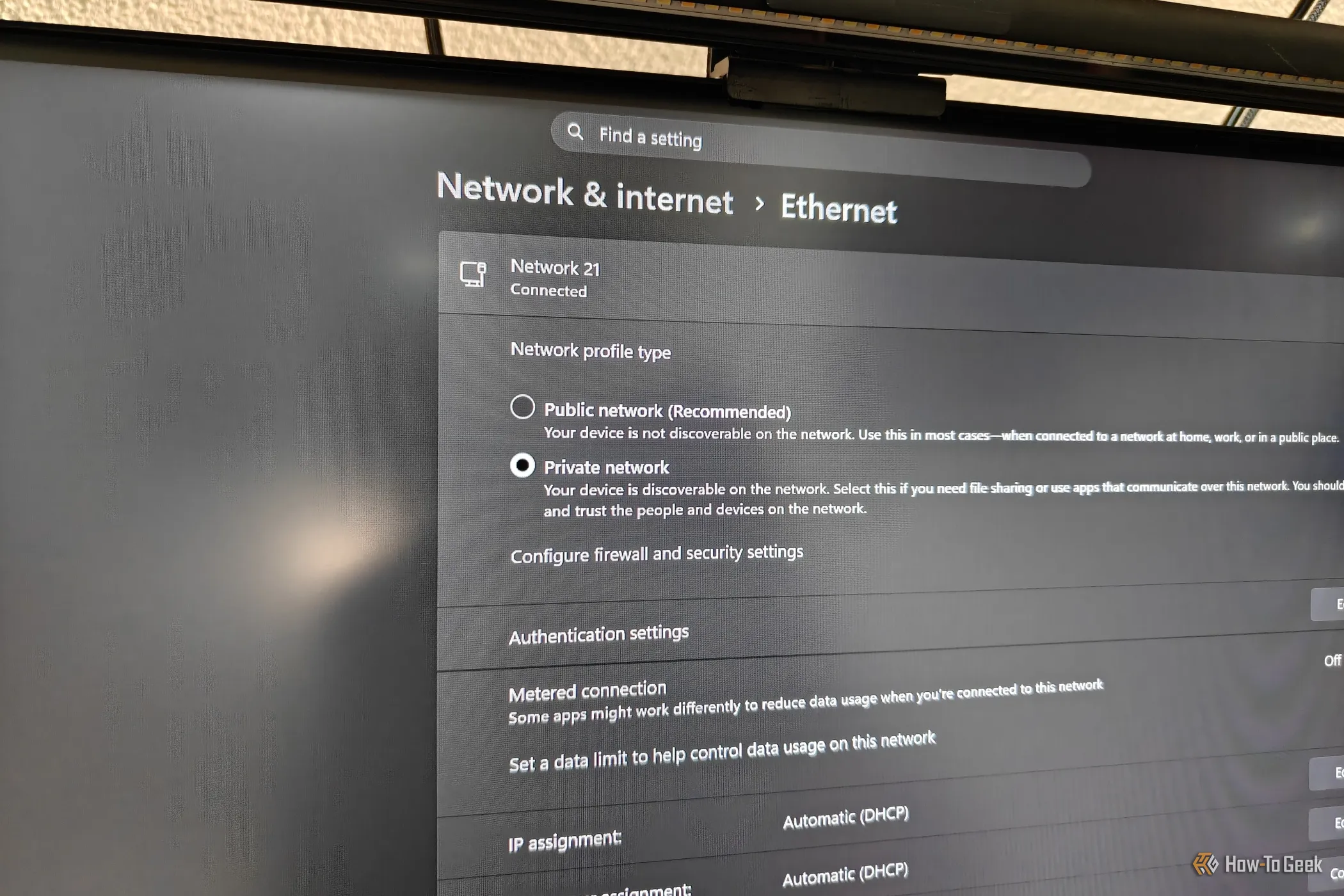
A few days ago, I wanted to run some iPerf3 Wi-Fi speed tests from my phone to my PC to see how well my phone's Wi-Fi signal was holding up if I placed my router in a cabinet. But no matter what I tried, my phone simply couldn't see my PC.
So, I spent an embarrassing amount of time blaming my router before realizing a simple Windows setting was messing with me: my network profile was set to Public, which was hiding my PC from other devices on the network.
I never really gave much thought to my Windows network profile or firewall settings because, for the most part, everything worked exactly as I expected. I could mess around with my homelab directly from my PC, transfer files to and from other devices on the network over SMB, and even use things like Phone Link without any problems.
That's what made this so confusing. I never noticed a problem with other devices accessing my PC, because everything worked just fine.
It was only when I tried to connect to an iPerf3 server instance running on my PC from my phone to test my Wi-Fi that I discovered there were some kinds of local connections that didn't work as expected.
Google's Quick Share just never worked for me for some reason, either. I assumed that it needed Bluetooth to work, just like when connecting two phones. Since my motherboard doesn't have built-in Bluetooth, I figured there was no easy workaround.
Source link