Blu-ray discs remain one of the few ways to keep high-quality home movies on physical media you control. Windows 11 barely includes basic support to make a playable one, though — which might surprise some of you, considering native burning tools for formats like DVD have been a staple on Windows for almost 20 years now. Here's the hardware and software you need, how burning works, and whether it's all worth the effort.
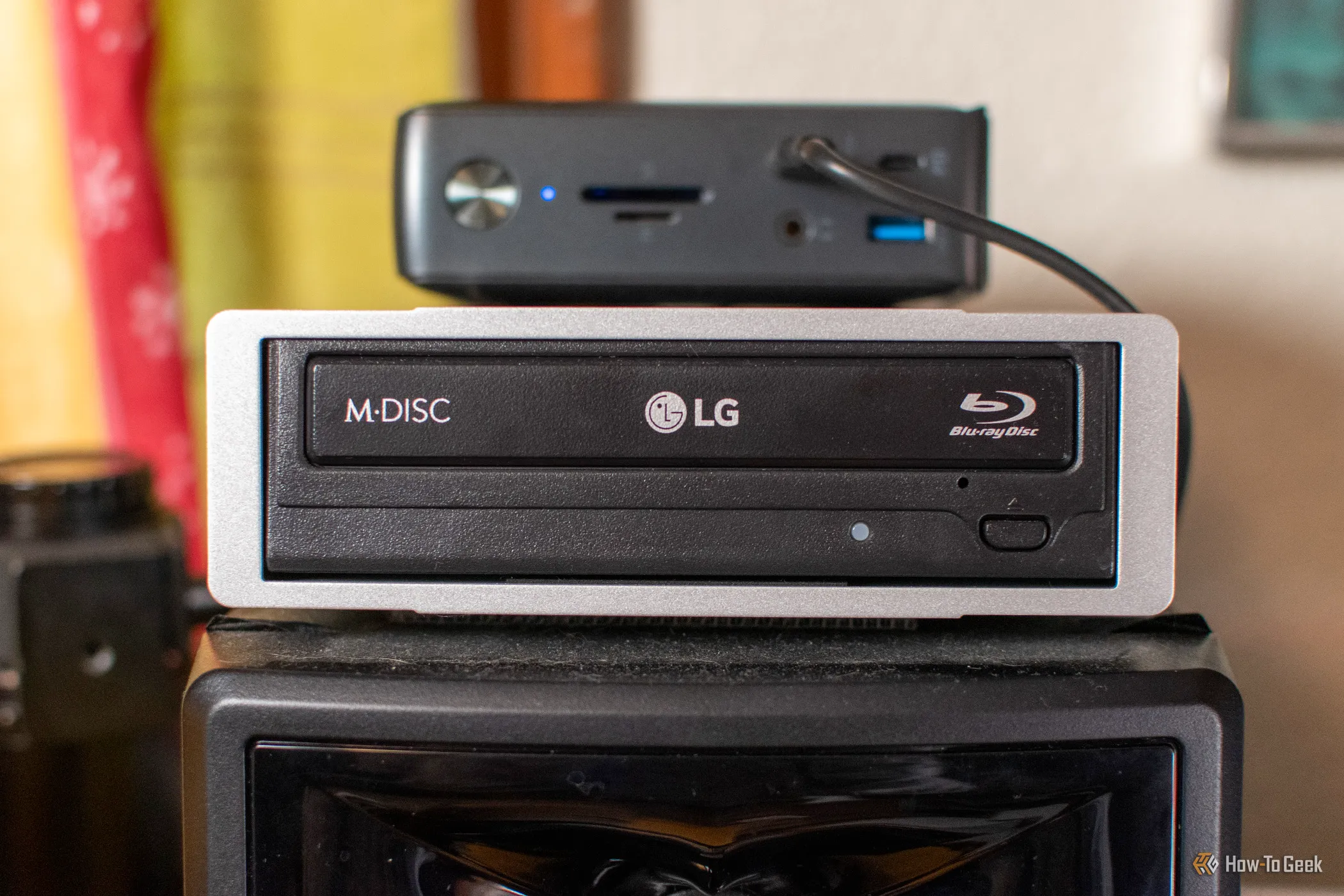
Hardware is where most people get stuck. Your PC needs a drive that explicitly writes Blu-ray media. It's a big roadblock — if you were reading this 15 years ago, your problem was probably a DVD-only drive, and now it's even worse because you may not have a drive at all. If yours has none, an external USB Blu-ray writer is the easy fix. Pick one that lists BD-R and BD-RE writing in its specs. Plug it directly into the PC rather than a cheap hub, since burners can be picky about power and a dropped connection mid-burn ruins the disc.
Then there's the media. BD-R discs are write-once, while BD-RE discs can be erased and rewritten. A single-layer disc holds 25GB and a dual-layer disc holds 50GB, which is enough for a feature-length film at 1080p. Higher-capacity BDXL discs exist, but they need a drive and player that specifically support them, so skip them unless you know both do. It's smart to buy at least one BD-RE for test burns before you commit a write-once disc to your final cut.
Source link