Vishwamoorthy's interest in tech started early, as a school student, watching Pixel 2 XL camera review videos and being awestruck by what a phone camera with excellent software could do. That curiosity stuck with him: since 2022, he's published over 1,500 articles covering smartphones, Android, and consumer tech news at FoneArena, one of India's leading tech publications.
Lately, he's obsessed with how AI is reshaping the business world, the deals, the products, the quiet feature rollouts nobody notices until they're everywhere. Reading and writing about tech is what keeps him going; doomscrolling is what keeps him honest.
While ads everywhere on your phone can feel annoying, they may start to feel embarrassing as well at a certain point. To implement advertising-related tracking at the OS level and serve targeted ads, every Android phone with Google Play Services carries a Google Advertising ID (GAID). It acts somewhat like a cookie by providing an identifier that can be used to serve targeted and personalized ads.
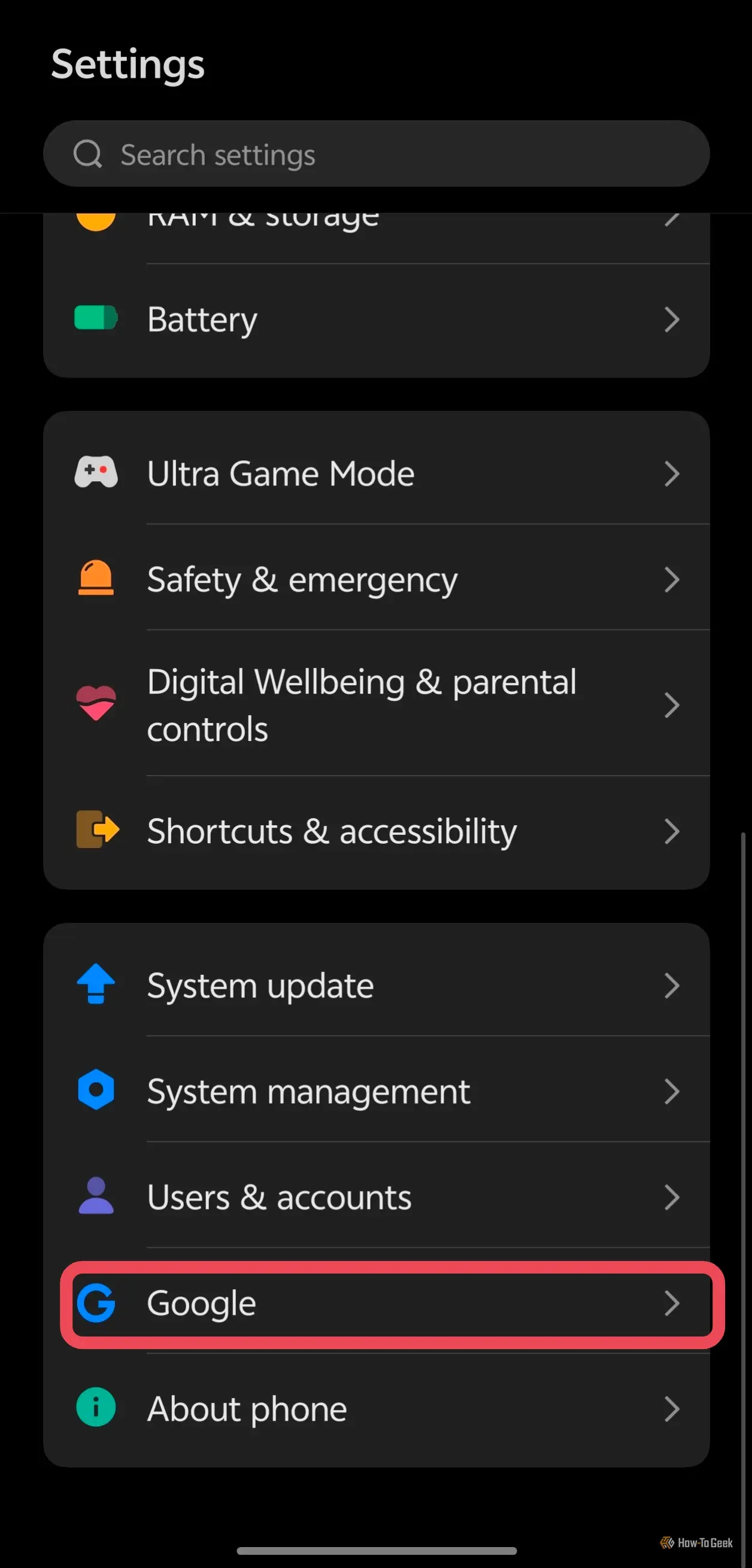
As a result, one late-night search or niche impulse click can potentially influence system-wide ads served to you. To clean your slate, you'll need to reset your Advertising ID, review Google Ad Center, and review ads and tracking inside apps like Instagram. I'll take you through each of these methods.
Pretty much every Android phone carries a Google Advertising ID — a unique string of letters and numbers separated by dashes — to serve personalized ads on your smartphone. Google lets you delete or reset this unique ID at any time.
Source link