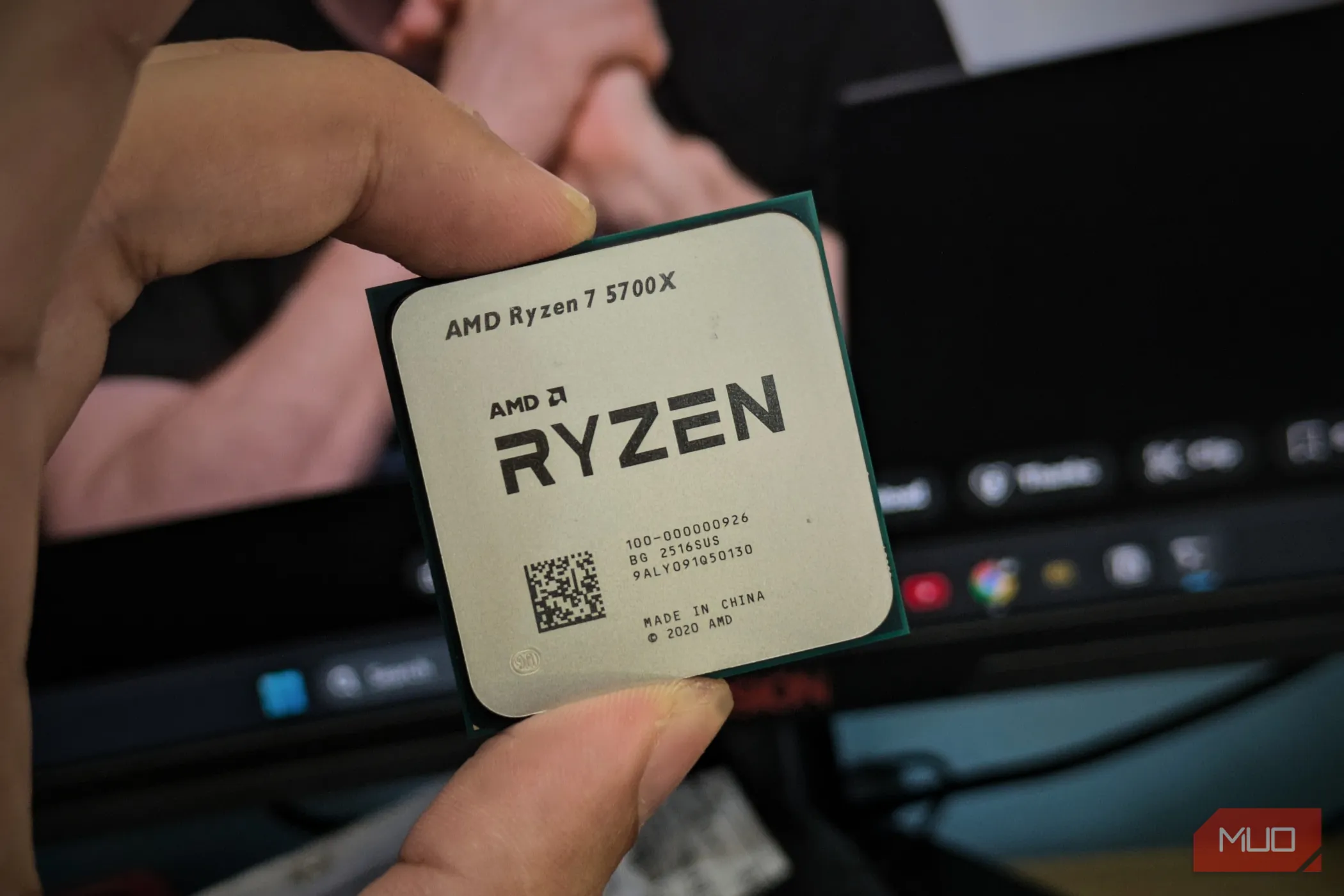
For an average user, I wouldn't recommend manually overclocking your PC's components, since tweaking voltage and frequency settings can sometimes lead to disastrous results. Fortunately, manufacturers offer first-party programs that make overclocking easier, like AMD's Ryzen Master and Intel's XTU, which can apply predefined tuning for automated overclocking.
On my AMD setup, I use Ryzen Master for a completely different reason than you'd think: I undervolt my PC with the Curve Optimizer feature.
If you've got a good CPU and don't mind some warmth, give this a try.
With each frequency threshold, your CPU demands more voltage and, as a result, draws more power. Overclocking forces your CPU/GPU to run faster than the clock speed the manufacturer intended, which demands more voltage and generates more heat.
Usually, your CPU/GPU delivers the best performance at boost clocks. You reach this maximum safe frequency during demanding tasks, as long as temperatures stay within safe limits, but only briefly because the CPU/GPU draws too much power in that state and gets hot.
After a specific temperature threshold, your component can start thermal throttling, a phenomenon where it forces itself to slow down to cool and avoid permanent damage.
Undervolting limits the voltage provided to your CPU/GPU, but it doesn't necessarily reduce performance because it lowers heat and power use, allowing the component to reach boost speeds more often. Modern components are power-hungry, and CPUs like the Ryzen 9000s can easily draw up to 230W; unless you have over-the-top cooling, you're unlikely to get full performance.
Source link