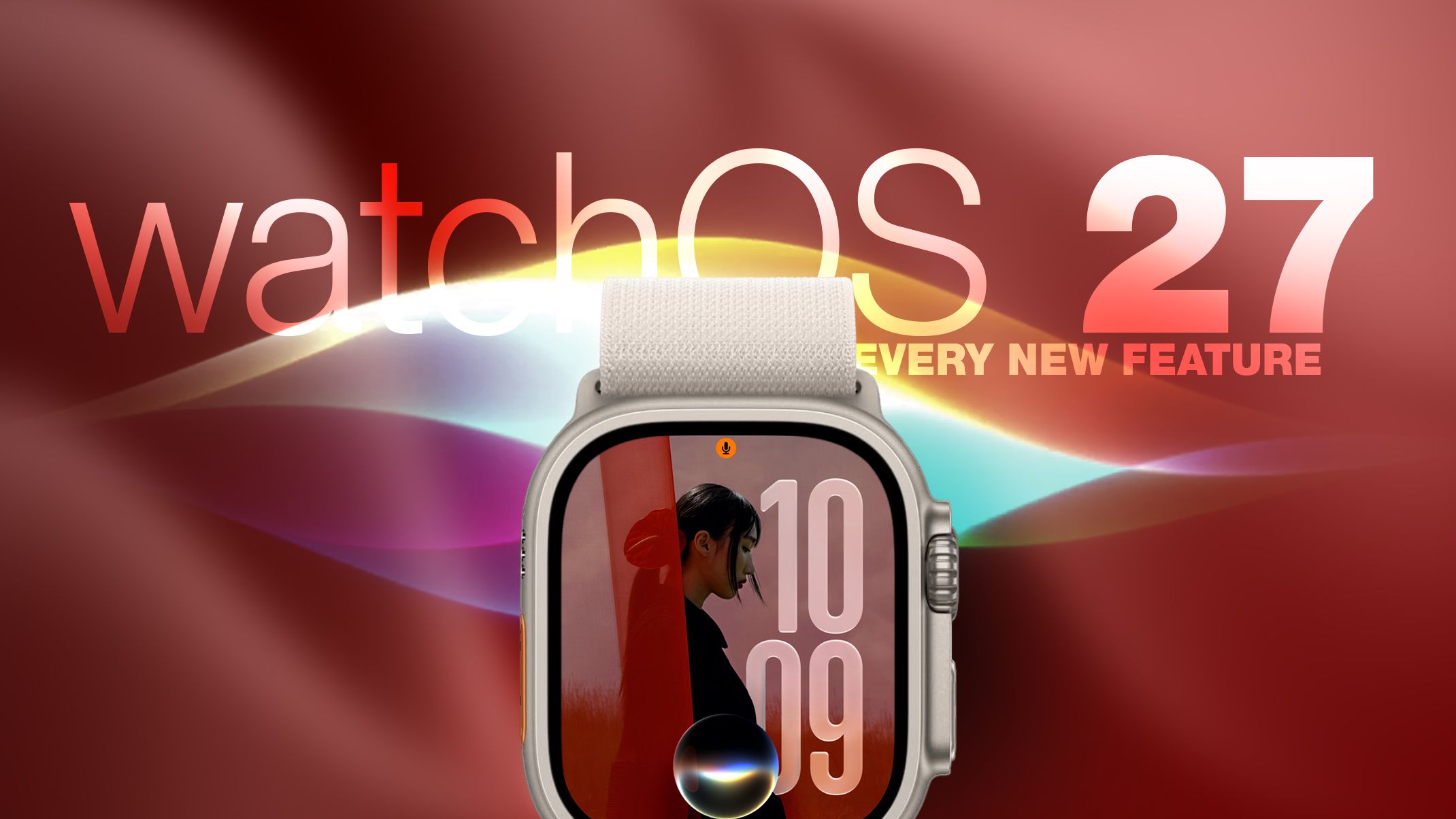
Apple released watchOS 27 on September 14. The features and changes aren't limited to owners of new Apple Watch Series 12 and Apple Watch Ultra 4 models. If you have an Apple Watch model that supports the latest update, here are 12 features and changes to check out after installation. To do so, open the Watch app on your iPhone, then tap General ➝ Software Update, strap your watch into a charger, and follow the onscreen prompts. Check Out the Dedicated Siri App
Siri has finally caught up with the AI revolution, and apart from having contextual awareness, it now has an app of its own that collects every conversation in a single view and syncs them privately across your devices over iCloud. Just ask something on your iPhone and you can pick the thread up again on your Apple Watch, as well as pin conversations worth keeping, or even start a new chat directly from your wrist. Try Siri Modular Watch Face
The new Siri watch face is a genuinely useful one. Its rectangular complication shows you whatever sits at the top of your Smart Stack, and it automatically updates through the day based on time, location, and other factors. The Dynamic App Grid
Pressing the Digital Crown no longer produces the honeycomb app view by default. Now, watchOS 27 shows a dynamic grid made up of suggested apps, your most-used apps, and your most recently used ones. The Siri app sits in the middle, but the alphabetical list remains available – simply turn the Digital Crown to navigate through all of your apps.
Source link