
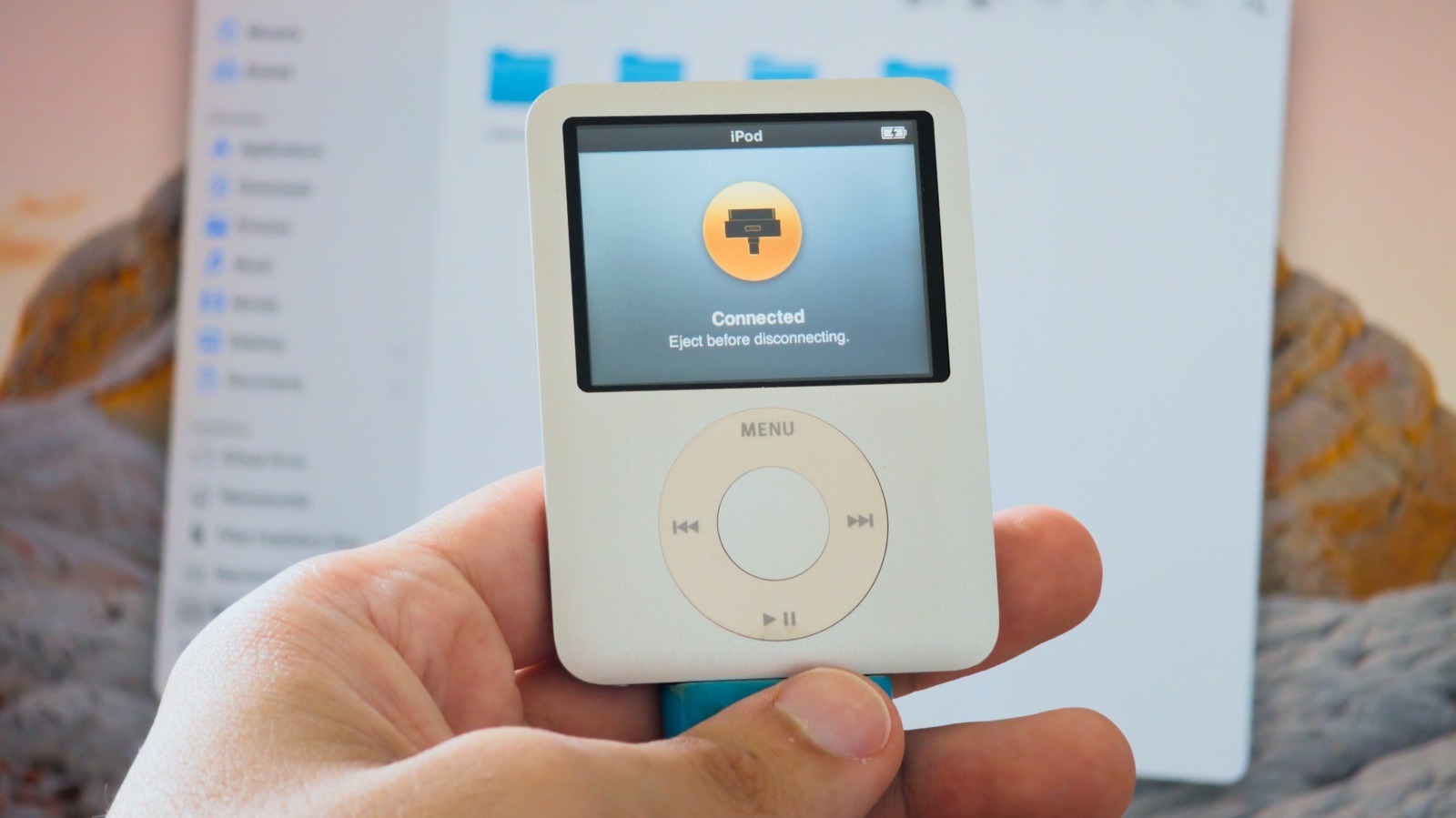
If you have an old iPod lying around, here’s how you can turn it into a cool flash drive.
Apple discontinued the iPod lineup years ago, but there are still many people who have one or more lying around — whether because they appreciate the nostalgia of using an MP3 player in the age of streaming or simply forgot them in a drawer. But even if you don't want to use your iPods to listen to music, they can still have a second life as a cute (and somewhat hidden) way to store files and transfer them between computers, as pre-iOS iPods can function as a basic USB flash drive that works on both Mac and Windows.
Just don't rush out to buy an old iPod if you don't already have one, though. A 32GB USB flash drive usually costs around $10 and offers much more storage than most older iPods, which have less than 20GB of storage — iPod Classic aside. Plus, they're all limited to USB 2 speeds, so they aren't great for transferring large files. But if you have an iPod lying around and don't know what to do with it, this is a good way to reuse it.
To use your iPod as a flash drive, you first need to enable Disk Use , which is off by default. On a Mac, connect your iPod and look for it in the Finder sidebar. Go to the General tab and then click Enable Disk Use in the options.
Source link





