
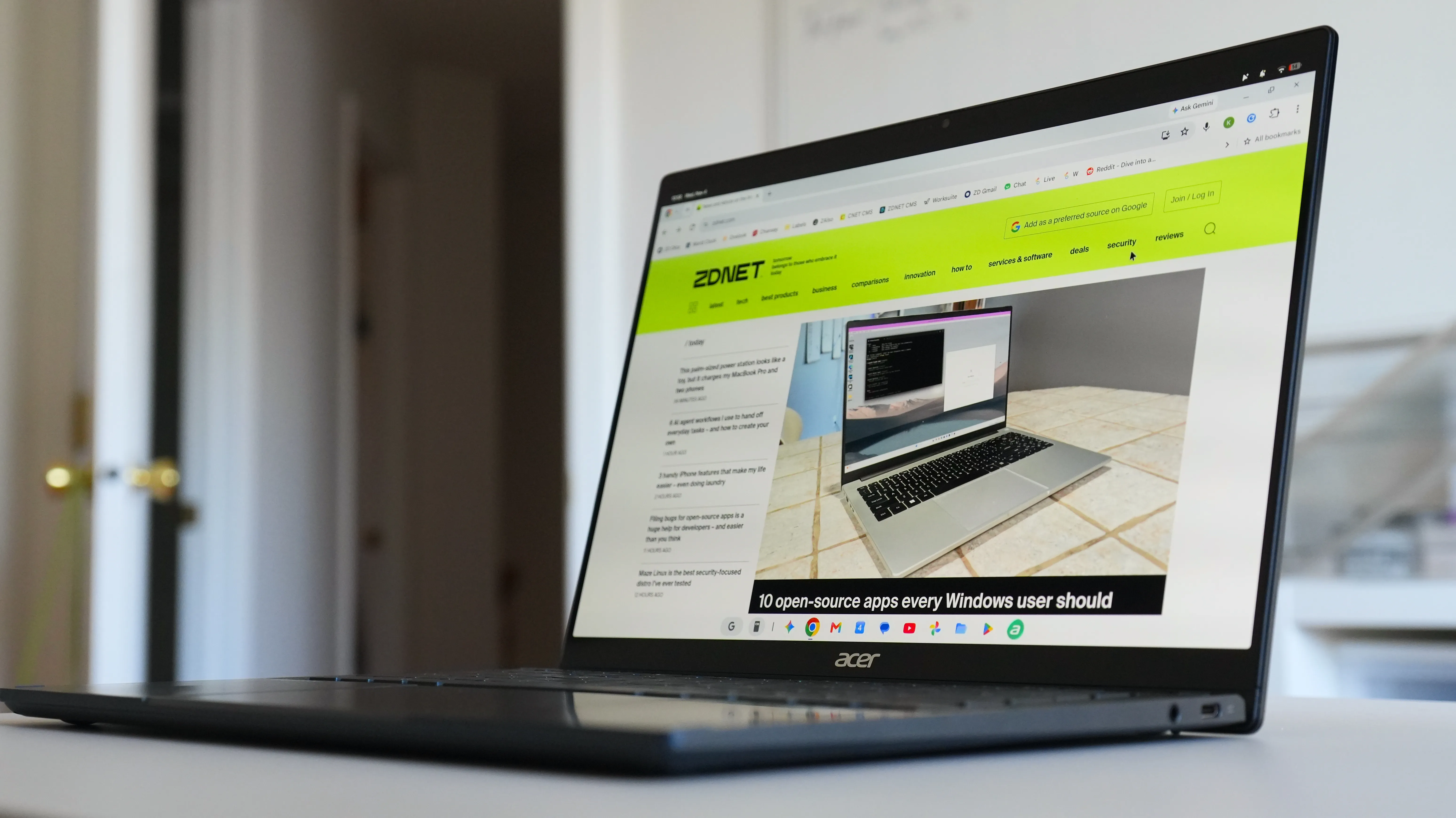
The Chrome update includes more useful vertical tabs, easier screen sharing, and some handy keyboard shortcuts.
On Monday, Google rolled out an M157 update for the Chrome web browser on Googlebook OS, with a handful of new features and performance boosts to streamline your workflow and browsing experience.
While the first Googlebooks on the market have received mixed reviews, these features could help the laptops gain more useful features in Chrome that other browsers already offer.
Here are the five new Chrome features on Googlebook OS to know about.
If you’ve ever had to share your screen on a video call, you know how irritating it can be to switch tabs without having to repeatedly start and stop sharing. This Chrome update adds a tab-sharing controls bar; when you share a browser tab in a video call, Chrome will display a persistent control bar at the top of the window so you can “Stop sharing” or “Share this tab instead” from any tab.
When you hover over a collapsed vertical tab rail with your mouse or trackpad, it will expand, so you can read full tab titles, switch tabs, or manage groups. The rail will collapse again when you move the cursor away.
This auto-expand feature is enabled by default. If you want to turn it off or on, go to Settings > Appearance > Tab position > “Auto expand tabs on hover,” or right-click the vertical tab rail.
The Chrome update allows you to manually resize your vertical tab bar to view longer page titles when needed.
Source link





