
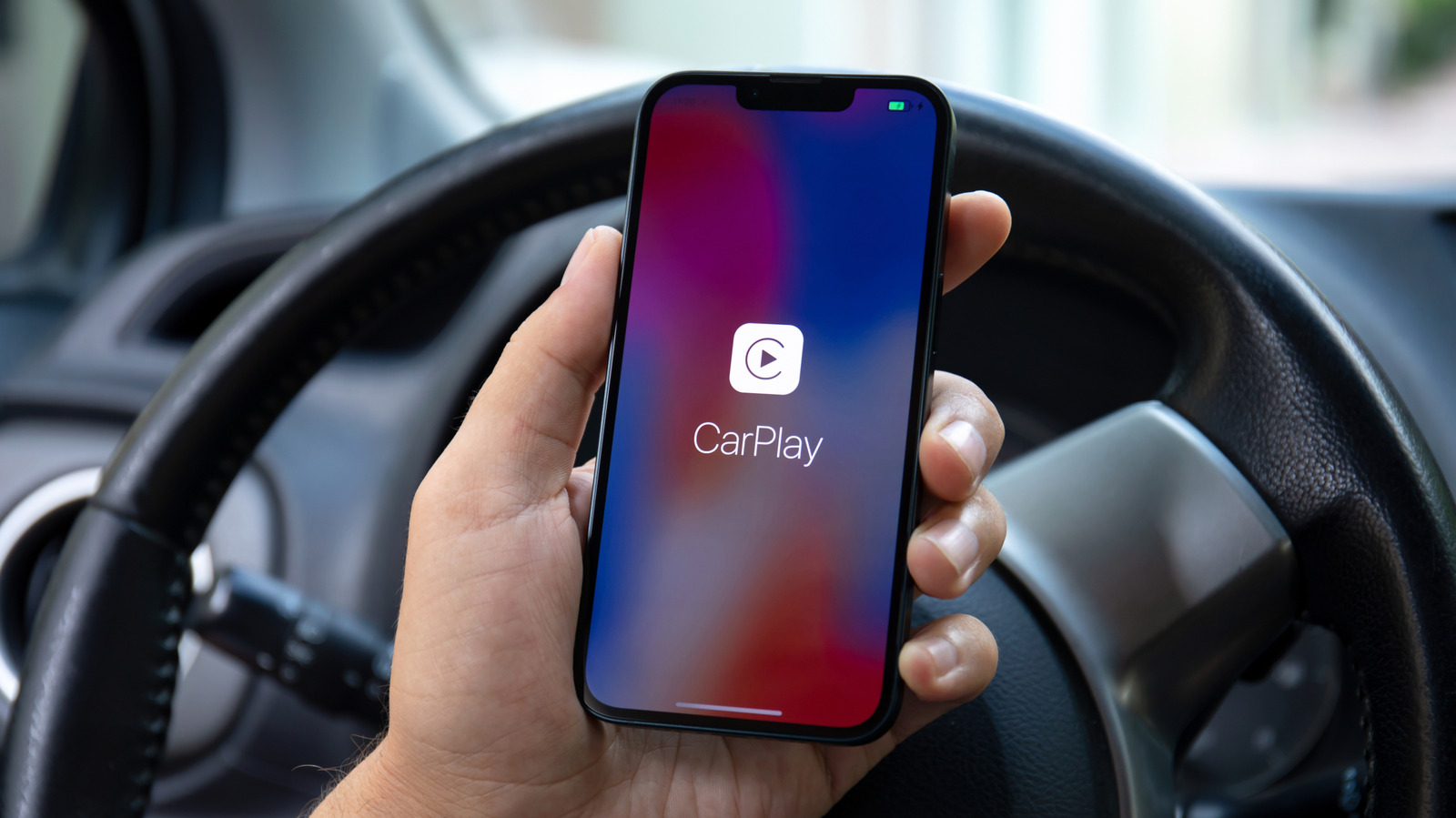
Here’s how to set up CarPlay with a cable or wirelessly, and what to do when it won’t connect.
There are currently more than 800 vehicle models compatible with Apple CarPlay. Chances are that if you buy a new car today, it will have the feature built-in, although some automakers have been phasing CarPlay out of their cars. Upon your first time using Apple's in-car system, you'll need to pair your iPhone with it.
The good news is that setup is easy and only takes a minute. But before you begin, there are a few points you should check, such as whether your vehicle is CarPlay-compatible and if it works with a cable or wirelessly (or both).
There are two different ways to use CarPlay: wired and wirelessly. Overall, they work in pretty much the same way, and you'll have access to the same features. Wired CarPlay is usually the easiest way — just start the car and plug your iPhone into the USB port, which is sometimes marked with a CarPlay or phone symbol.
Your iPhone will ask for permission to use CarPlay, so tap Connect and the interface should then appear on your car's dashboard screen. If your car supports both wired and wireless CarPlay, your iPhone will prompt to connect wirelessly the next time you start your car; you won't need to go into any settings to enable wireless CarPlay.
Some vehicles only support wireless CarPlay, and if that's the case for your car, setting it up for the first time requires a few extra steps.
Source link





