
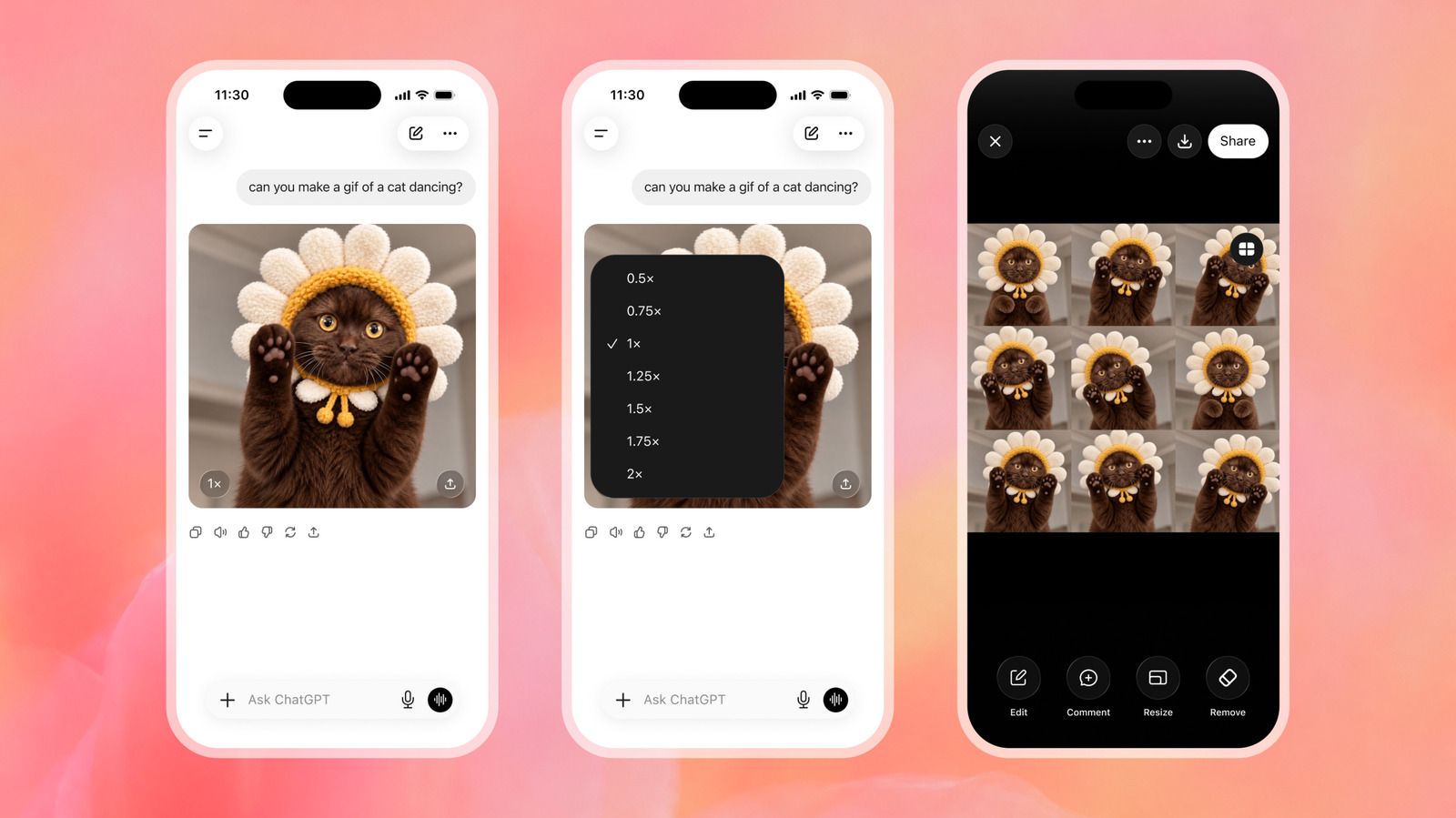
If you feel like Homer Simpson backing into the hedges has been overdone, OpenAI offers a new option for creating the right GIF for the moment.
There's an art to selecting the perfect GIF. And by now, you likely know all the old reliables, from Elmo amid flames, to Michael Scott from The Office screaming, "Noooooo!" But if years of GIFs clipped from TV shows and movies isn't cutting it, OpenAI will now let you make and edit your own.
OpenAI rolled out Images 2.6 for ChatGPT, Codex and the API on Nov. 4, 2026. The update introduces the ability to create GIFs using a prompt or photo. Once you've created the GIF, you can also edit the image before saving or downloading.
OpenAI claims people generate more than 500 million images each day, on average. How many of those end up being GIFs remains to be seen. In any case, if you're interested in turning the weirdest ideas floating around in your head into animated images you can inflict on your group chat, here's how to do it using Images 2.6 and ChatGPT.
Once you have your GIF, there are a few ways you can tweak it. For one, you can change the speed so that it loops faster or slower. " Click that to modify the speed. You can also click or tap the image itself and tap Edit. A box will appear that says "Describe edits," and you can prompt ChatGPT to make changes. You can also click or tap "Sheet," which will show you the individual frames of the GIF and make comments and markups.
Source link





