
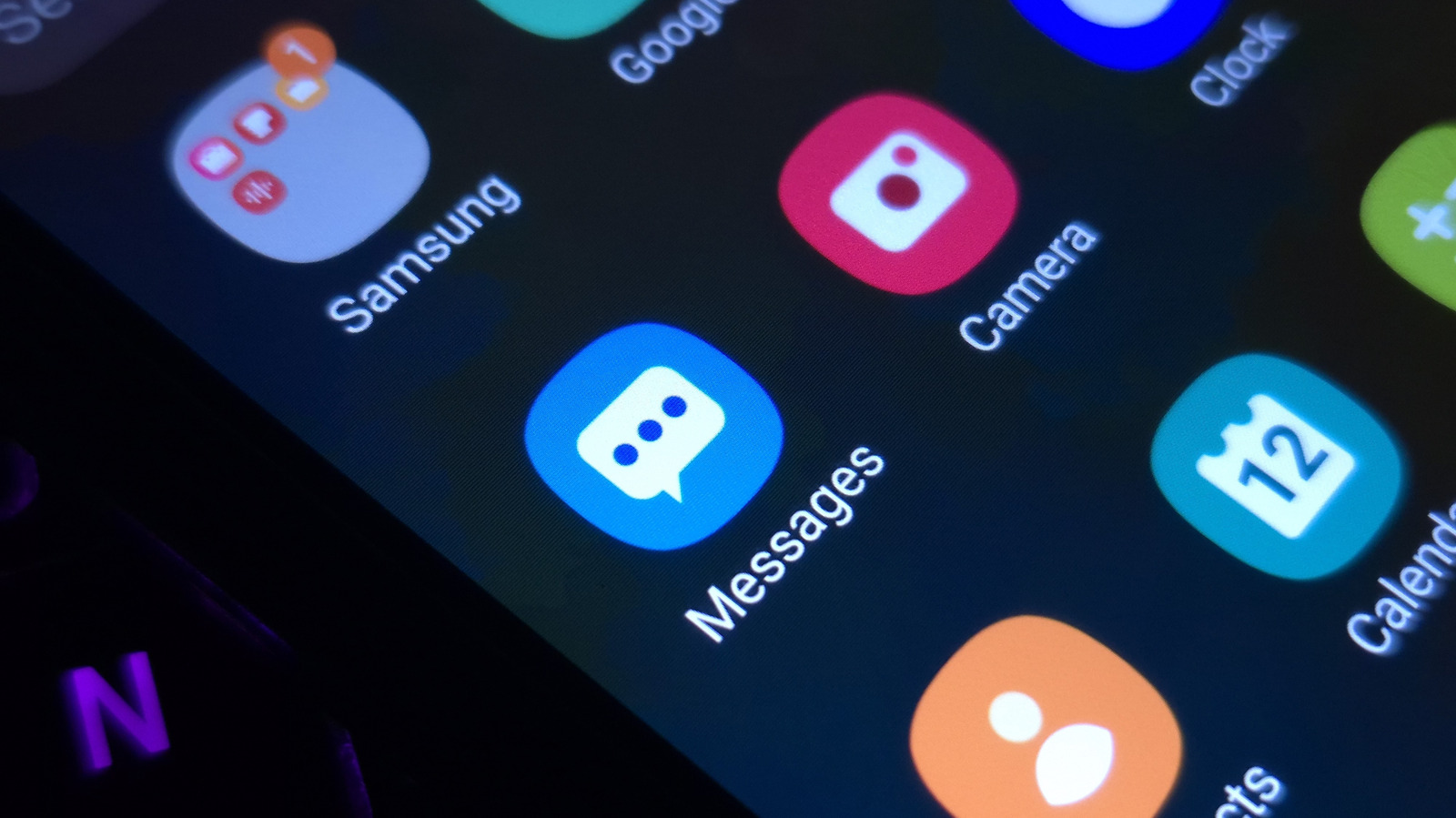
Cozy fireplaces, reimaginations of tourist destinations or even abstract concepts: Pick from these and more when you get to tinkering with app icons and unique customizations on Samsung Galaxy smartphones. Change them up to keep your phone looking fresh and to match your current mood or outfit.
In addition to changing the icons you interact with, themes also change the color scheme on system apps like Contacts, Settings and Messages. Swipe down, and you'll also notice a sprinkle of color on your Quick Panel.
Here's how you can get started with app icon customization. On the Home screen, right after unlocking your Galaxy phone, hold an empty area and tap Themes. Look through the options and download the ones you like. Then, press the Menu option and head to My stuff to access your Icons and Themes.
Select the ones you want and hit Apply to make the changes. While you cannot use your own images as app icons, the Themes app has all kinds of icons to download in the Icons section. Outside themes, Samsung owners have plenty more customization toys to play with.
If you've upgraded your Galaxy device to One UI 9, there are more features to play with, starting with the redesigned Quick Panel you can access by swiping down from the top-right corner. From resizing elements to moving them around or deleting them, tune things to your liking. For another sprinkle of customization, Samsung's Galaxy Wearable app for its Watch lineup lets you change watch faces by snapping pictures of your outfit.
Source link





