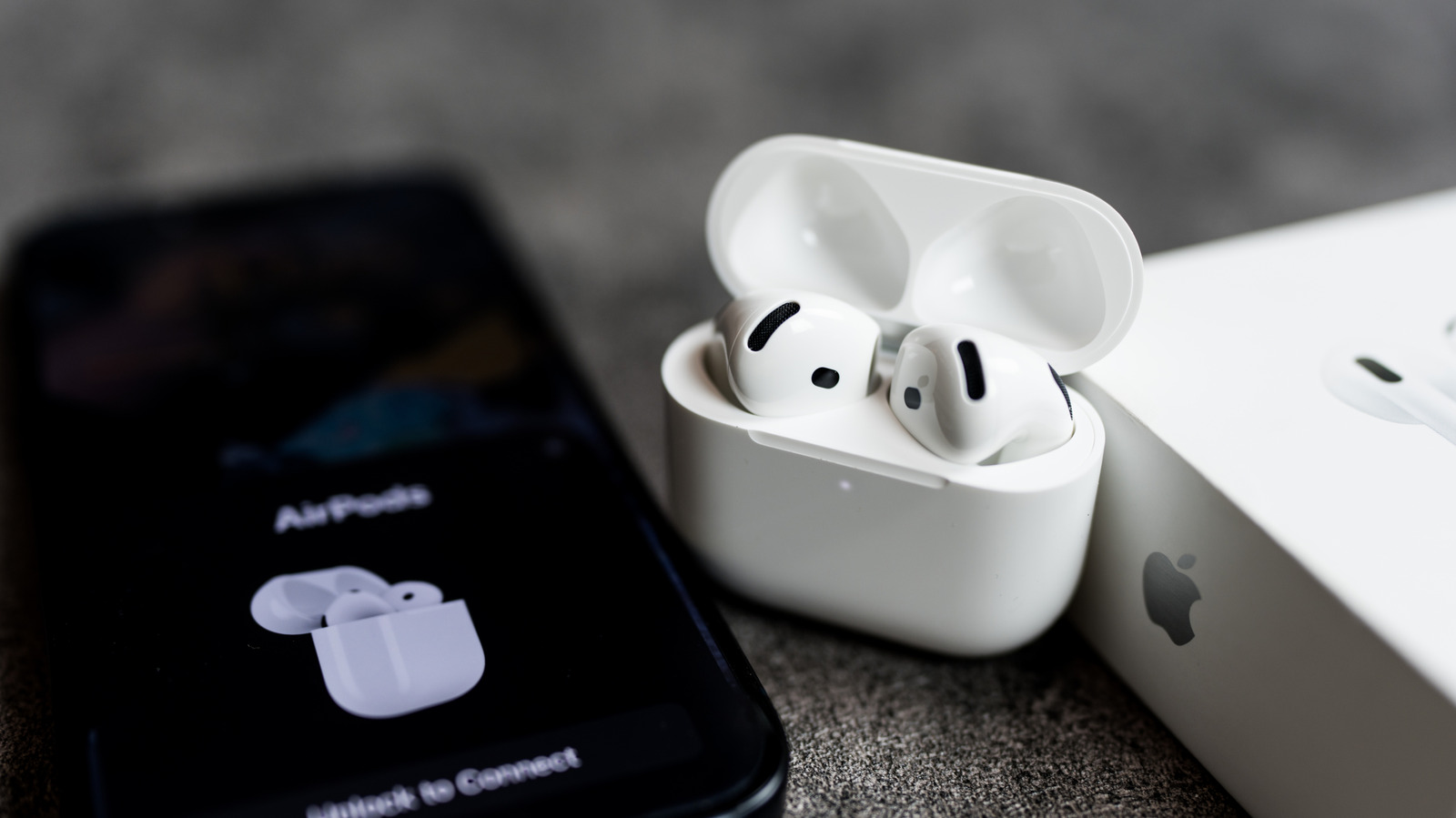
Apple AirPods are usually very easy to pair with an iPhone, especially with features like quick pairing and auto-switch. However, it's not uncommon to run into some issues — your AirPods might not play any sound or might not connect at all. The good news is that connection and pairing issues often just require you to change a few settings and try again.
In this guide, we'll walk you through the most common reasons your AirPods won't connect, such as when only one AirPod is working, from a drained battery to outdated software to automatic switching errors. We'll also cover how to reset your AirPods if these steps don't work and when it makes sense to contact Apple Support. Most of these fixes are quick, so you'll be able to get back to listening to your tunes and podcasts before you know it.
AirPods can fail to connect to your iPhone for many reasons, but one of the main culprits is the battery. If the battery in the earbuds or the case is completely drained, the AirPods simply won't show up on your iPhone — not even to warn you about a low battery.
Put the earbuds in the charging case and plug it in for a few minutes to see if any lights come on and if they reconnect to your iPhone. Dirt and earwax on the charging contacts can also prevent AirPods from charging, even when they're in the case. If they still don't work, try cleaning your AirPods and the case with a soft cotton swab.
Source link