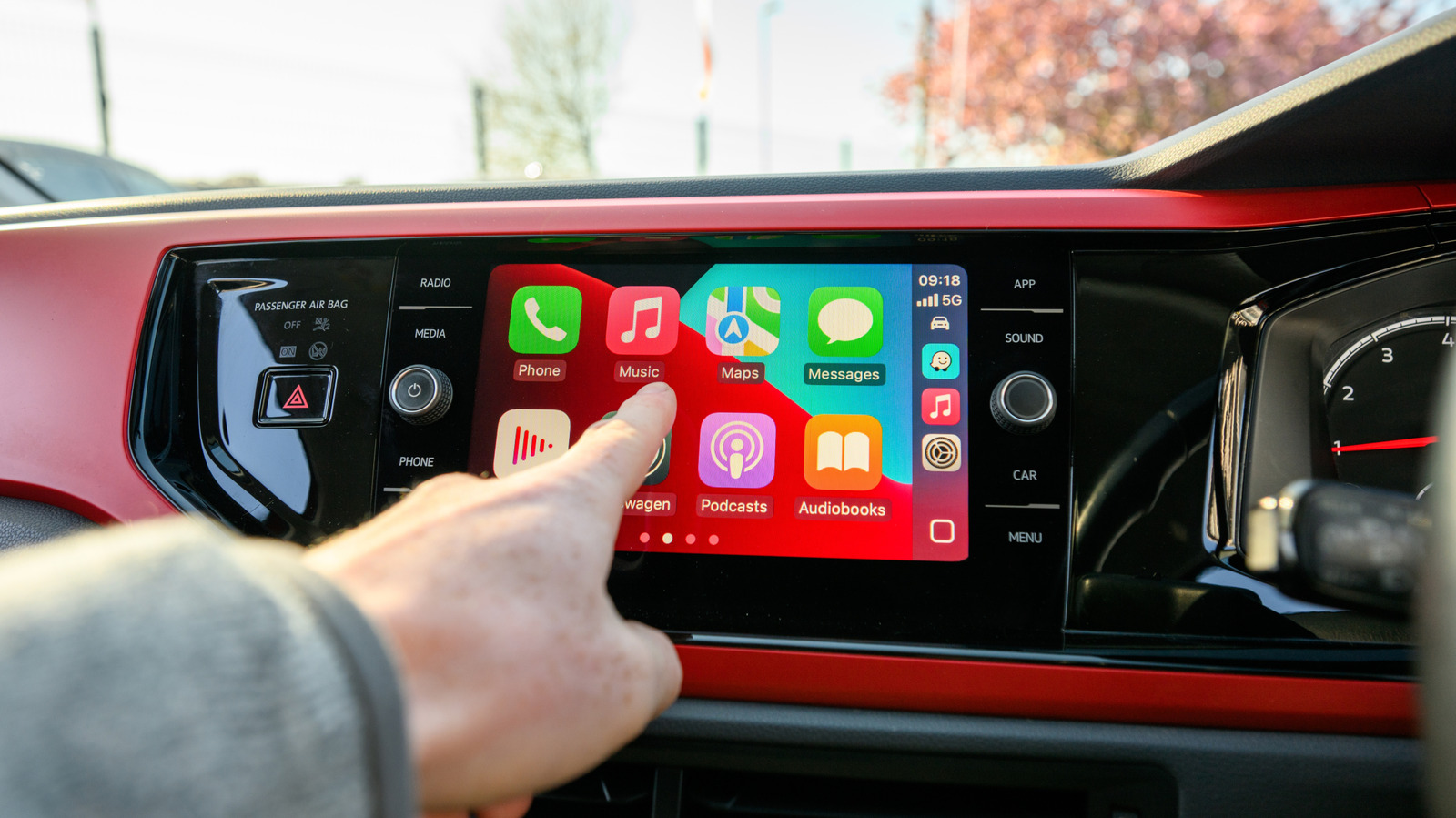
Navigating and listening to music is far better via CarPlay than mounting your phone, or relying on your memory and listening to the radio. And while there are ways to improve CarPlay, the experience primarily comes down to the apps.
You've probably noticed, though, that most of the apps on your iPhone don't appear in CarPlay. This even applies to some that don't have any fundamental usage barriers. Gmail and Apple Fitness might not make sense on your dashboard, but in theory, there's no reason why you couldn't run a calculation in Calculator or drop a few tiles in NYT Crossplay.
Apple publishes a method to this madness that might not make complete sense, but at least there's underlying logic. And the situation is thankfully evolving as a result of Apple loosening some prior restrictions.
Before we move on, it's possible that you've missed adding compatible apps to CarPlay. To check, grab your iPhone and head to Settings > General > CarPlay, then tap your car's name. Choose Apps, then scroll down to the bottom and tap the Plus button next to any not currently showing in CarPlay that you want to use. Then use the handles to arrange them with your most frequently used first.
For a start, developers have to specifically add CarPlay support to their offerings. There's no automatic conversion, since an interface meant for your iPhone has to be reformatted and simplified to work on a dash display. So regardless of how useful a particular app might be in your vehicle, if a developer doesn't have the time, money or inclination, it won't happen.
Source link