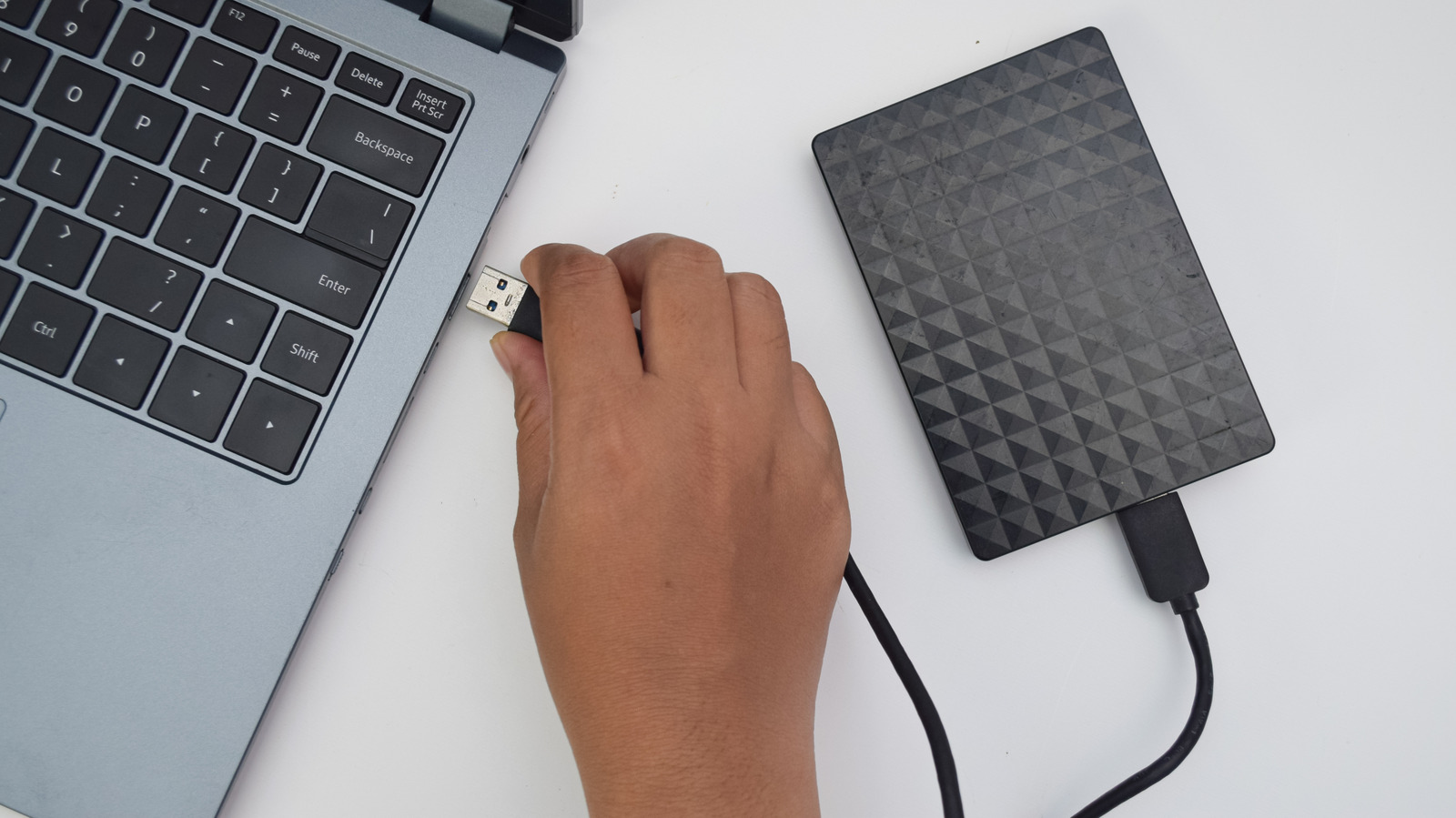
Resist the urge to plug in the drive you just dropped to see if it's OK.
On the surface, your external hard drive might look like a sturdy device. But beneath that enclosure are a number of moving parts (sometimes including glass) working together to store your data and retrieve it when requested. In other words, your external hard drive is more fragile than you think; that's why it's important to avoid immediately plugging it back in after a fall or other damage.
Unlike speedier external SSDs, external hard drives are more susceptible to damage. It's thus even more important to handle HDDs with care and know what to do after they take a hit. To give some perspective, the read/write heads and platters in a typical external hard drive usually operate just nanometers away from each other — even a small drop can close that gap. After the impact, your data is likely still intact. But if you plug it in thinking it was no big deal, you significantly increase the risk of permanent data loss.
External hard drives work by spinning very fast (5,400 or 7,200 RPM), and that speed is one of the reasons why plugging in a damaged hard drive is risky: it makes damage spread quickly. For example, suppose the read/write heads were misaligned by the fall. The moment you plug the drive back in, it forces the heads back over the platters (where your data is stored). This can scratch the magnetic surface, and scratched platters equal permanent data loss.
Source link