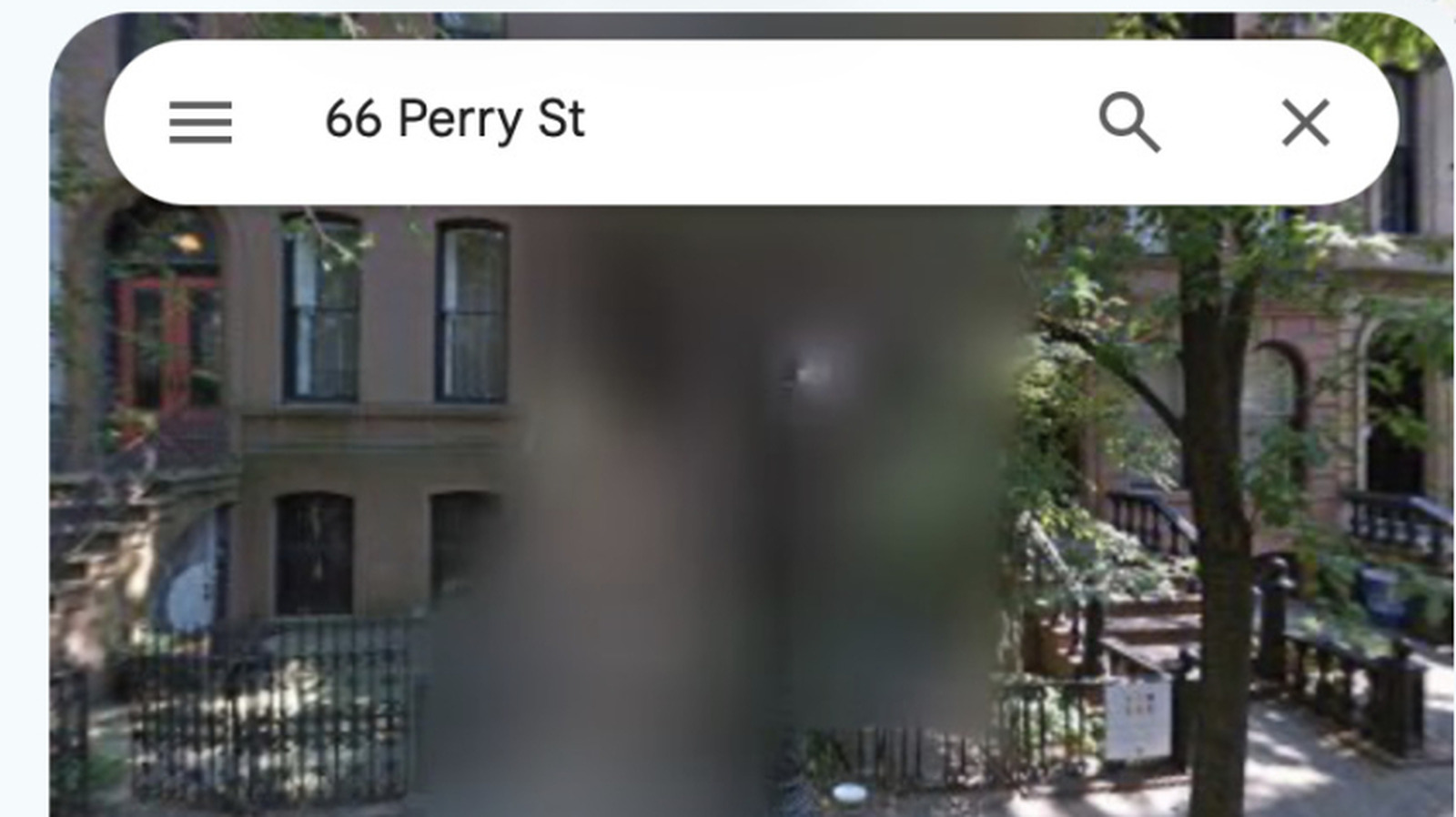
Want more privacy? Opt in to blur your home on Googe Maps Street View.
We live in a world of permanent blur — at least on Street View in Google Maps, where locations once blurred cannot be unblurred. So why are some locations blurred on Google Maps, and what is it for?
Google can mask locations by blurring them on Street View. It does this in response to requests from government entities, digital privacy campaigners, and its own customers. It's all a matter of protecting the privacy of key people and places. The locations that tend to be blurred include:
In some nations, including the Netherlands and Germany, people have a legal right to request that their home is blurred on these services, which is why so many properties there have been given that treatment.
The issue is that Google Street View provides detailed information on locations that can provide insight into property layout, value, and security protection. Police, criminals, open-source investigators, and journalists may potentially use Street View in their line of work. The blurring of this data on Street View reduces your digital footprint, which may protect you.
Google's Street View service already blurs people's faces and license plates by default using automated tools. If those tools fail to redact something, you can request removal of those items. You can also use the same process to request that your home be blurred.
Google does not offer a way to undo the blurring of a location once it is applied.
Source link