
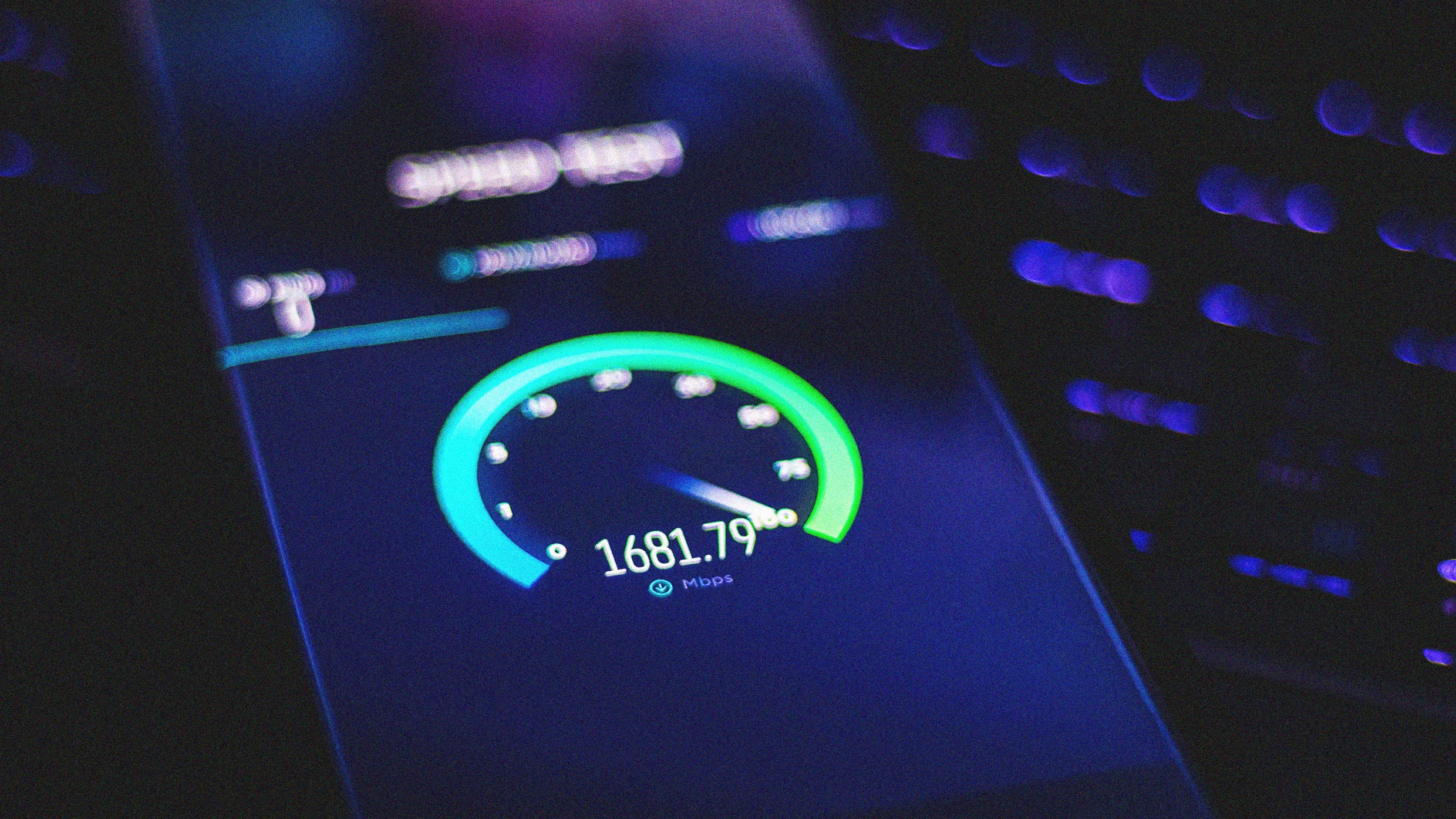
If you suspect something’s amiss with your home network, the first thing you might do is run a speed test from sites like speedtest.net or fast.com—or even the newer Orb speed test tool featured here last May.
But those tests don’t tell the whole story, because they only check the speed of your internet connection. They won’t tell you how quickly data can actually move around your home—which is important if you’re troubleshooting Wi-Fi problems or figuring out what internet speeds your router can handle. If you’re paying for gigabit internet, for instance, you’ll want to make sure your Wi-Fi network can keep up.
To see what’s really going on with your Wi-Fi, consider using a tool that only tests the speed of your own local network and cuts the internet out of the equation entirely.
This tip originally appeared in the free Cool Tools newsletter from The Intelligence. Get the next issue in your inbox and get ready to discover all sorts of awesome tech treasures!
For a speed test that strictly works within your local network, use OpenSpeedTest’s self-hosted server.
➜ OpenSpeedTest’s server software measures the connection speed between any two devices on your home network, independent of the external internet connection speeds.
⌚ It takes about five minutes to install the server app on one device and access the speed test on another.
☝️ To test the maximum speeds your router allows, you’ll need an ethernet cable and a computer with an ethernet port (or a high-speed USB-to-ethernet adapter like this one ).
Source link