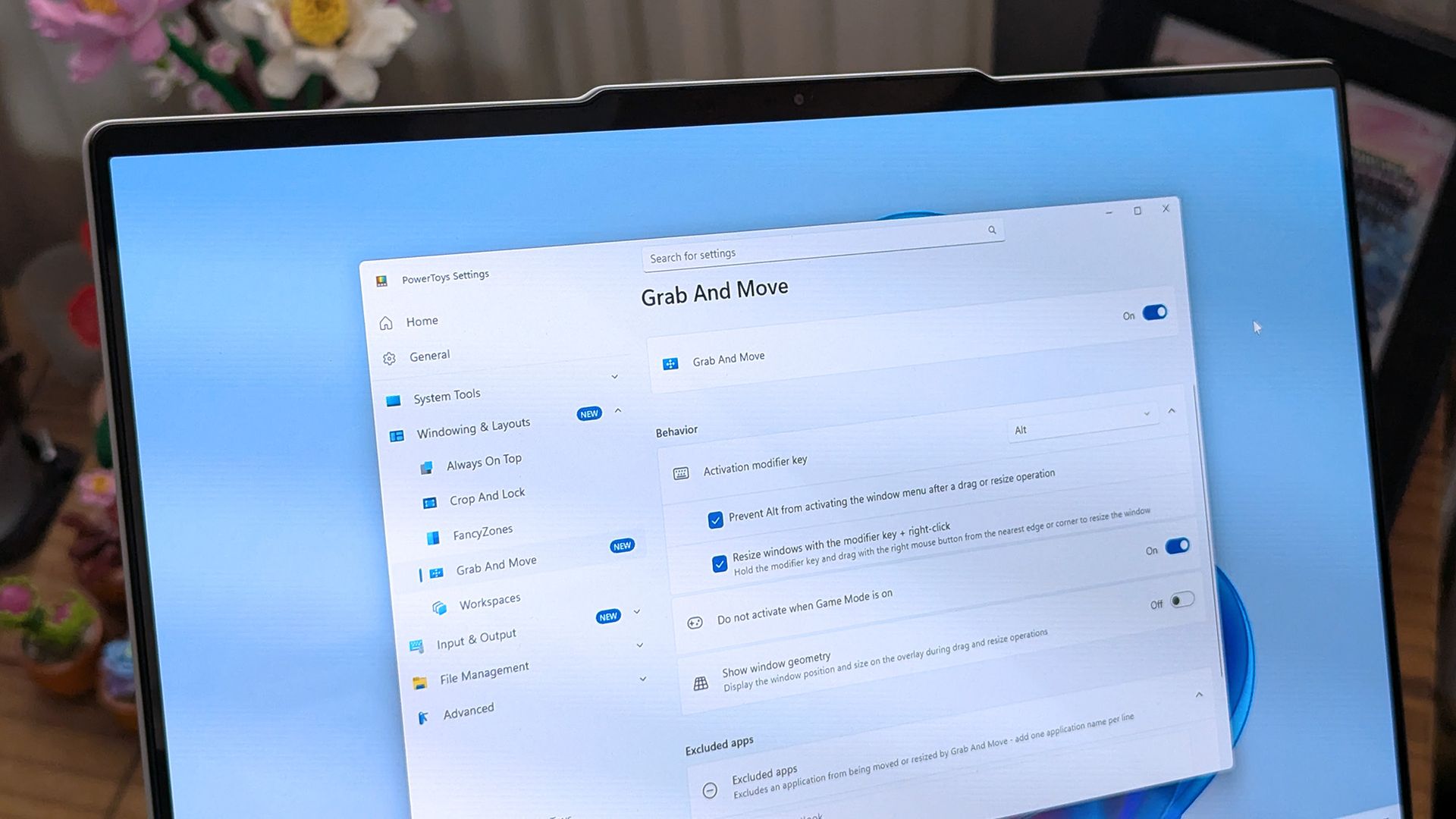
PowerToys just added several new utilities and added new features for existing tools.
Two of the new utilities improve mouse use. Mouse Button Lock allows you to press and hold your mouse button down for a moment and then have your PC treat the input as if you've kept that button down. The tool improves accessibility for those who struggle to hold a mouse button down as they drag an item across the screen.
CursorHide is a smaller utility that hides the mouse pointer on your screen after a brief period of inactivity.
The quick-access shelf in Command Palette is an optional feature that shows pins below the search box.
This collection of utilities includes a large library of features to enhance the Windows experience. PowerToys is designed with power users in mind, but it has handy features for people who just use their PC for everyday computing too.
Here are the highlights from the latest build of PowerToys, as shared by Microsoft:
Compact mode in 0.101 kept Command Palette out of the way until you needed results. Now your favorite commands can be one keystroke away too. Turn on the quick-access shelf in Settings > Appearance > Compact mode to show your pins below the search box while the palette is collapsed. Press Alt+1 through Alt+9 to launch them, or Alt+Shift+number to select one without running it. Drag to reorder, right-click for more actions, and optionally show recent commands and apps next to your pins.
The shelf is just one part of a big Command Palette update:
Source link