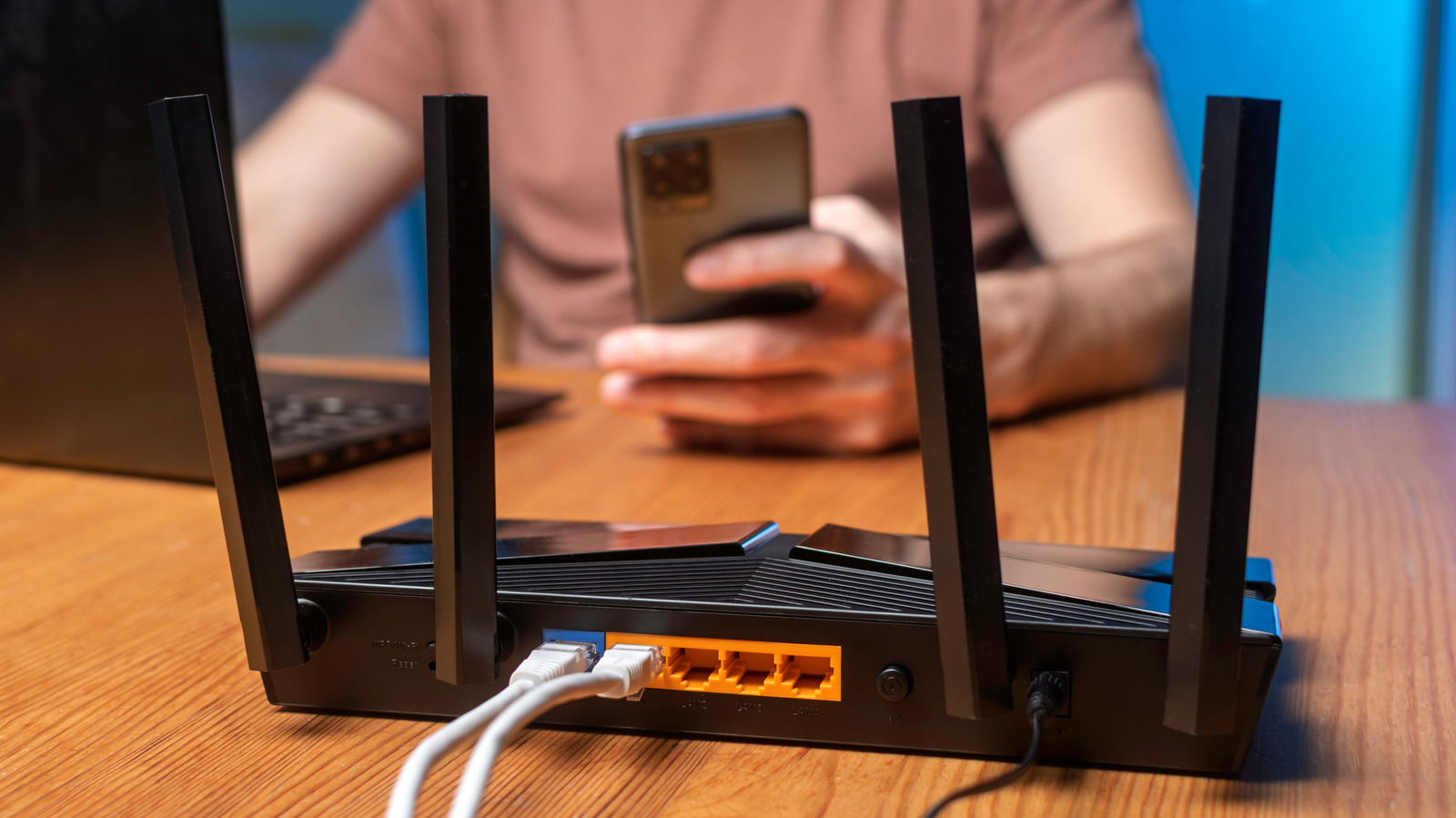
It doesn’t take much to bring a home network to its knees.
Any home network, regardless of efficiency and performance, can get overburdened when enough devices are connected, each vying for its own slice of the pie. When that happens, it's pretty obvious, with the infamous buffering circle plaguing screens, laggy online gaming, endless download times and the apocalypse landing on your doorstep. It doesn't take much to reach this point either. A single high-end smartphone can eat up quite a bit of bandwidth all by itself.
There are two potential limitations to consider. The first is the internet connection coming into your home via your Internet Service Provider (ISP). The second is the Wi-Fi connection between your router and your devices. A faster internet plan won't fix a weak signal from a router tucked into an out-of-the-way corner. On the flip side, a faster router can't do much with a slow internet service plan.
The knee-jerk reaction is to replace your router, upgrade your internet service plan speed and place the router in a more efficient position. That may indeed help, but not everyone can run out and purchase a Wi-Fi 6 or 7 router and hassle their ISP for faster service and an accordingly higher bill. But you shouldn't have to, as long as you don't mind playing with the numbers.
" Instead, estimate how many devices can run simultaneously without bogging everything else down. Netflix, for example, recommends a stable connection of at least 15 Mbps for each 4K stream.
Source link