
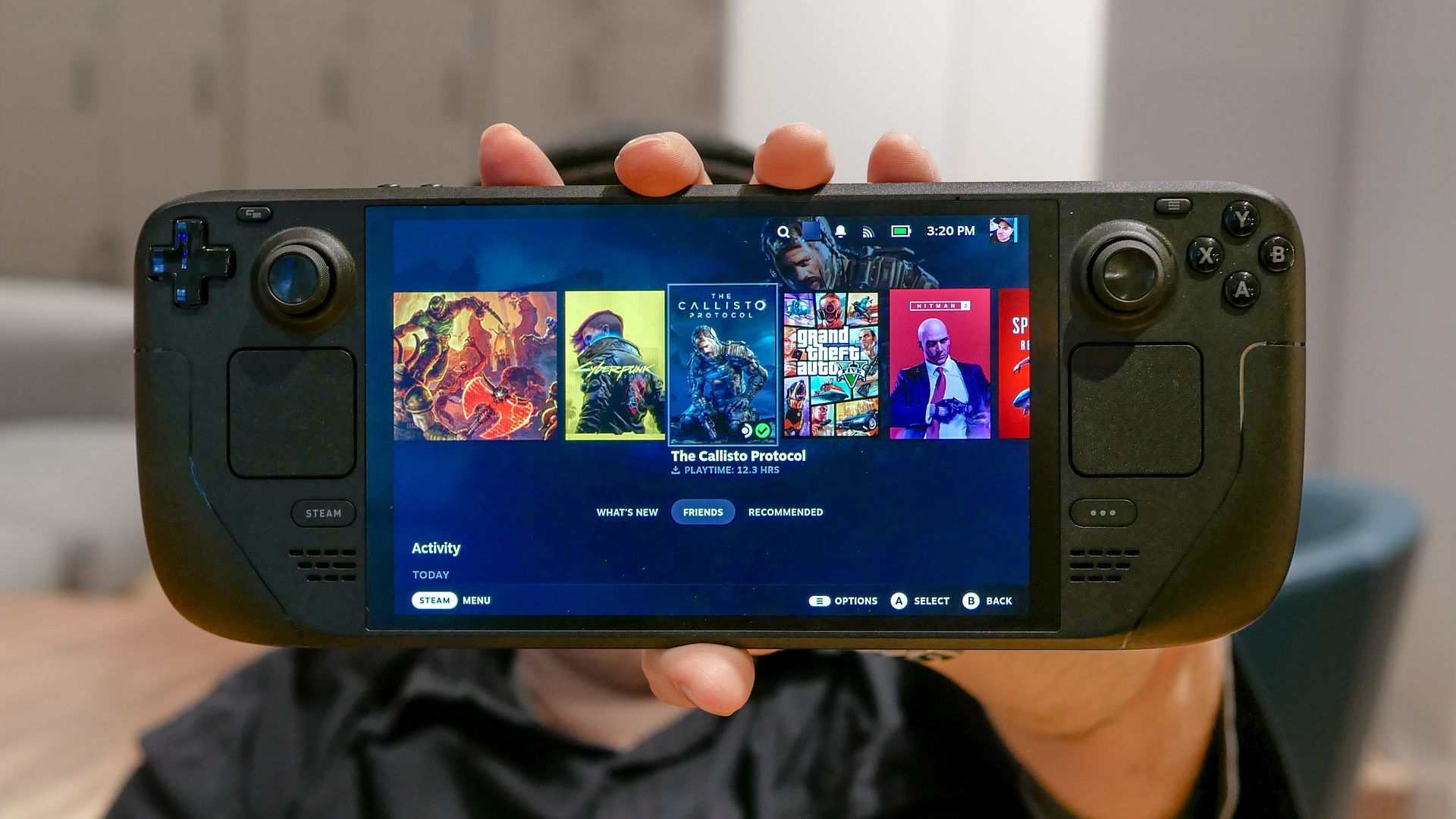
The Steam Deck is one of the best purchases I’ve ever made. Valve’s handheld PC can play so many games with ease. However, with the Steam Machine and Steam Frame now available, the Steam Deck is still one of the best handhelds for retro gaming in 2026.
I’ve always been a retro gamer. I grew up with Sonic the Hedgehog, Tomb Raider, Metal Gear Solid, and others. I’ve carried a PS Vita in my backpack for years so I could play titles from each of these series, and more, on the go. Granted, recent remasters mean I haven’t needed to use the Vita as much, but plenty still hasn't appeared on modern systems.
It’s why the Steam Deck fills that gap. Not only can I play DRM-free games via GOG and many Steam games that haven't been updated in years, but I can also use many emulators, giving me access to titles that have next to no chance of appearing anytime soon. With that in mind, here’s how you can set up your Steam Deck as a powerful retro handheld.
Although the Steam Deck OLED is almost 3 years old as of this writing, it’s still powerful enough to play plenty of games from the PlayStation 3 era. Games like Star Wars: Rogue Squadron II and Dead or Alive 3 run at full speed thanks to Dolphin and Xemu, respectively.
But setting up all these emulators can be a hassle, which is where EmuDeck comes in. In less than 10 minutes, you can transfer games from your PC or Mac to your Steam Deck via its ROM Manager, and start playing games from your childhood.
Source link





