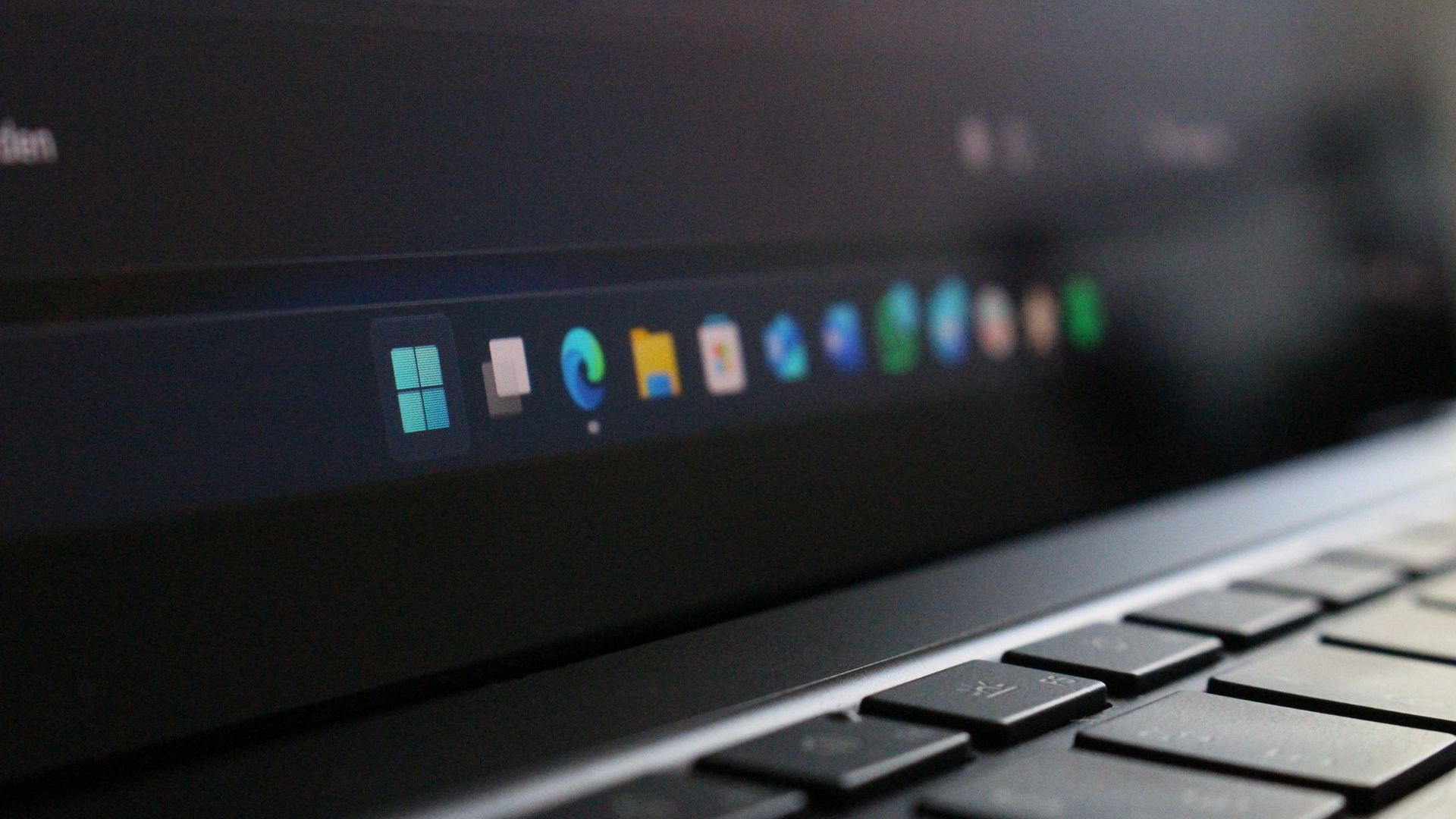
Windows 11 finally lets you move the taskbar, but Microsoft has not fully restored functionality lost when jumping from Windows 10 to Windows 11. To help bridge the gap, developer Michał Łeptuch created an app that makes it easier to move the taskbar.
The simply-named "Taskbar Location Options" lets you right-click and move the taskbar to the top, left, right, or bottom of your screen. Alternatively, you can simply click and drag the taskbar to any edge of your display once the app is installed.
The inability to move the taskbar was one of the most criticized taskbar regressions when Windows 11 launched in 2021. One of the most-requested pieces of feedback for years was restoring the ability to move the taskbar to the sides or top of a display.
Microsoft finally restored that functionality last month, but changing the location of the taskbar still requires opening Settings, navigating to Taskbar settings, and selecting a new position from a dropdown menu.
Łeptuch's app brings back the option to click and drag the taskbar. That feature was available on Windows 10 and previous versions of Windows. I always found it odd that Microsoft brought back the option to move the taskbar but buried it in the Settings app.
Dragging the taskbar is often faster, especially for users who frequently switch between desktop layouts or monitor configurations.
The installation process for Taskbar Location Options requires more steps than I'd like, but that should be smoothed out in the future. At the moment, you have to download a certificate, unblock the file, then run the file with PowerShell before installing the app.
Source link